Using IQC5000 with IQC Control
38
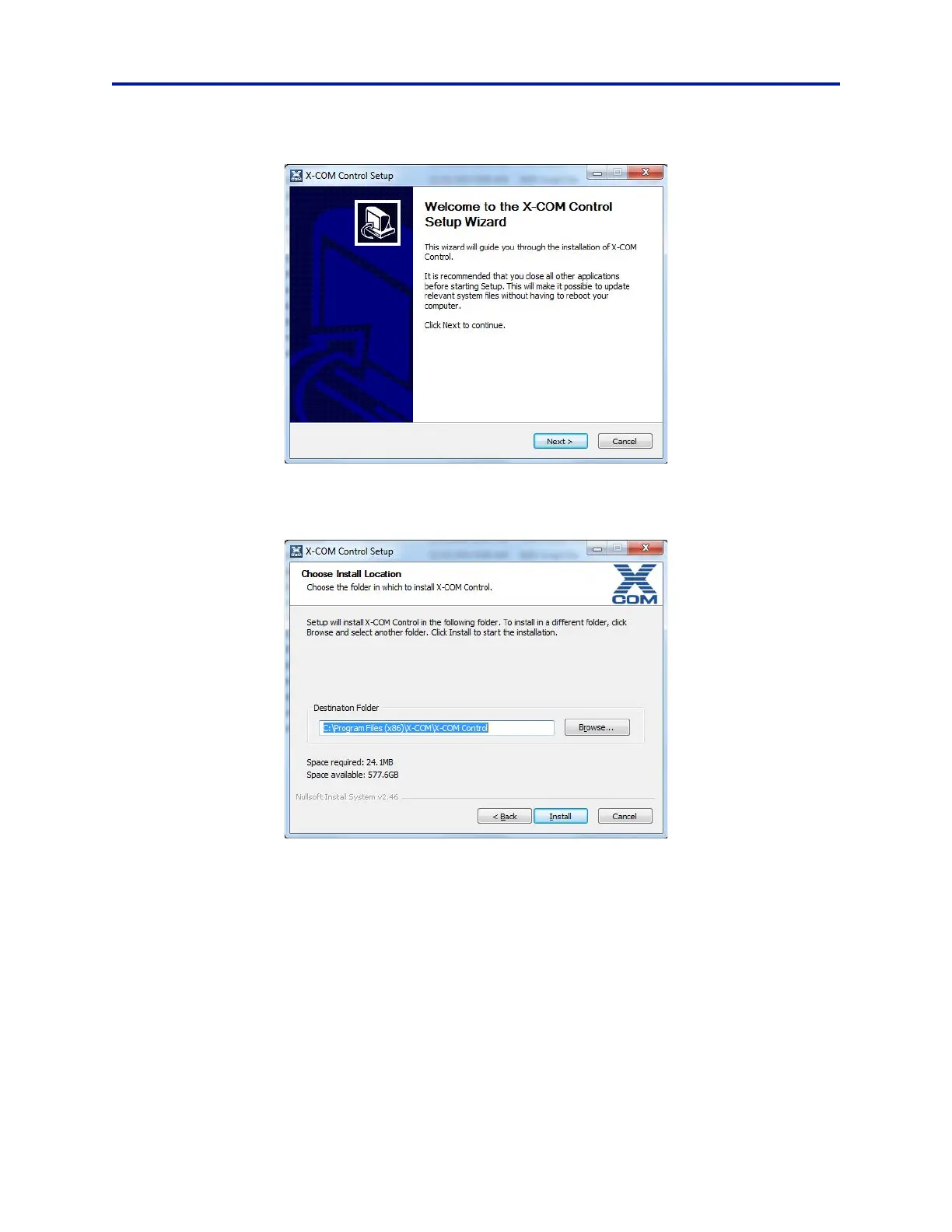
Figure 23 IQC Control Setup Wizard
7. Choose the installation directory and then click Install.
Figure 24 IQC Control Directory Selection
8. The firmware update message box will display:
a. Enter the IP address of your IQC5000 in the IP
Address text box and click the Connect button.
Alternatively, if the device has previously been added as a tab in
IQC Control select the device from
the list at the bottom of the window.
If there is an issue connecting, a message box will display. See “Connecting to the IQC5000” on
page 45 for details on troubleshooting connection issues.
Note: Some configuration options, such as selecting Single or Dual RAIDS,
must be selected during a
firmware update. For more information on advanced features. See “Firmware Configuration Updates” on
page 82.
b. System defaults to Single RAID con
figuration. If Dual RAID operation is desired, perform the following:



 To Next Page