IQC 5000B Operation Manual
39
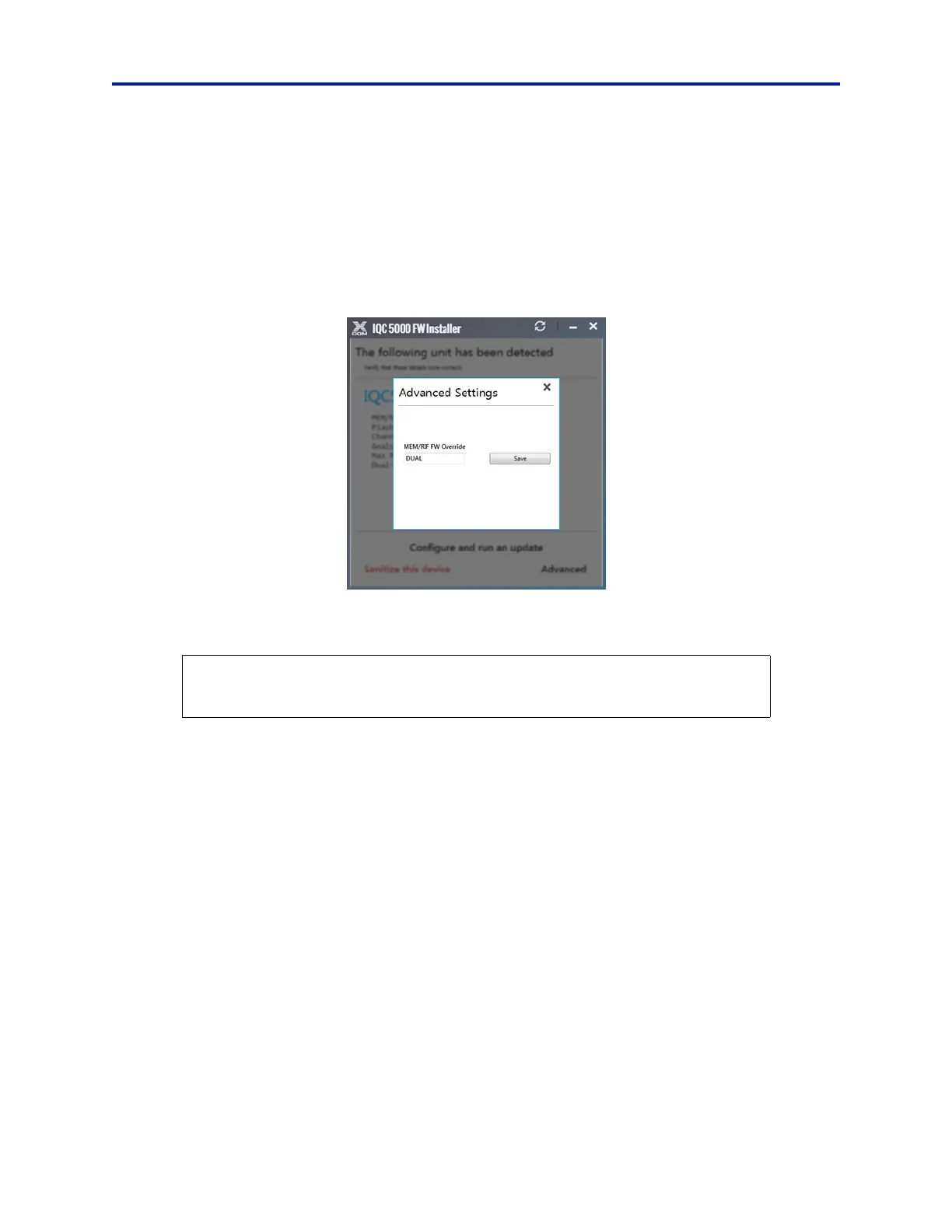
i. Once the IQC5000 unit has been detected, select Advanced in the lower right corner of the IQC
5000 FW Installer dialog box. See Figure 26.
ii. In the MEM/RIF FW Override field, enter one of the following codes. See Figure 25.
SINGLE - enter this code to switch from Dual RAID mode to Single RAID mode.
DUAL - enter this code to switch from Single RAID mode to Dual RAID mode.
Note: The codes must be entered in all caps, with no spaces or extra char
acters.
Figure 25 Advanced Settings Selection Dialog
ii. Click Save.
c. Verify the IQC5000 details are correct and click Configure and run
an update.
d. Firmware that has been detected as requiring an update will be pre-selected. Click Commence
Update. The progress of the firmware installation is displayed.
Note: It is not recommended to manually overwrite firmware unless instru
c
ted to do so by Bird support.
CAUTION
Disconnecting power from the IQC5000 during the firmware upgrade process could result
in permanently disabling some features of the IQC5000 system.



 To Next Page