3 Specifications of the Devices
Page 65
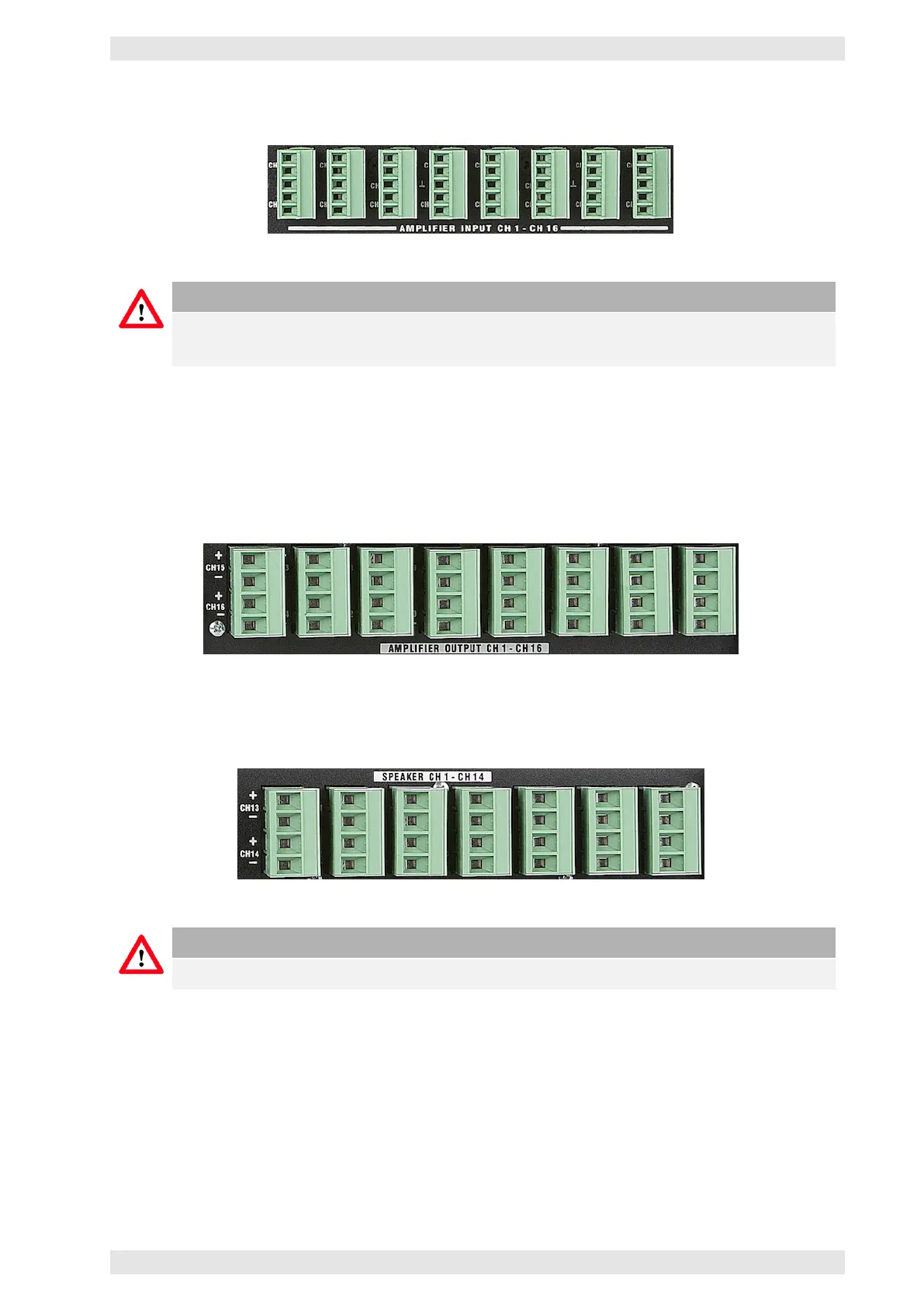
The input signals are then available on the PHOENIX terminals Amplifier Input Ch1 – CH16.
Figure 3.45: AX16 - Amplifier Inputs
Caution
In case of failure, the backup amplifier will receive its audio signal from the AX16. This is the
reason why 16 channels (AX16 -> amplifiers) are available.
3.13.6.2 Amplifier Outputs and Loudspeakers
The amplifier power outputs (including the outputs of the backup amplifier) need to be connected to the
PHOENIX terminals labeled Amplifier Output CH1 – CH16 on the AX16. Depending on the selected mode,
the power outputs are switched to the appropriate loudspeaker lines.
Figure 3.46: AX16 - Amplifier Outputs
The loudspeakers may be connected to the terminals Speaker CH1 – Ch14 on the AX16.
Figure 3.47: AX16 - Loudspeaker Outputs
Caution
In line with the input configuration 14 loudspeaker and 16 amplifier connectors are available.
3.13.6.3 Alive Contact of the Amplifiers
If the AX16 is controlled by the alive contact of an amplifier, the corresponding contacts on the backside
of the unit need to be connected. This includes the backup amplifier. The PHOENIX terminals offer eight
contact pairs.
c
2016 Bittner Audio Int. GmbH



 To Next Page