3 Specifications of the Devices
Page 81
Please follow the instructions below to activate the web interface:
• Open the web browser
• Enter the IP address of the SXL in the address line of the browser (press ENTER)
• A login mask appears. Register and finish with SUBMIT.
Caution
The default login is:
Name: sxl
Password: 11111
Do not use caps for the name. The password is five times the figure „one“.
Basically, working with the web interface takes this approach: Parameters to be changed need to be entered
into the appropriate form field. Then, the new values need to be transmitted to the SXL II. This may be
achieved by using the appropriate button: Set, Save, Recall or Show.
Caution
Parameters not available for a specific amplifier model are greyed out and cannot be changed.
In the following, the various web pages will be specified.
3.14.8.1 Status
This is a status page only and provides an overview over the condition of the SXL II and the connected
amplifiers.
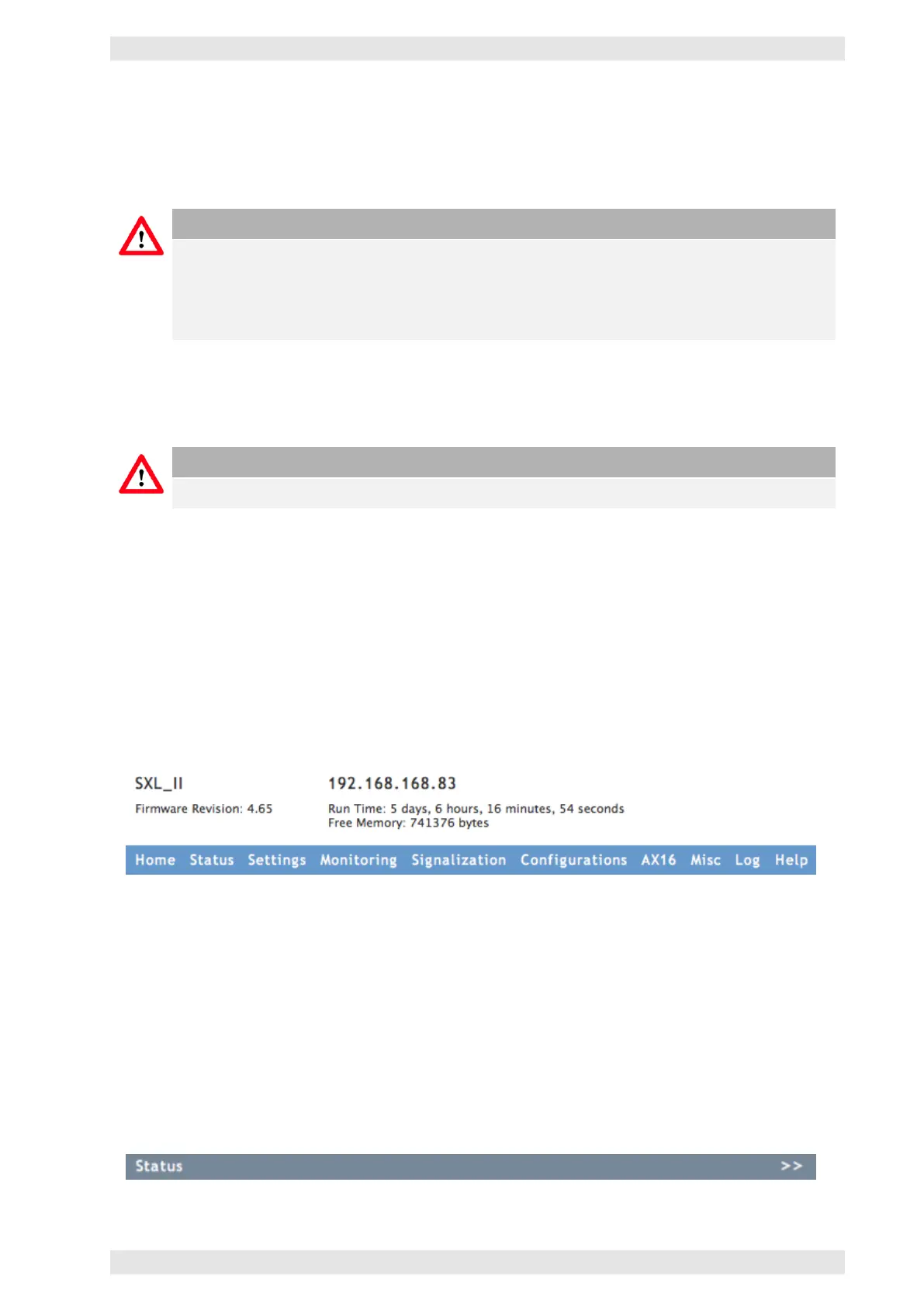
As on every page of this web interface, the navigation menu to access the different functions of the SXL II is
located at the top. Its IP address and name are also displayed.
Figure 3.67: SXL II - Web Interface: Header
The main part of the page indicates the condition of the amplifiers/channels (4 or 8 channel amplifiers will
be represented as a block ) and the AX16 (if present).
The right sidebar shows two sections:
• Log with the last 5 entries
• Configurations (Status, Recall and Save)
The tab Status shows a double arrow. It is being used to extend the main part of the display to show more
parameters of the amplifier.
Figure 3.68: SXL II - Web Interface: Expand Arrows
c
2016 Bittner Audio Int. GmbH



 To Next Page