Page 78
3 Specifications of the Devices
3.14.7 Manual Operation
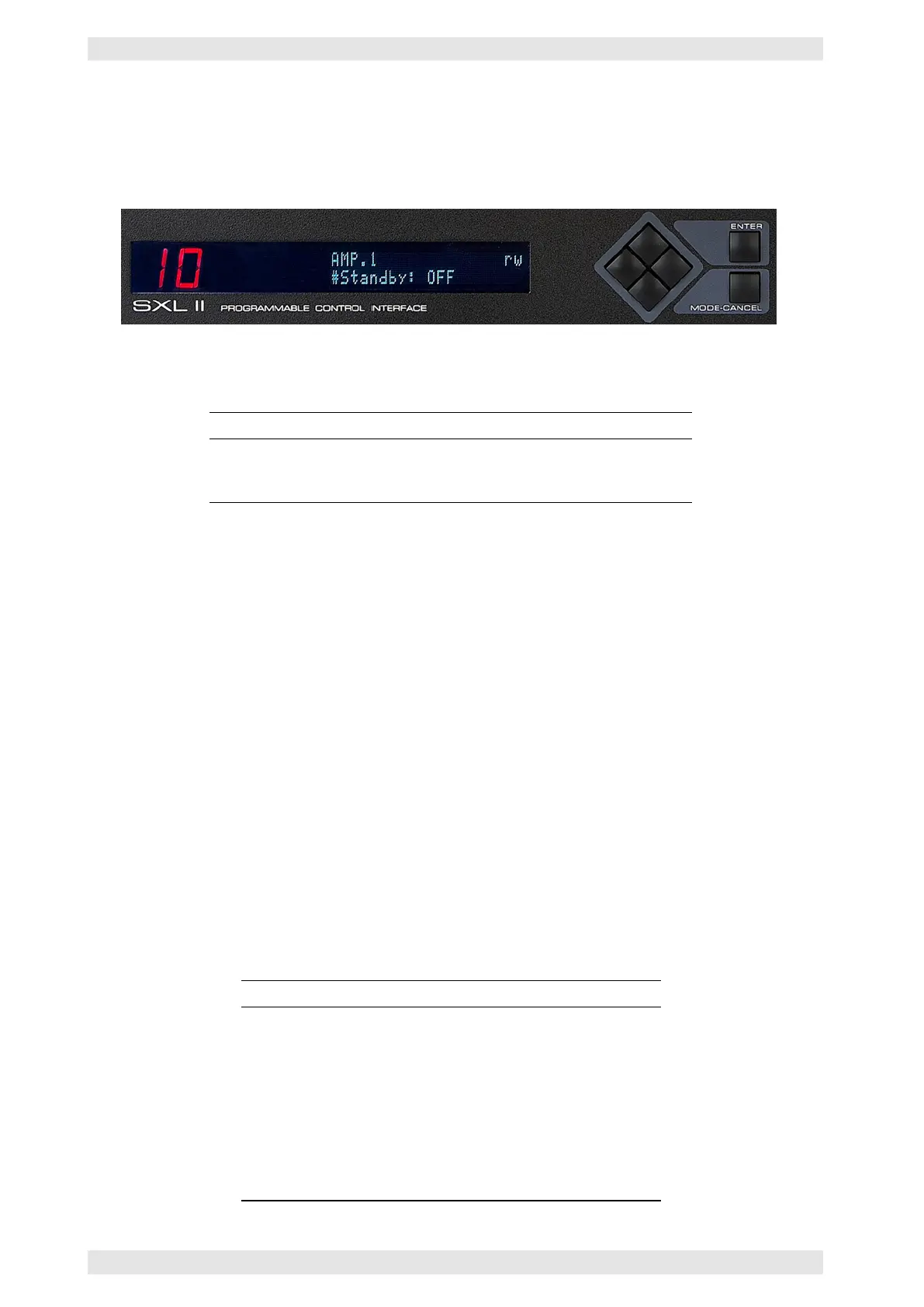
The SXL II may be locally controlled using the front panel keypad icl. arrow keys. All parameters can be
accessed and are displayed on the two-line LCD with 20 digits each.
Figure 3.65: SXL II - LCD and Front Panel Control
The LCD is divided into three sections:
Section Function
Line 1 – links Menu (refer to section 3.14.7.1)
Line 1 – rechts Mode information (refer to section 3.14.7.2)
Lnie 2 Parameters and their values (refer to section 3.14.7.1)
Example:
--------------------
CHAN.2 rw
#Gain= -19.5dB
--------------------
Explanation: The SXL II is in the CHAN menu, channel 2 is selected. The channel volume is set to –19,5 dB.
The symbol # in front of the parameter indicates that it is user controllable. The abbreviation rw indicates
the current entry mode.
3.14.7.1 Menus & Parameters
The menu items and their parameters are selected with the arrow keys:
• Use the keys LEFT and RIGHT to select the menu items
• Use the keys UP and DOWN to select the parameters of the menu items
The reduced size of the display requires abbreviations. Their meanings are:
Abbreviation Meaning
AMP.1 to AMP.8 Parameter per amplifier (e.g. Standby)
CHAN.1 to CHAN.16 Parameter per channel (e.g. Gain)
LINPUTS Logical inputs
RELAYS Relay outputs
SXLSTAT Date & time, network settings
MONITOR Monitor bus
DIAG Function of the USER LED
CONFIG Configuration
MATRIX Error matrix
AX16 Parameters of the AX16
c
2016 Bittner Audio Int. GmbH



 To Next Page