3 Specifications of the Devices
Page 75
Number of the Amplifier’s Channels
2 4 8
ID 1 IDs 1+2 IDs 1+2+3+4
ID 2
ID 3 IDs 3+4
ID 4
ID 5 IDs 5+6 IDs 5+6+7+8
ID 6
ID 7 IDs 7+8
ID 8
Caution
After setting the ID(s), the amplifier needs to be disconnected from the SXL (system bus cable)
and from the mains supply (power cord) to activate the new ID.
3.14.4.4 Settings of Network Parameters
To operate the SXL II in an Ethernet network, the network settings need to be set. The settings may be
changed manually via the front panel. To avoid inadvertent changes, these network parameters are only
accessible via SERVICE MODE 1 (refer to section 3.14.7.2).
Pushing the UP and DOWN keys at the same time will set the SXL II into SM1. !sm1 will light up in the upper
right space of the display. By pushing the RIGHT or LEFT key, the SXLSTAT menu group may be selected.
Select the appropriate parameters by pushing the UP and DOWN keys. The parameters that may be set are
IP address IP and subnet mask MS.
Push UP and DOWN keys until IP lights up in the lower left space of the display.
To change this parameter, push ENTER. Square brackets indicate that the parameter value may now be set
by pushing the UP and DOWN keys. To change the next number of the IP address, push the RIGHT button.
After having set all four IP address blocks, pushing ENTER once again will save the new settings.
The UP key will open the parameter MS (subnet mask) that may be changed accordingly.
Caution
The SXL II needs to be power cycled after changing and saving the network settings. After
power-up it automatically starts in the USER MODE.
3.14.5 LED Indicators
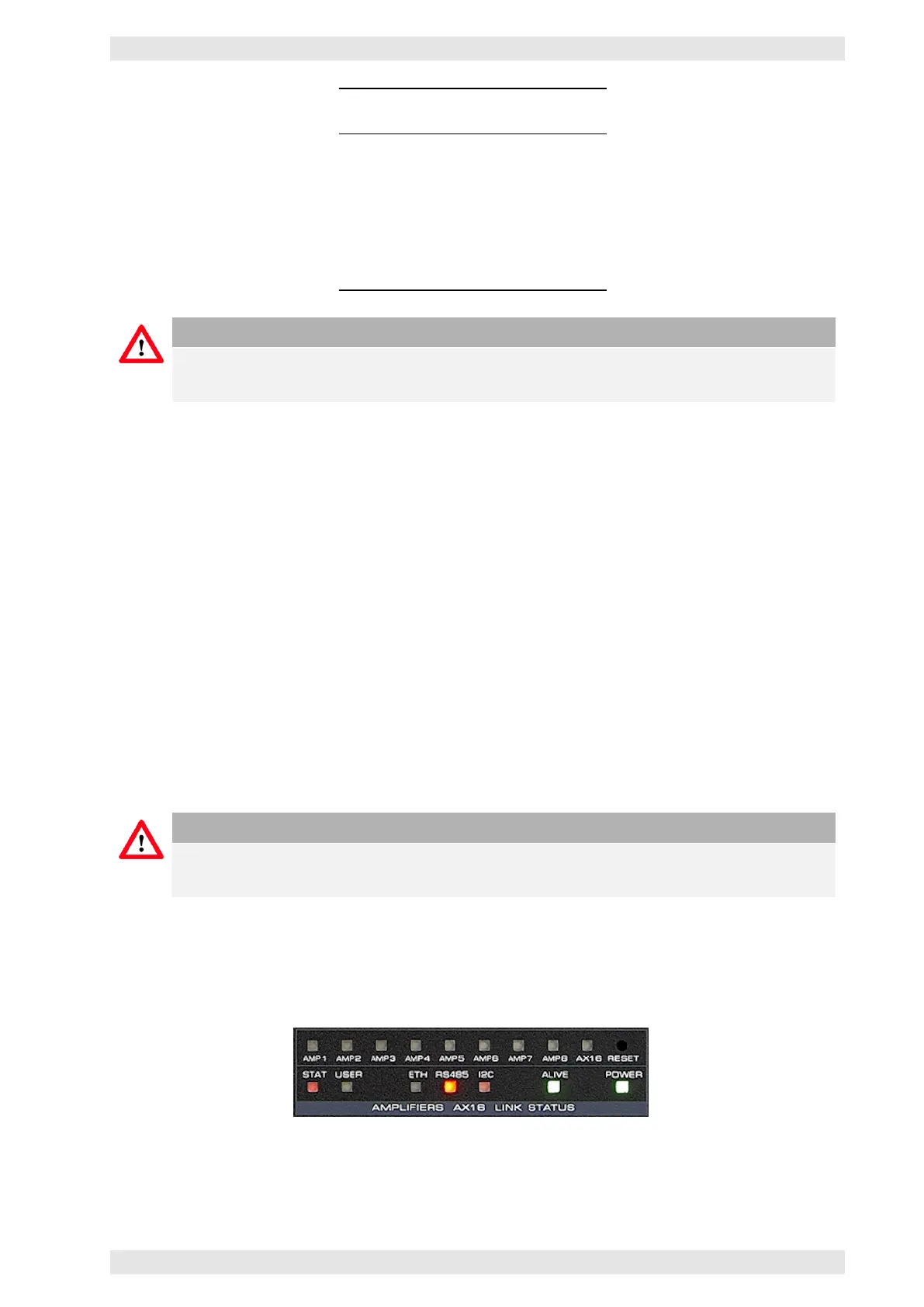
The SXL II is equipped with 12 LEDs on the front panel:
Figure 3.59: SXL II - LED Indicators Front Side
c
2016 Bittner Audio Int. GmbH



 To Next Page