Page 66
3 Specifications of the Devices
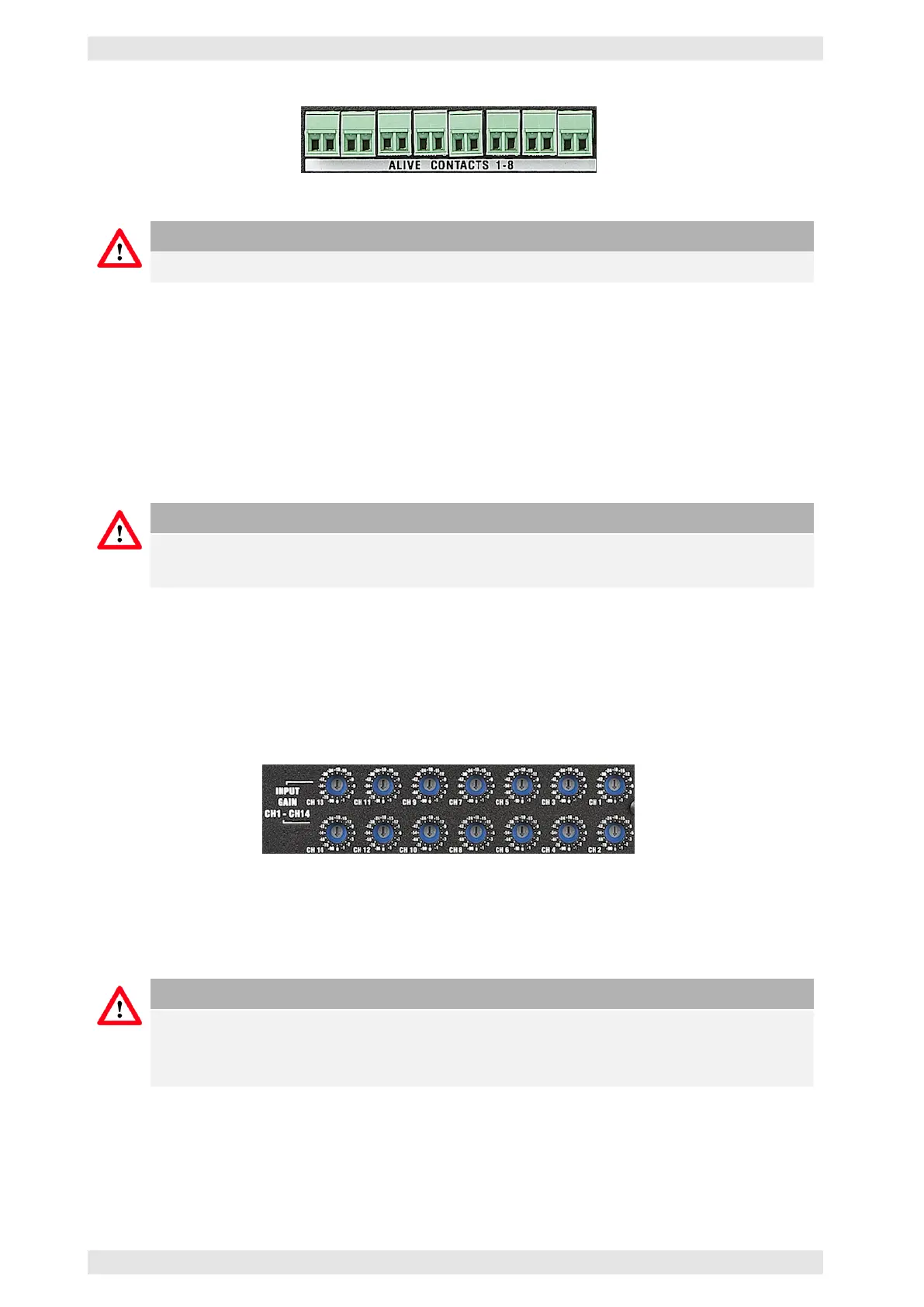
Figure 3.48: AX16 - Alive Contact Inputs
Caution
Any potential-free contact may be used for controlling.
3.13.7 Data Port
The AX16 is equipped with an I
2
C data port (refer to section 2.11.1) for the connection to a Bittner Audio
SXL II. The connection of the AX16 to an SXL II will integrate it into the Bittner Audio monitoring system.
Bittner Audio recommends the use of the AX16 in connection with an SXL II to utilize every option of the
intelligent controlling and monitoring system. If an AX16 is connected to the SXL II amplifier controlling
device, the DSP parameters (if featured) will be transmitted to the backup amplifiers.
Caution
The level controls of the AX16, if integrated into the SXL II amplifier controlling system, need to
be set to 0dB.
3.13.8 Level Control
To maintain the level/volume structure of the system, independent of the backup switching condition, it is
important to control the level not on the amplifier itself but on the backup switching unit. This ensures that
the level of the faulty amplifier is being applied to the backup amplifier.
Figure 3.49: AX16 - Digital Level Controls
Every potentiometer of the amplifier (including the backup amplifier) should be set to the same value (in
standard operation maximum = Unity Gain).
Caution
If an SXL II controls the AX16, all levels will be intelligently adapted. This allows for the use of
amplifiers of different power outputs in the same system. The level controls of the AX16 need to
be set to 0dB.
c
2016 Bittner Audio Int. GmbH



 To Next Page