VC-6000
TM
Compact monitor Part D Setting of limit setpoints and time delays
- 32 - C100585.002 Communication Vers. 03 © VC-6000
TM
Compact monitor Dec 09
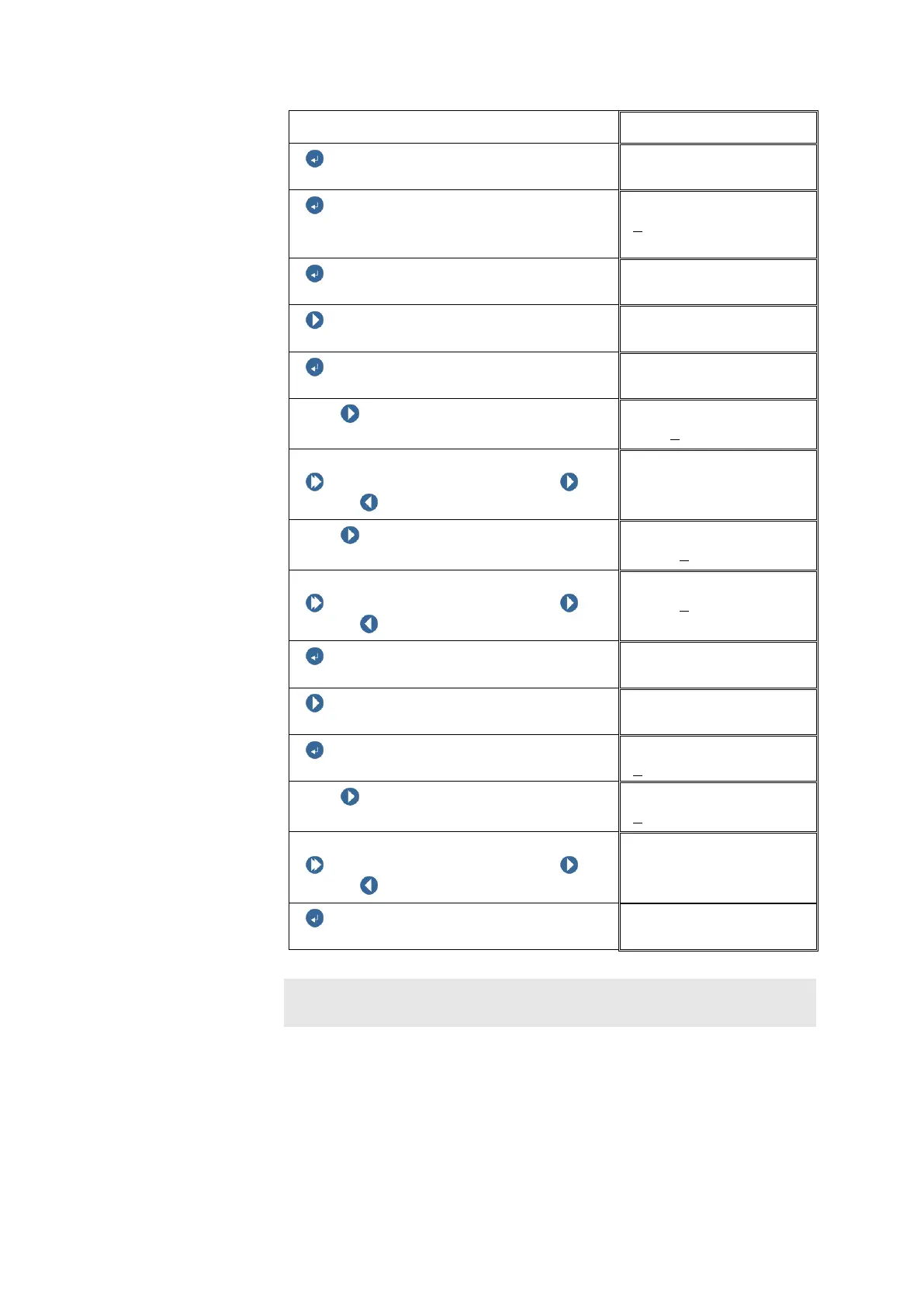
ENTER BUTTON
DC-OUT 01
ENTER BUTTON
The value is correct; does not have to be
changed !
Y1
0
.00
ENTER BUTTON
DC-OUT 01
NEXT
DC-OUT 01
ENTER BUTTON
X2
With NEXT select the digit position to
be changed.
X2
+0000
0.00mm
Changing the digit:
Push and hold SHIFT, then push
NEXT / PREVIOUS to change the digit.
X2
+00010.00mm
With NEXT select the digit position to
be changed.
X2
+00010
.00mm
Changing the digit:
Push and hold SHIFT, then push
NEXT / PREVIOUS to change the digit.
X2
+00015
.00mm
ENTER BUTTON
DC-OUT 01
NEXT
DC-OUT 01
ENTER BUTTON
Y2
With NEXT select the digit position to
be changed.
Y2
0
.00
Changing the digit:
Push and hold SHIFT, then push
NEXT / PREVIOUS to change the digit.
Y2
1.00
ENTER BUTTON
DC-OUT 01
Note:
All changes are effective only after [Logoff –with save].



 To Next Page