1-channel input module for vibration velocity sensors Part B VC-6000
TM
Compact monitor
© VC-6000
TM
Compact monitor Nov, 2014 C100584.002 Module Vers. 08 - 25 -
3.3.2 Equipment and signalling
♦ Possible socket positions on the Base Module X1_M X2_M X3_M
♦ Corresponding connections on Base Module X1 X2 X3
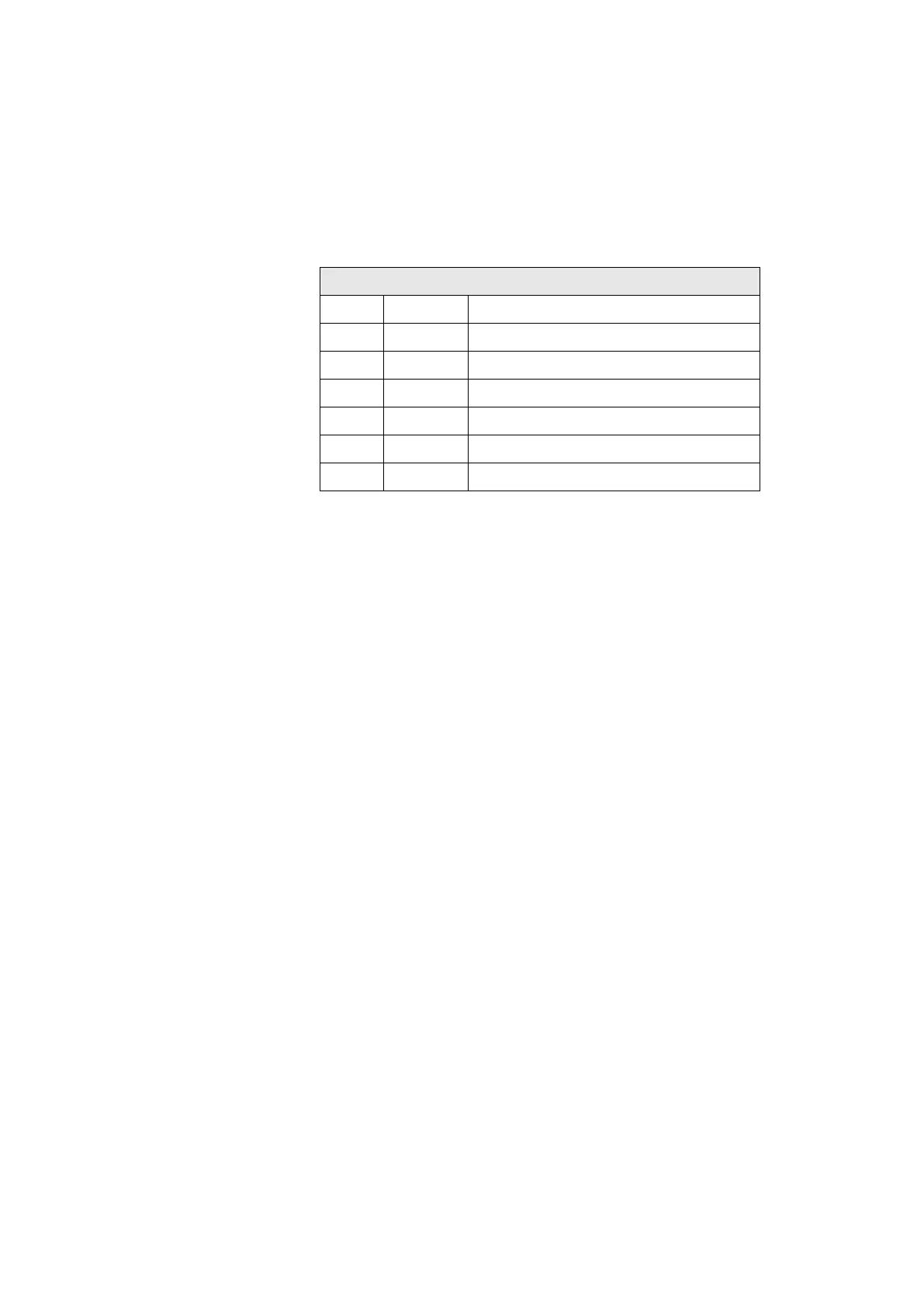
♦ Connection layout with a V-TIM
V-TIM Pin layout connections X1/X2/X3
PIN Signal Explanation
1
2
3 COM Sensor signal reference potential
4 SIG Sensor signal
5
6
♦ LED OVERLOAD (RD)
The red LED provides information about the condition of the A/D
converter. This will provide information whether an over-range exists or
has existed through the input signal or whether everything is in order.
The red LED signals although, if the attached sensor is exposed to an
inadmissibly large swinging displacement amplitude (sensor overload).
♦ OK-LED (GN)
The green LED signals the OK status of the sensor. If there is an OK-
fault the LED will be extinguished. The OK monitoring checks the
status of the sensor signal (including the DC value) with reference to the
OK-voltage window. This OK-window (upper and lower limits) can be set
up using the User Terminal.
An OK-fault exists as soon as a single sampled value is found to lie
outside the set OK-window range.



 To Next Page