Bluetooth & WLAN Combo Module (Windows 7) D - 65
Windows 7
Windows 7
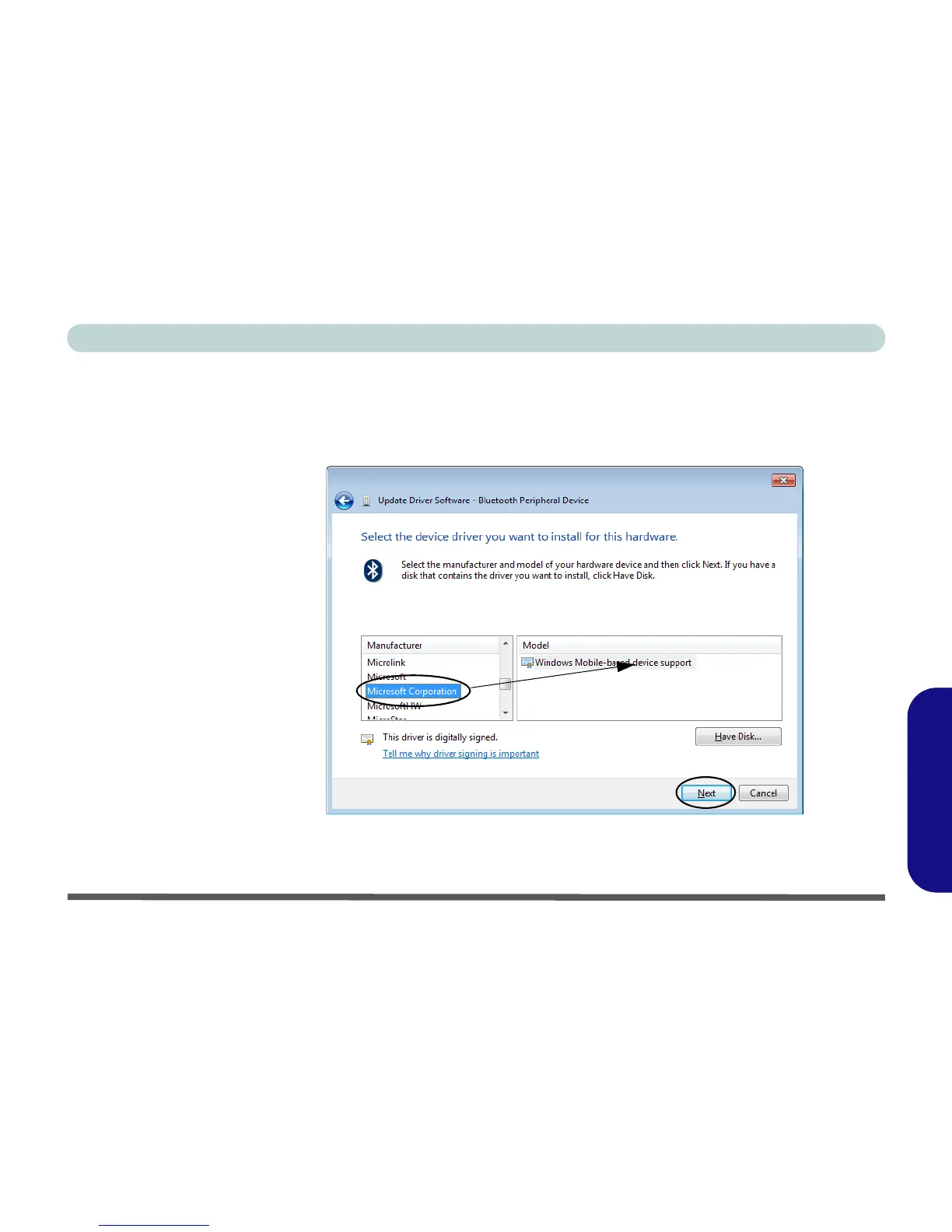
10. A list of drivers will appear with Manufacturer on one side and Model in the other.
11. Choose Microsoft Corporation (make sure you choose the full name Microsoft Corporation and do not
choose Microsoft - Note that you must have installed the Microsoft Windows Device Center Driver for
Microsoft Corporation to appear in the list).
12. Select Windows Mobile-based device support from the Model list.
Figure D - 41 - Select Device Driver
13. Click/tap Next > Yes and the driver will install.
14. Click/tap Close to complete the installation.



 To Next Page