Windows 8 Start Screen & Desktop 1 - 27
Quick Start Guide
1
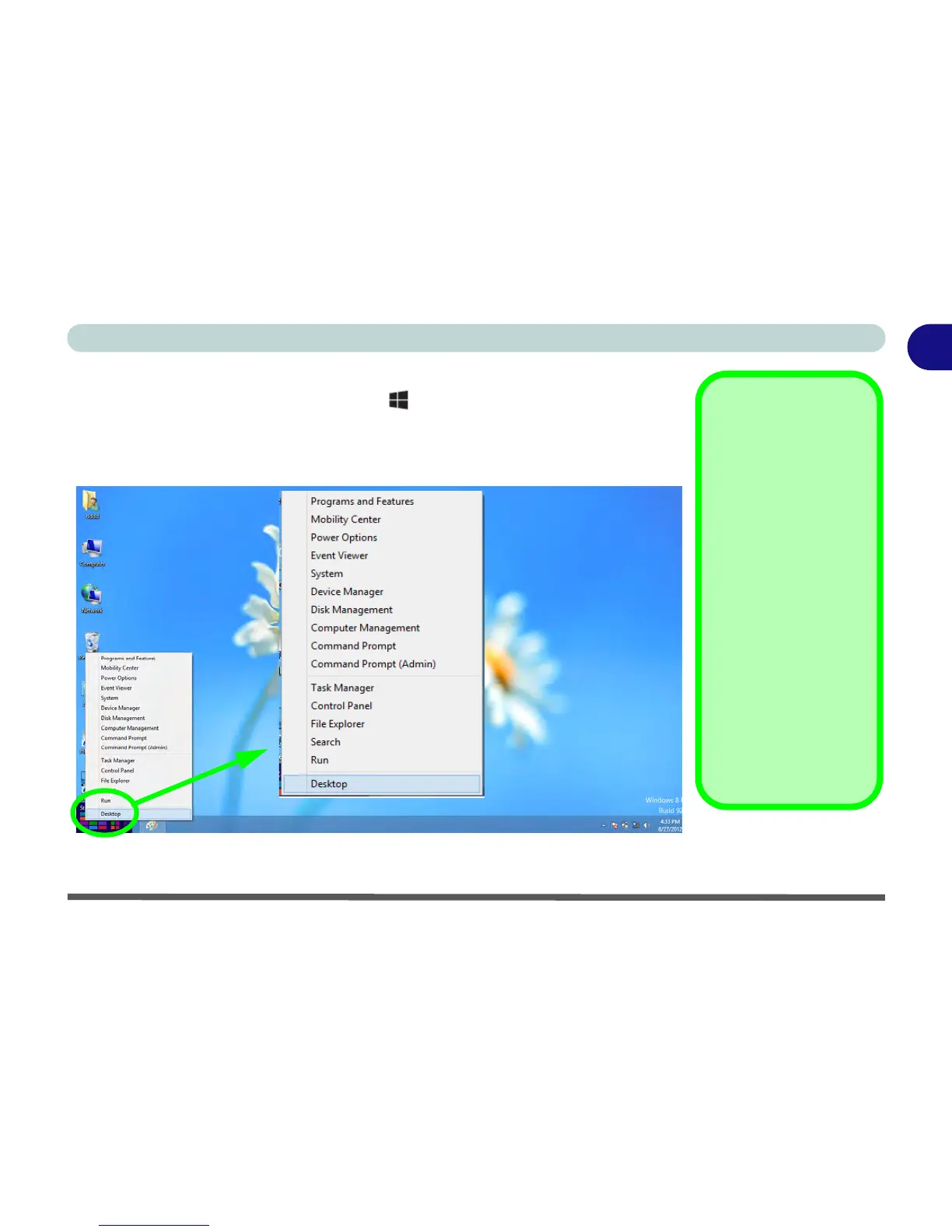
When the Desktop app is running you can right-click (keyboard only) the lower left
hot corner (or use the Windows Logo Key + X key combination) to bring up an
advanced context menu of useful features such as Control Panel, Programs and Fea-
tures, Power Options, Task Manager, Search, Windows Explorer, Command Prompt,
Device Manager and Network Connections etc.
Figure 1 - 20 - Advanced Context Menu (Right-Click lower left hot corner)



 To Next Page