BBP™31 Sign & Label Printer
User Guide
8-1
8 Maintenance
Printer Maintenance
Removing Power and Media from Printer
Before performing any maintenance procedure that involves opening the enclosure cover,
you should remove the power and media from the printer.
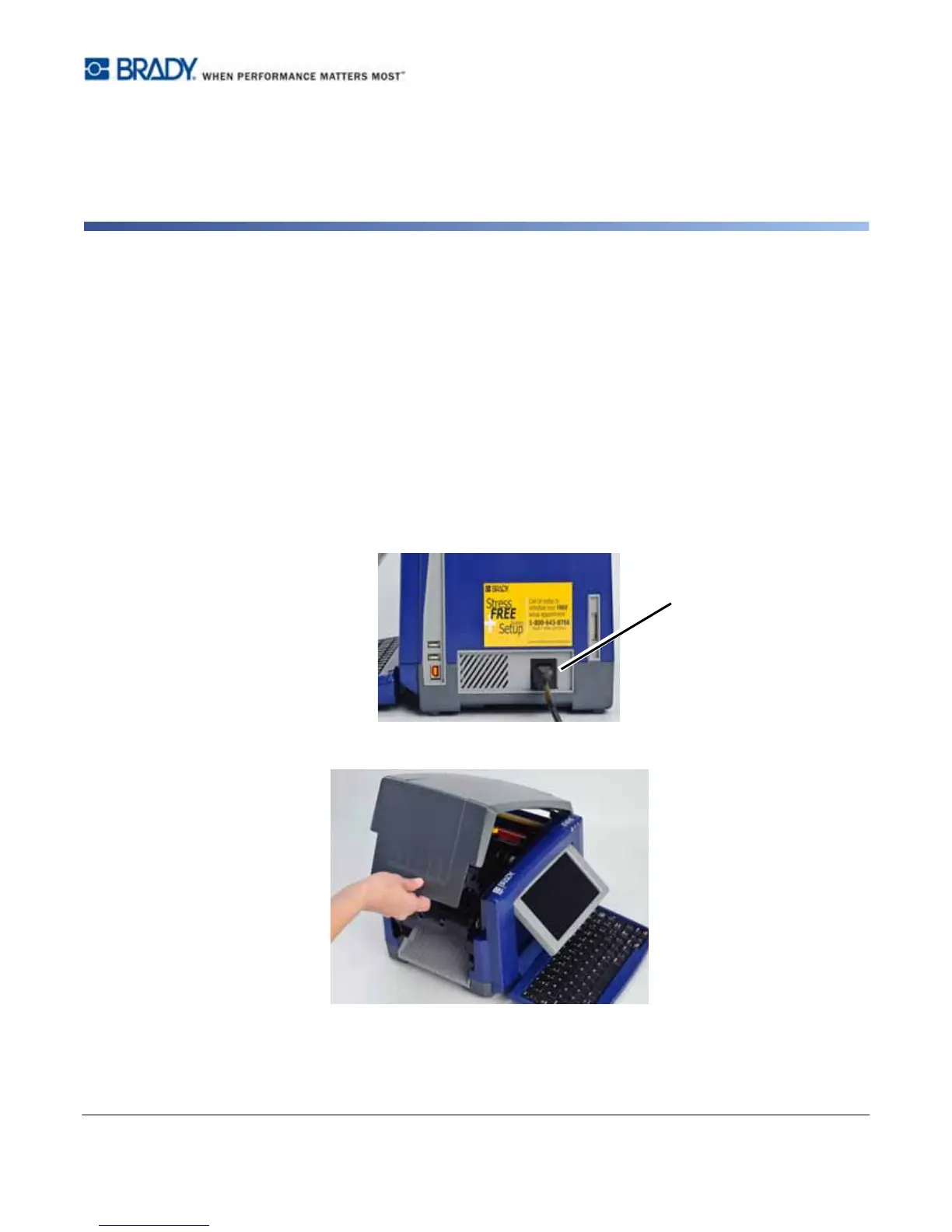
To remove printer power and media:
1. Remove the power plug [1] from the printer.
2. Open the enclosure cover (opens from left).



 To Next Page