1-6 BBP™31 Sign & Label Printer
User Guide
About Menus, Dialog Boxes and Screens
Menu
Menu
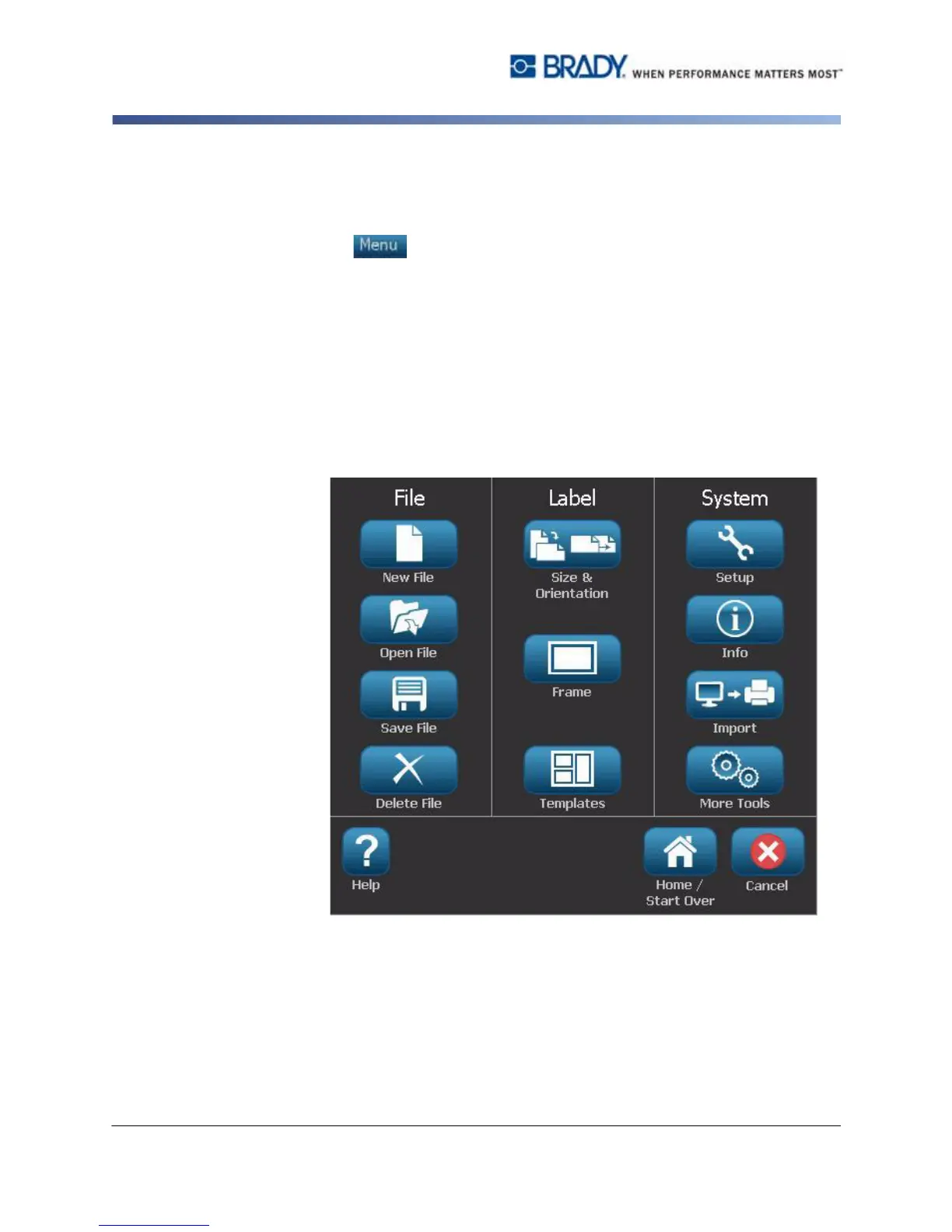
To display menu options:
1. Touch to display the menu options.
2. Choose from the following areas:
•
File
: Create new file, open existing file, save a file or delete a file.
•
Label
: Change the size and orientation, add a frame around the label, or
choose a template.
•
System
: Set up the printer, view printer information (e.g., software version),
import data, or get more tools.
•
Help
: Displays help for the options listed on the menu.
•
Home/Start Over
: Returns you to the
Home
page.
•
Cancel
: Cancels the current action and returns you to the previous location.



 To Next Page