BBP™31 Sign & Label Printer
User Guide
7-3
Delete Imported Graphics
Delete Imported Graphics
Use this procedure to delete your own imported graphics that you no longer need.
To delete a graphic:
1. Select Menu .
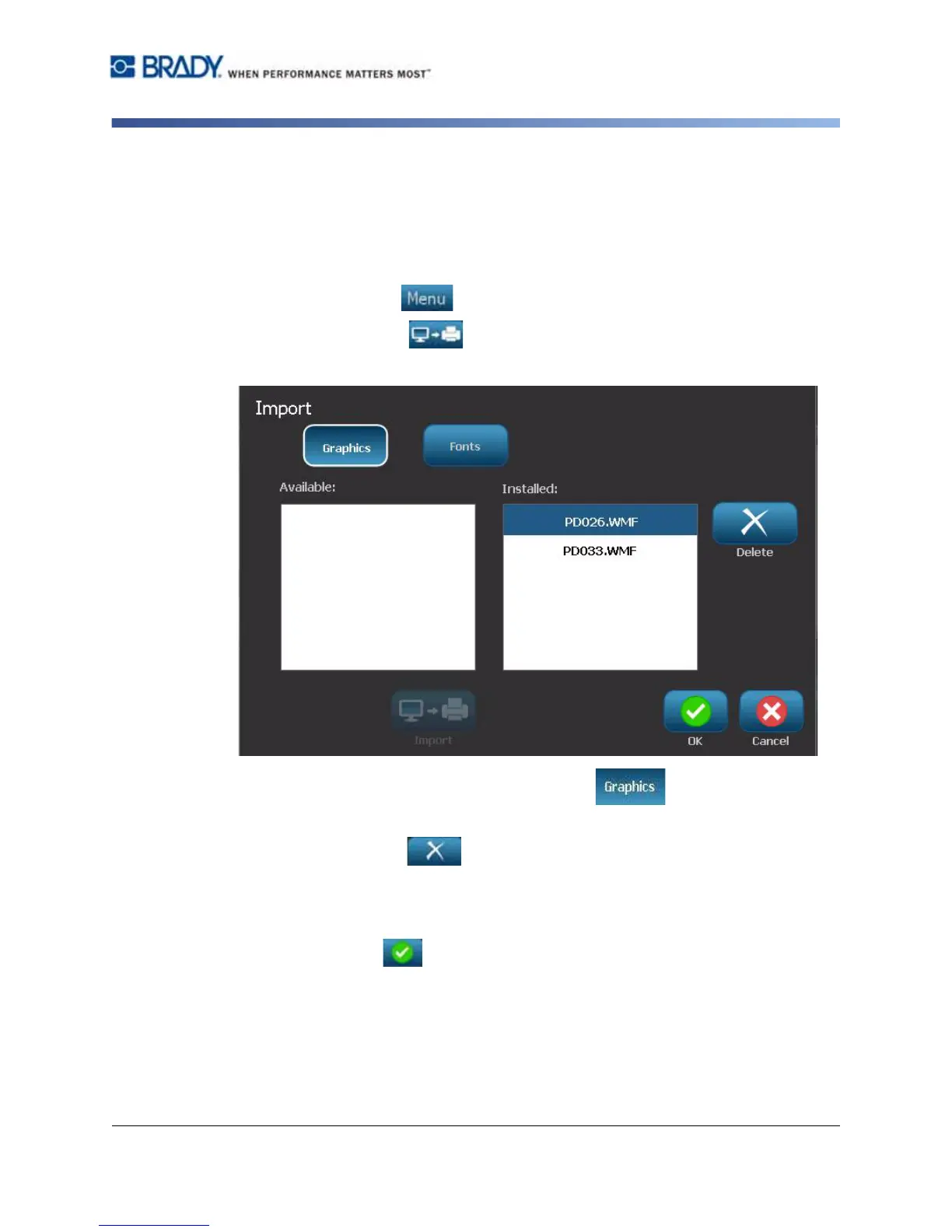
2. Select Import . The Import dialog box displays.
3. In the Import dialog box, select Graphics .
4. In the Installed: list, select the graphic you want to delete.
5. Select Delete .
6. Select Yes to confirm the deletion. The graphic will be deleted from the
Installed list.
7. Repeat Step 5 to delete additional graphics.
8. Select OK to exit the dialog.



 To Next Page