BBP™31 Sign & Label Printer
User Guide
C-11
QuickLabels
Creating Quick Labels
QuickLabels
Creating Quick Labels
QuickLabel is an application that lets you choose from a list of predefined labels.
Use this procedure to open QuickLabels.
To create a QuickLabel:
1. From the Home page, select QuickLabel .
- or -
Select More Label Types, then select QuickLabel.
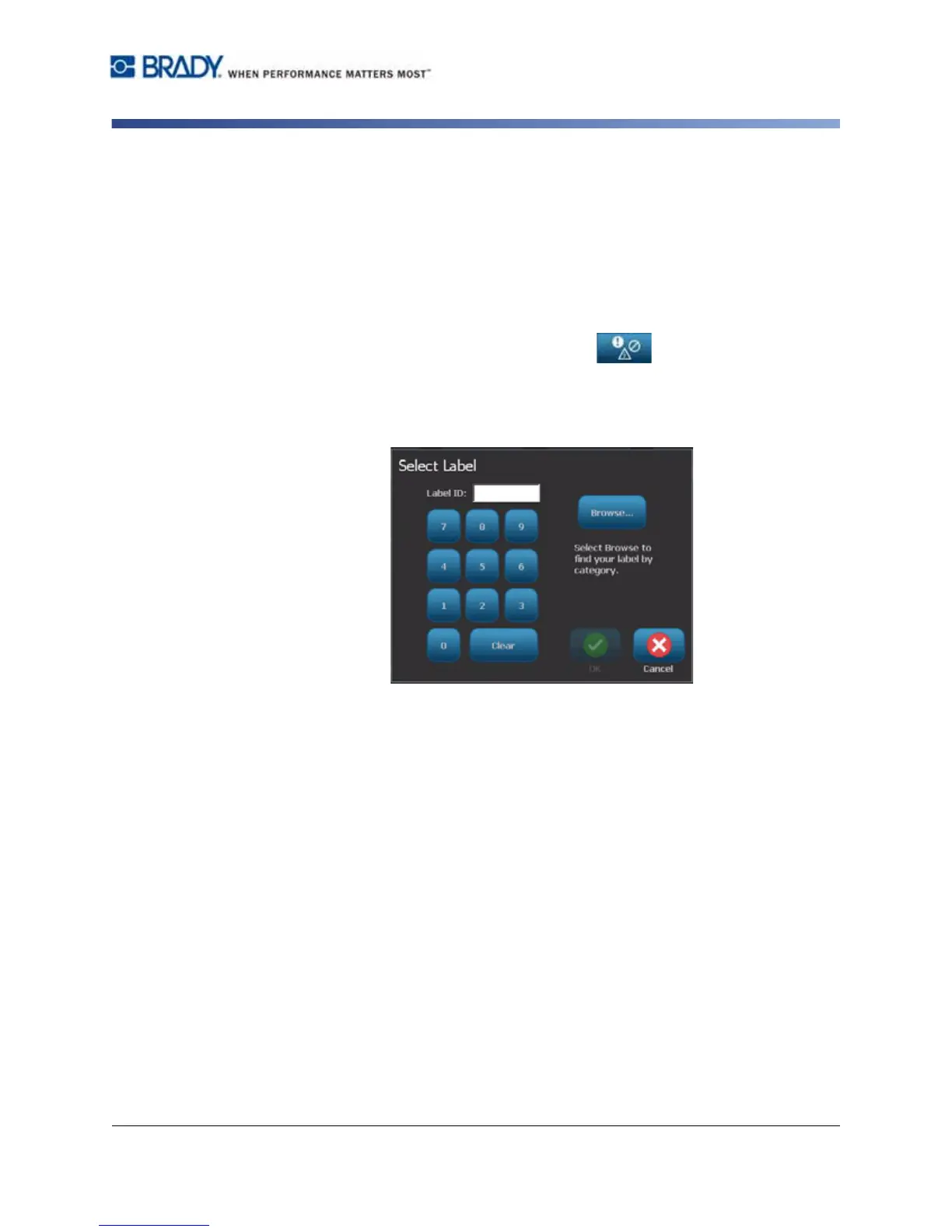
2. From the Select Label dialog, enter the Label ID, then select OK.
- or -



 To Next Page