BBP™31 Sign & Label Printer
User Guide
3-1
3 Working with Labels
Create Labels
Creating a Label from a Template
Use this procedure to create a label using a general template or specialty template.
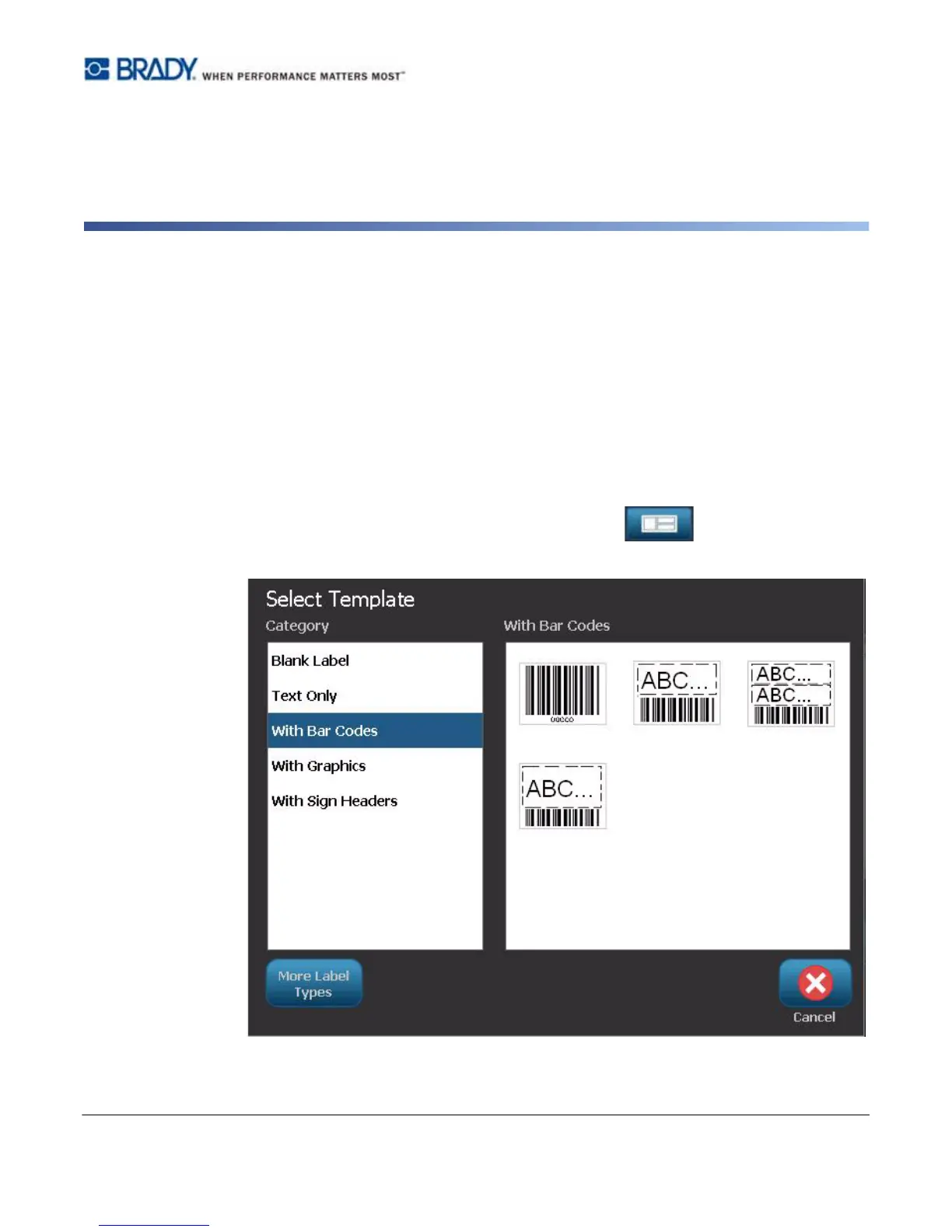
To create a label from a general template:
1. From the Home page, select General Templates .
2. On the Select Template dialog box, select a Category.



 To Next Page