5-6 BBP™31 Sign & Label Printer
User Guide
Printing Labels
Resuming an Interrupted Print Job
Resuming an Interrupted Print Job
Use this procedure to resume a print job that was interrupted.
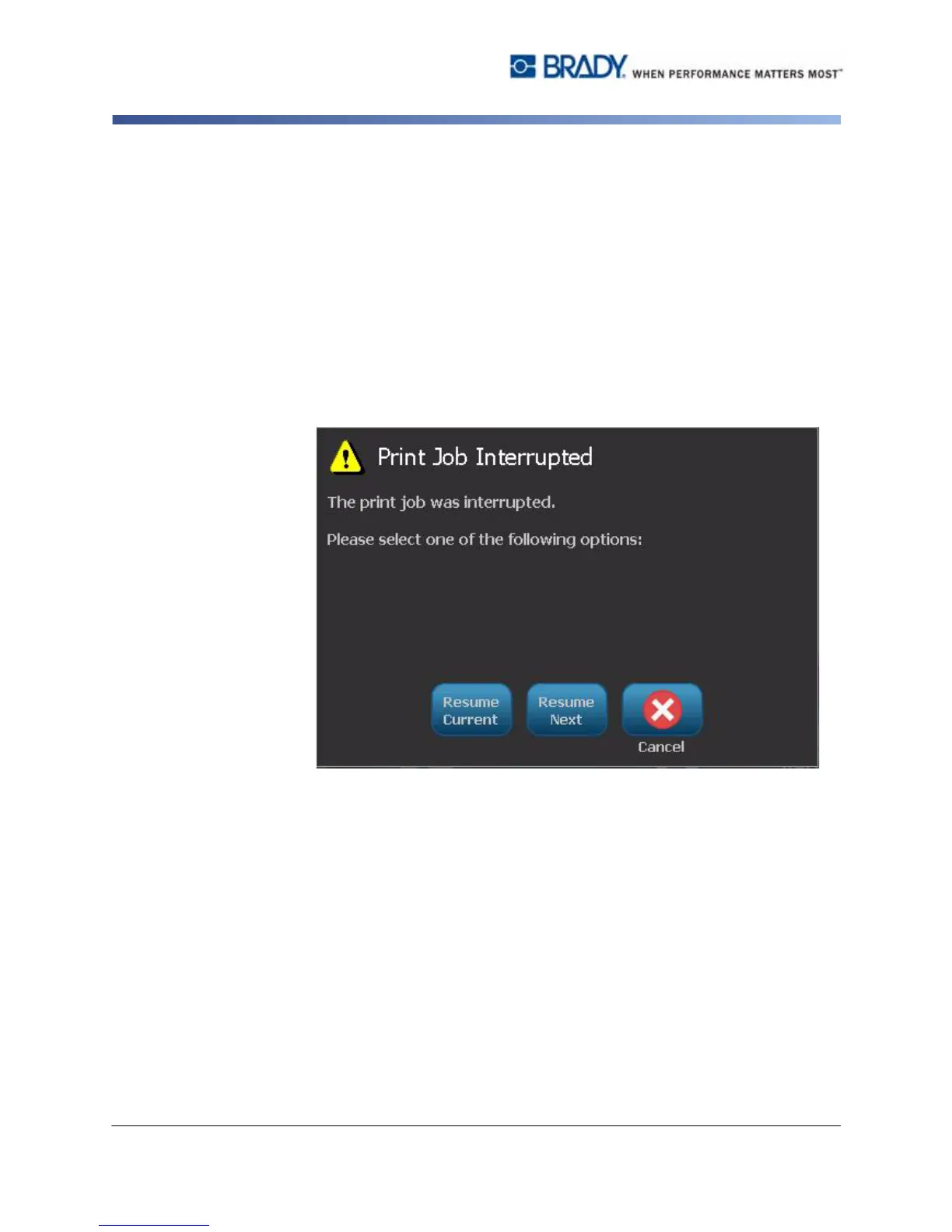
To resume an interrupted print job:
1. When the job interruption message displays, correct the condition that caused
the interruption (e.g., replace the media or ribbon).
2. Select the option to continue:
•
Resume Current
(reprints the current label, then continues printing)
•
Resume Next
(prints the next label, then continues printing)
- or -
•
Cancel
the print job.



 To Next Page