4-4 BBP™31 Sign & Label Printer
User Guide
Adding Objects
Graphic Objects
Graphic Objects
To add a graphic object:
1. Use one of the following methods to add a graphics object:
• Touch anywhere in the
Editor
.
- or -
• If you are already in a label, select
Add Object
,
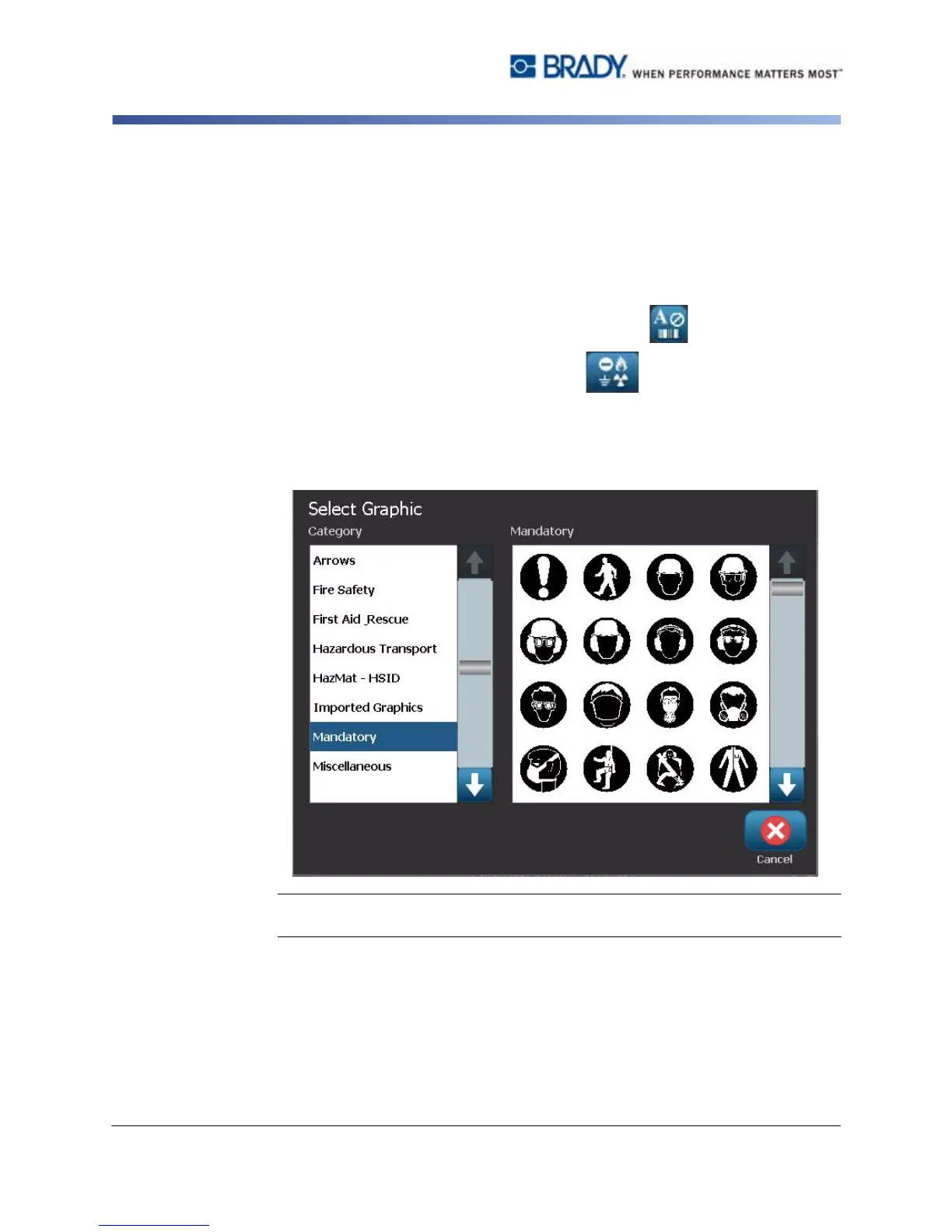
2. In the Add Object panel, select Graphic .
3. In the Select Graphics dialog box, choose the Category for the graphic you
want to add.
4. Touch the desired graphic. The graphic is added to the label (or replaces the
selected graphic placeholder).
Note: You can also import your own graphics and use them like the graphics
included in the system. See “Import Graphics” on page 7-1.



 To Next Page