4-28 BBP™31 Sign & Label Printer
User Guide
Handling Objects
Sizing Objects
Set Object Size
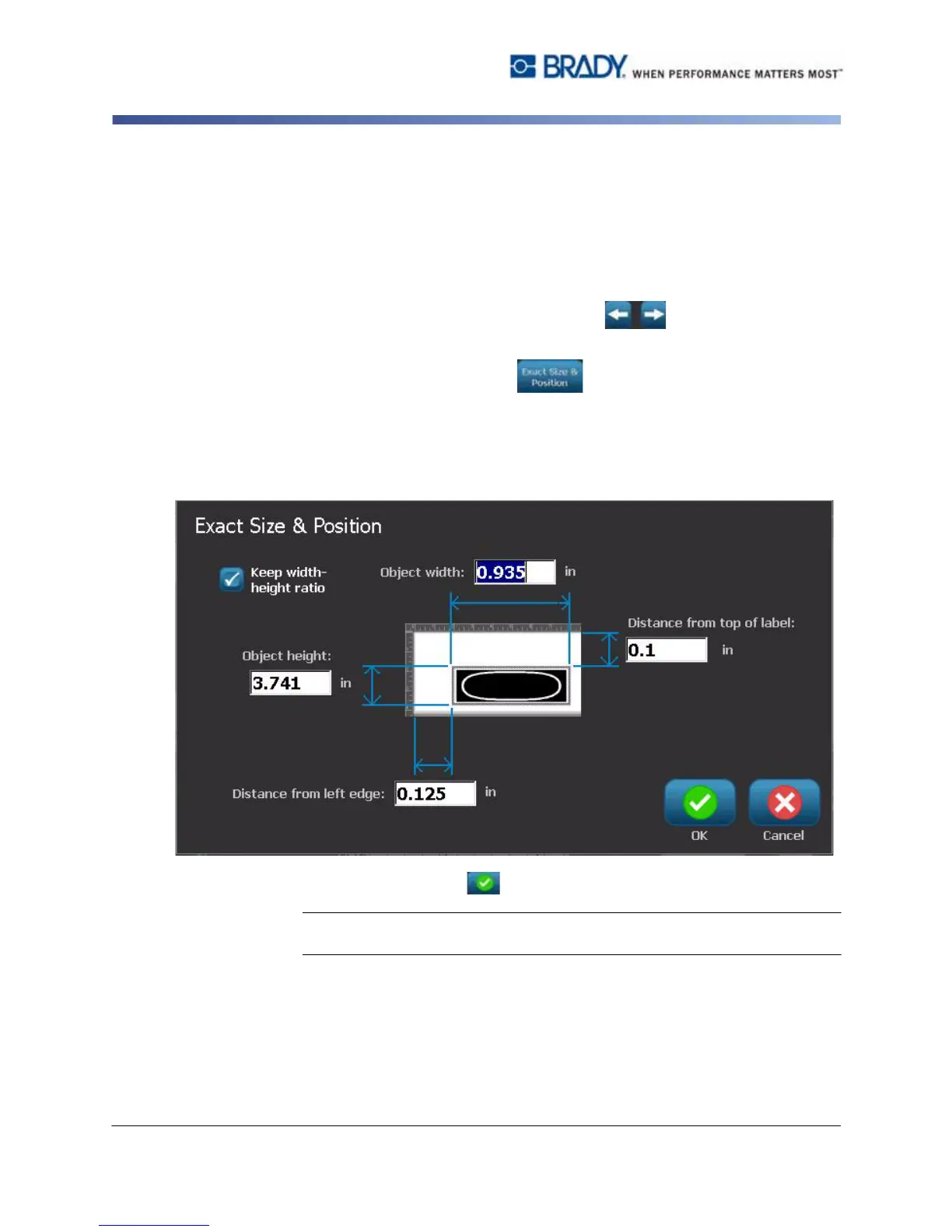
Use this procedure if you want to size an object by setting the object height and
width.
To size an object using object dimensions:
1. In the Editor, select the object you want to resize.
2. In the Control Panel, select More Options to navigate to
the Exact Size & Position option.
3. Select Exact Size & Position .
4. To maintain the object proportions, select Keep width-height ratio.
5. Type a value for:
•Object width
• Object height
6. When done, select OK . The object is displayed at the specified size.
Note: If the values entered result in the object being positioned outside the
printable area, the system resizes and repositions the object to fit on the label.



 To Next Page