BBP™31 Sign & Label Printer
User Guide
C-27
Right to Know (RTK)
Setting RTK Preferences
Right to Know (RTK)
Setting RTK Preferences
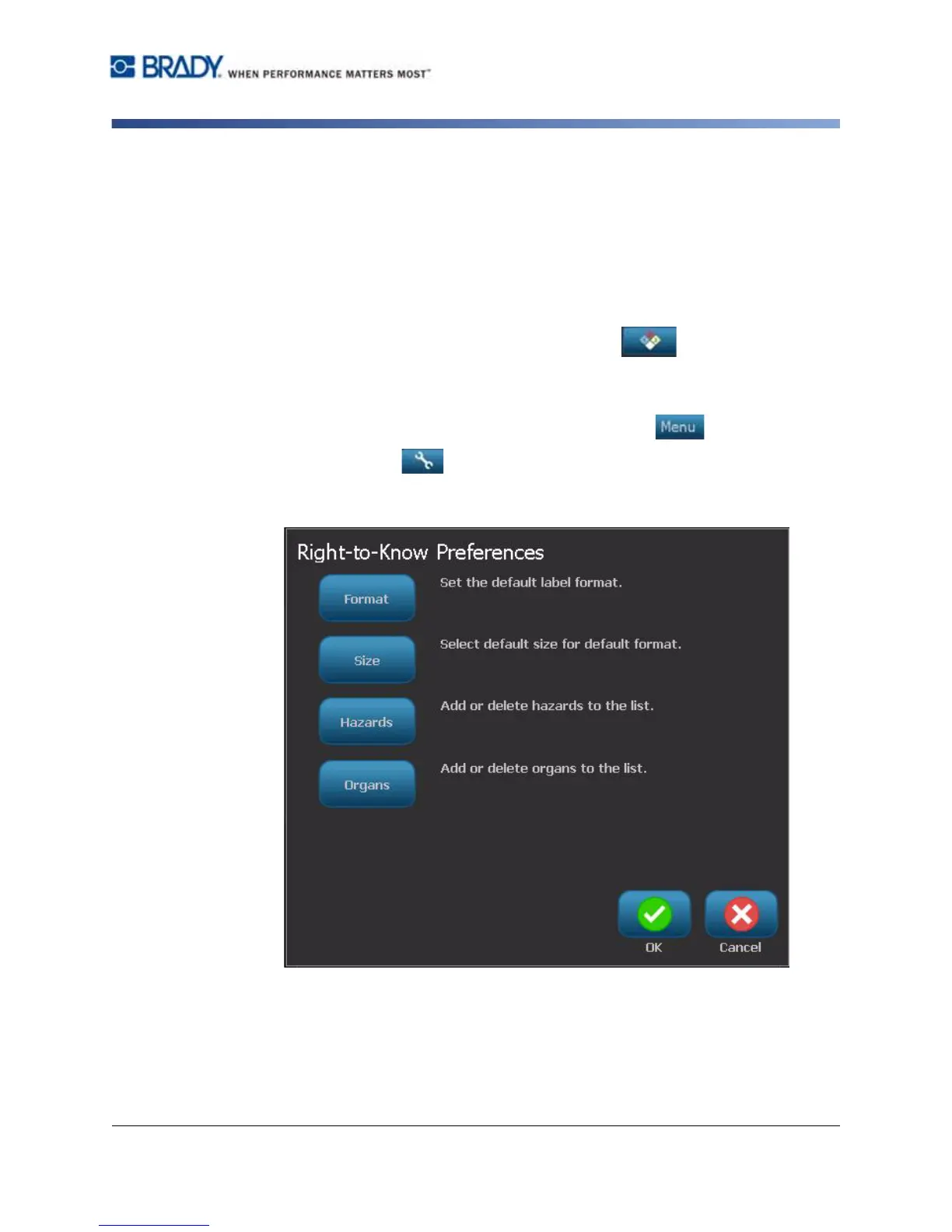
From the Right-to-Know Preferences menu, you can choose default label settings
for size and format. You can also add or delete hazards and/or organ types. Any
defaults set here will stay in effect until you change them.
1. From the Home page, select Right To Know .
- or -
Select More Label Types, then select Right To Know.
2. From the Right To Know home page, select Menu .
3. Select Setup . Choose from any of the available options, then follow the
instructions in “Set Label Defaults” on page C-28 or “Add or Delete Hazards
or Organs” on page C-29.



 To Next Page