BBP™31 Sign & Label Printer
User Guide
4-35
Handling Objects
Convert from Date/Time
Convert from Date/Time
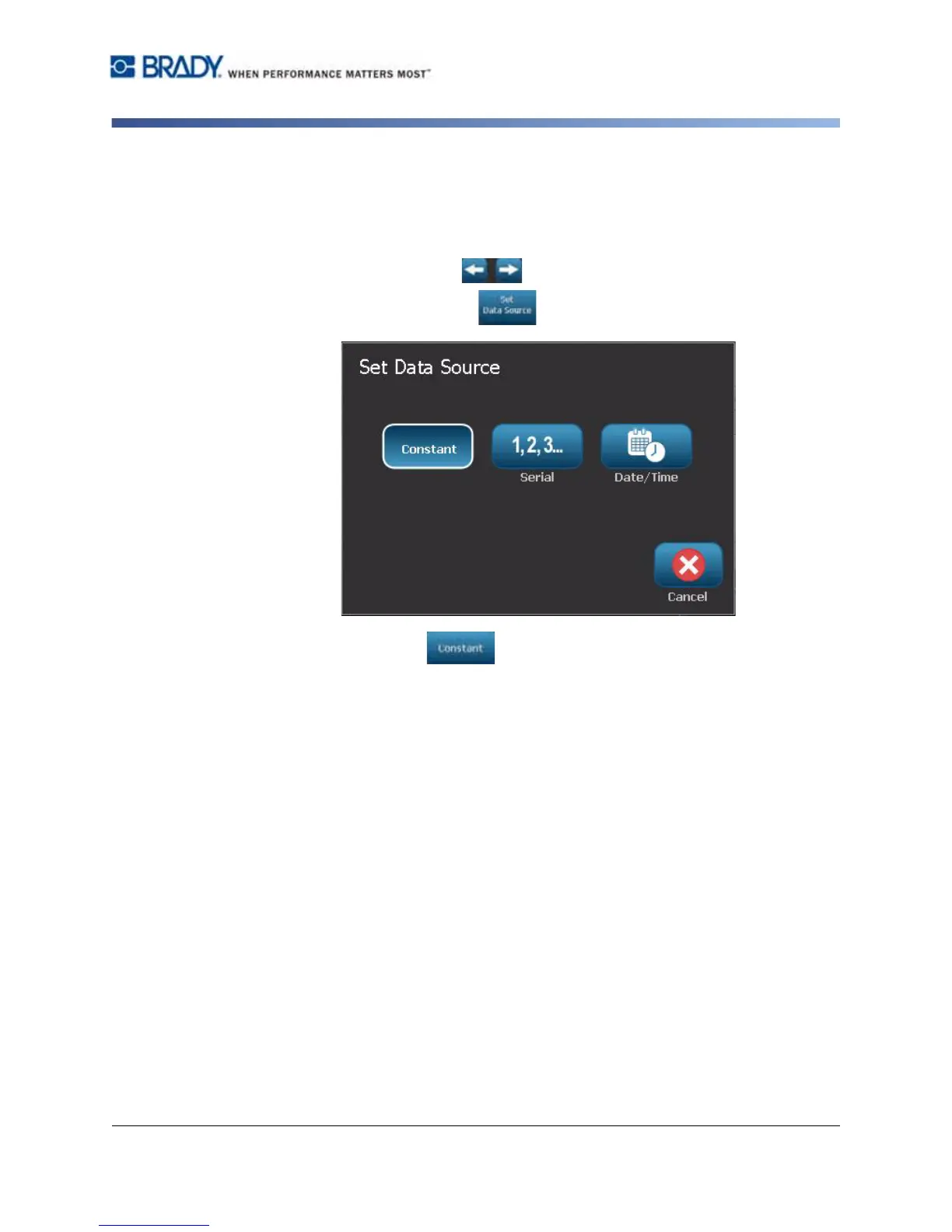
To convert a date/time object to constant data:
1. Select the date or time object.
2. Select More Options to go to the Set Data Source option.
3. Select Set Data Source .
4. Select Constant . The date/time is converted to editable data.



 To Next Page