4-6 BBP™31 Sign & Label Printer
User Guide
Adding Objects
Serial Objects
Serial Objects
Serialization lets you create labels that contain number or letter sequences that
print as multiple labels at print time.
Note: This procedure applies only when not using a template. If using a template,
see “Converting Text or Barcode to Variable Data” on page 4-31.
To add a serial object:
1. Use one of the following methods to add a barcode object:
• Touch anywhere in the
Editor
.
- or -
• If you are already in a label, select
Add Object
,
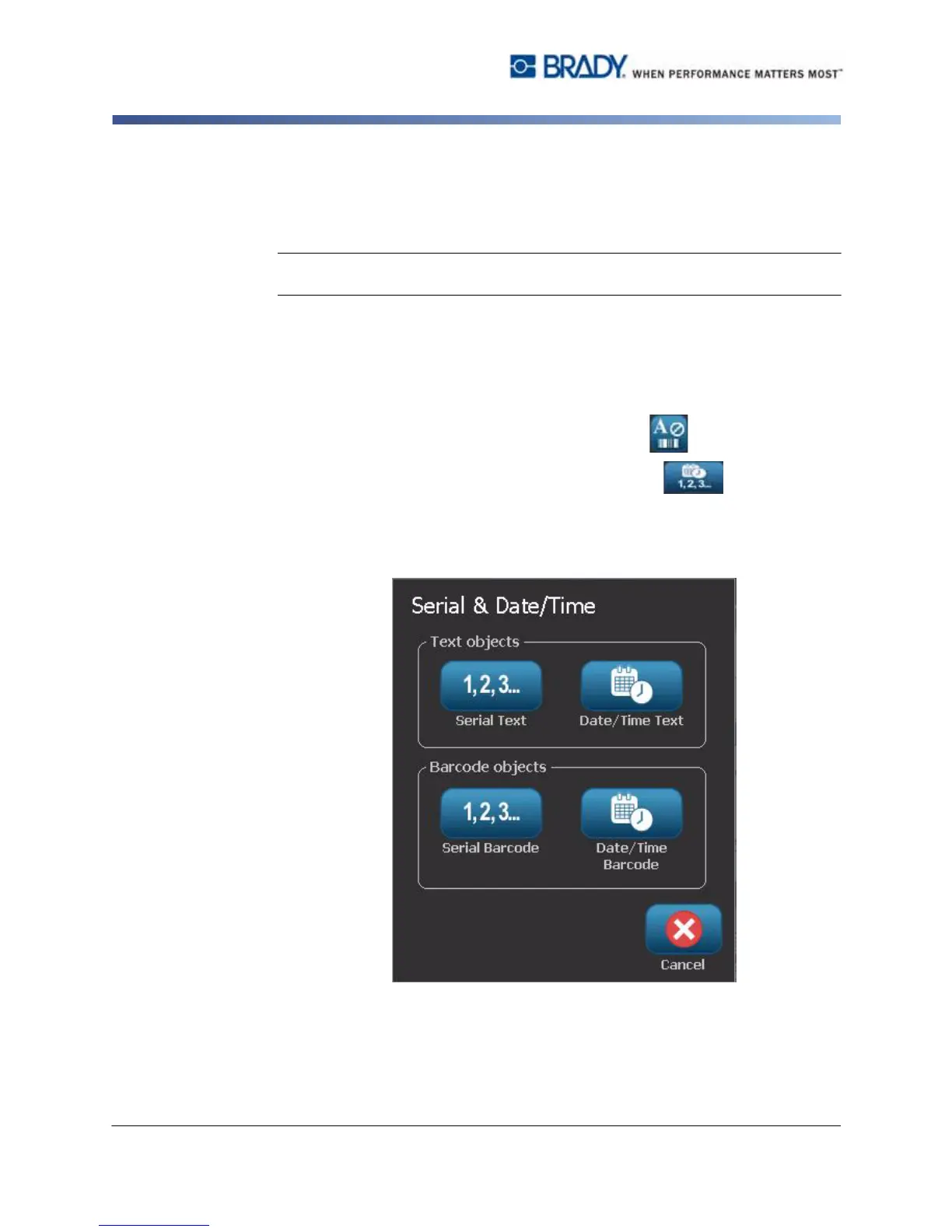
2. In the Add Object panel, select Serial & Date/Time .
3. In the Serial & Date/Time dialog box, select either:
•
Serial
Text
• Serial Barcode



 To Next Page