9-4 BBP™31 Sign & Label Printer
User Guide
Problem Resolution
Power Errors
Power Errors
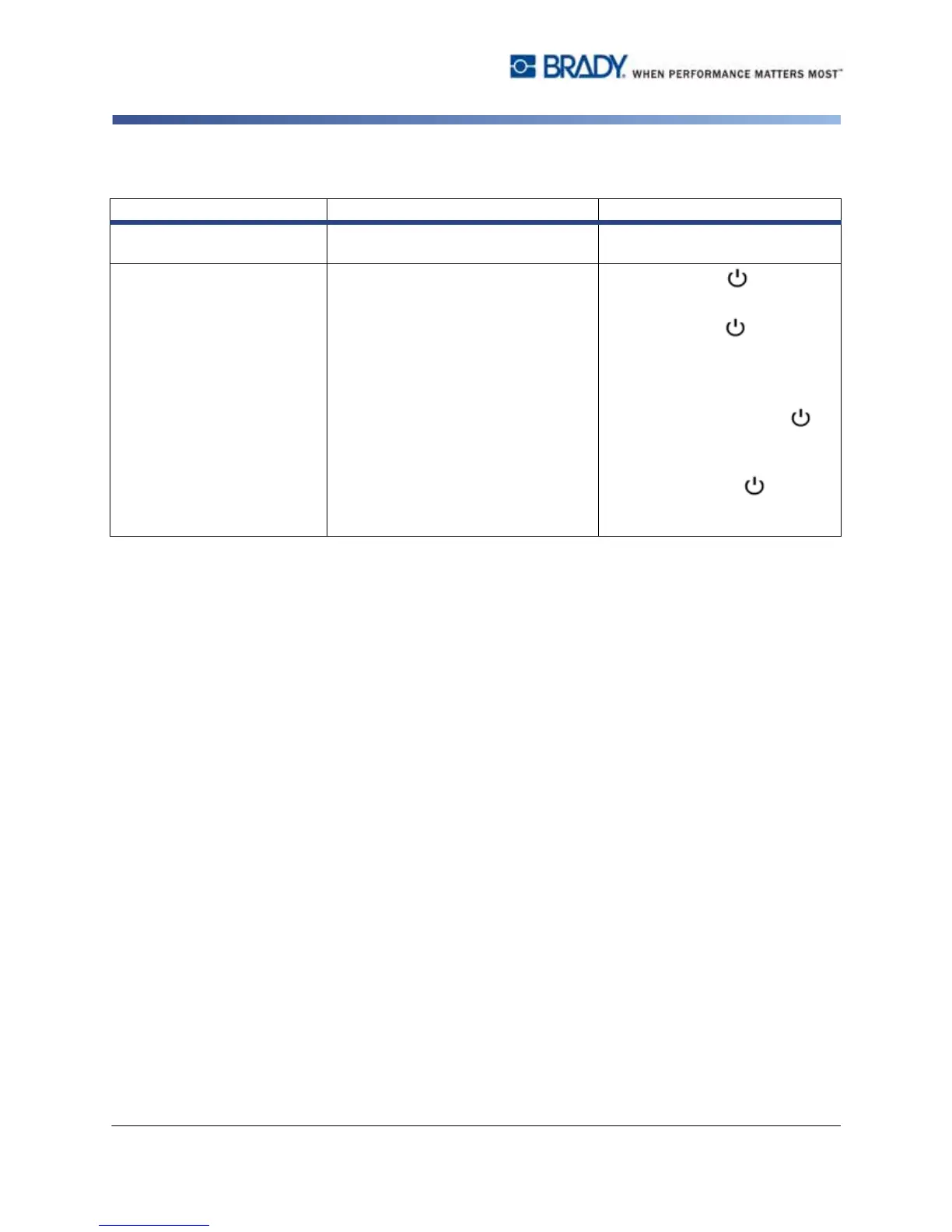
Problem/Message Cause Corrective Action
Printer does not power up
when turned on.
Power cord has been pulled out of
printer or wall socket.
Check power cord.
Screen freezes User Interface error
1. Press Power to turn
printer off.
2. Press Power again to turn
printer on.
If power does not shut down
printer:
3. Press and hold Power for
more than 5 seconds to reset
the machine.
4. Release Power after
observing that printer has
reset.



 To Next Page