4-30 BBP™31 Sign & Label Printer
User Guide
Handling Objects
Rotating an Object
Rotating an Object
To rotate an object:
1. In the Editor, touch the object you want to rotate.
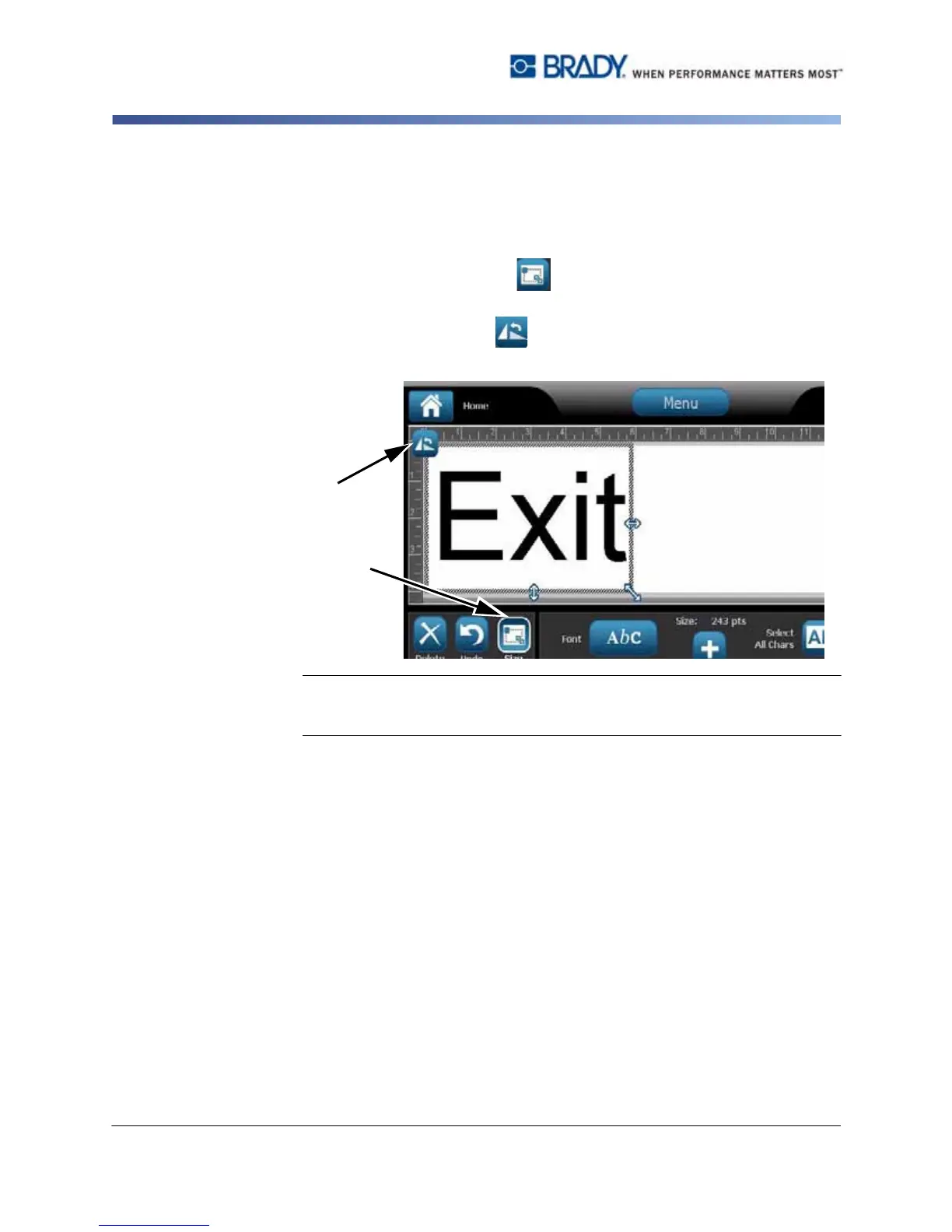
2. In the Tools Panel, touch Size [1] to display the sizing and rotation
handles.
3. On the label, touch Rotate [2]. The object is rotated 90°
counterclockwise.
Note: When rotated, the text font will be reduced so that the entire text box fits
on the label. The font size will stay reduced even if the object is rotated back to
its original position (a full 360°).
4. Repeat Step 3 to rotate the object further (selecting Rotate 4 times returns the
object to the original unrotated state).



 To Next Page