5-8 BBP™31 Sign & Label Printer
User Guide
Printing Labels
Adjusting Print Offset
Adjusting Print Offset
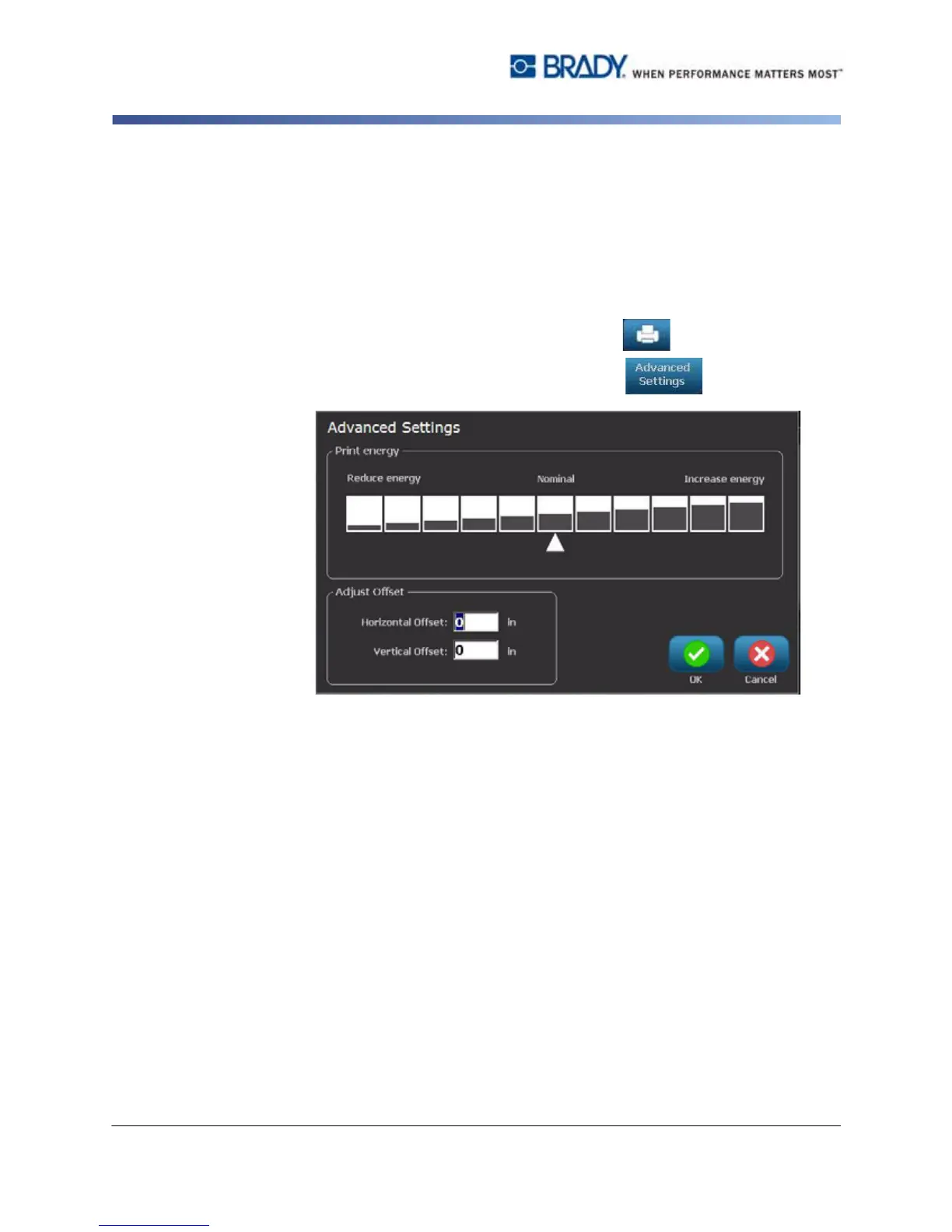
Print Offset is a value that will move the image from its "nominal" position slightly
in one direction or another on the label. Adjust Offset is typically used to do a fine
adjustment of the printed image on a die-cut label, or to move the image slightly
closer or further from the edge of a continuous supply.
To adjust the print offset:
1. With a defined label in the Editor, select Print .
2. In the Print dialog, select Advanced Settings .
3. In the Adjust Offset area, enter a value in the horizontal and/or vertical offset
boxes:
•
Horizontal Offset
: shifts the image (printed portion of the label) to the
right or left.
•
Vertical Offset
: shifts the image (printed portion of the label) up or down.



 To Next Page