BBP™31 Sign & Label Printer
User Guide
C-1
C Specialty Label Types
Pipe Markers
Set Up Pipe Marker Options
Setup options for Pipe Markers are different than those for standard labels. Use this
procedure to set up the pipe marker color norms.
To setup pipe marker color norms:
1. From the Home page, select Pipe Markers .
- or -
Select More Label Types, then select Pipe Markers
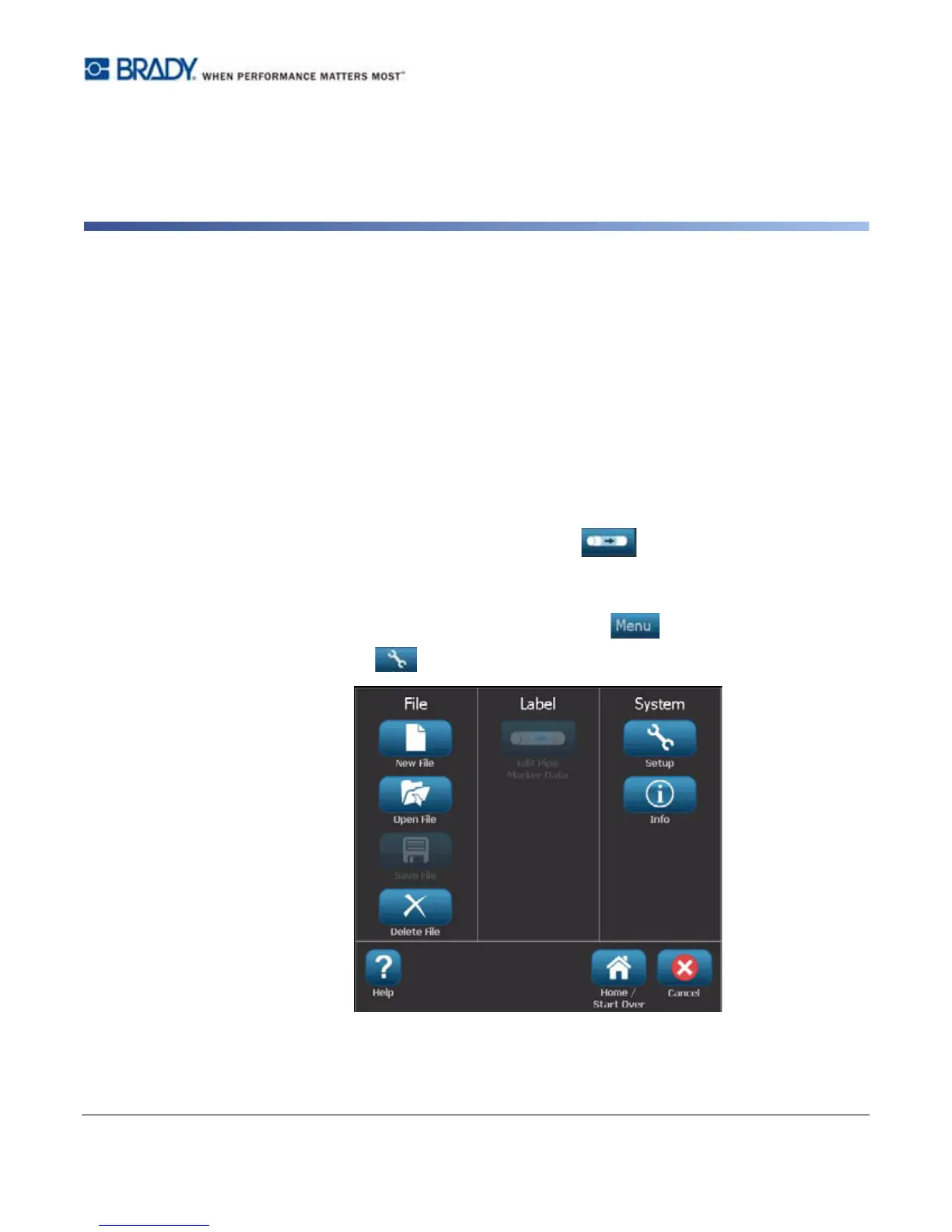
2. From the Pipe Marker home page, select Menu .
3. Select Setup .



 To Next Page