4-16 BBP™31 Sign & Label Printer
User Guide
Working with Text
Typing Text and Accented Characters
Typing Text and Accented Characters
As with standard PC keyboards, each character key supports multiple characters
when used in combination with the <Shift> and <Alt Gr> keys.
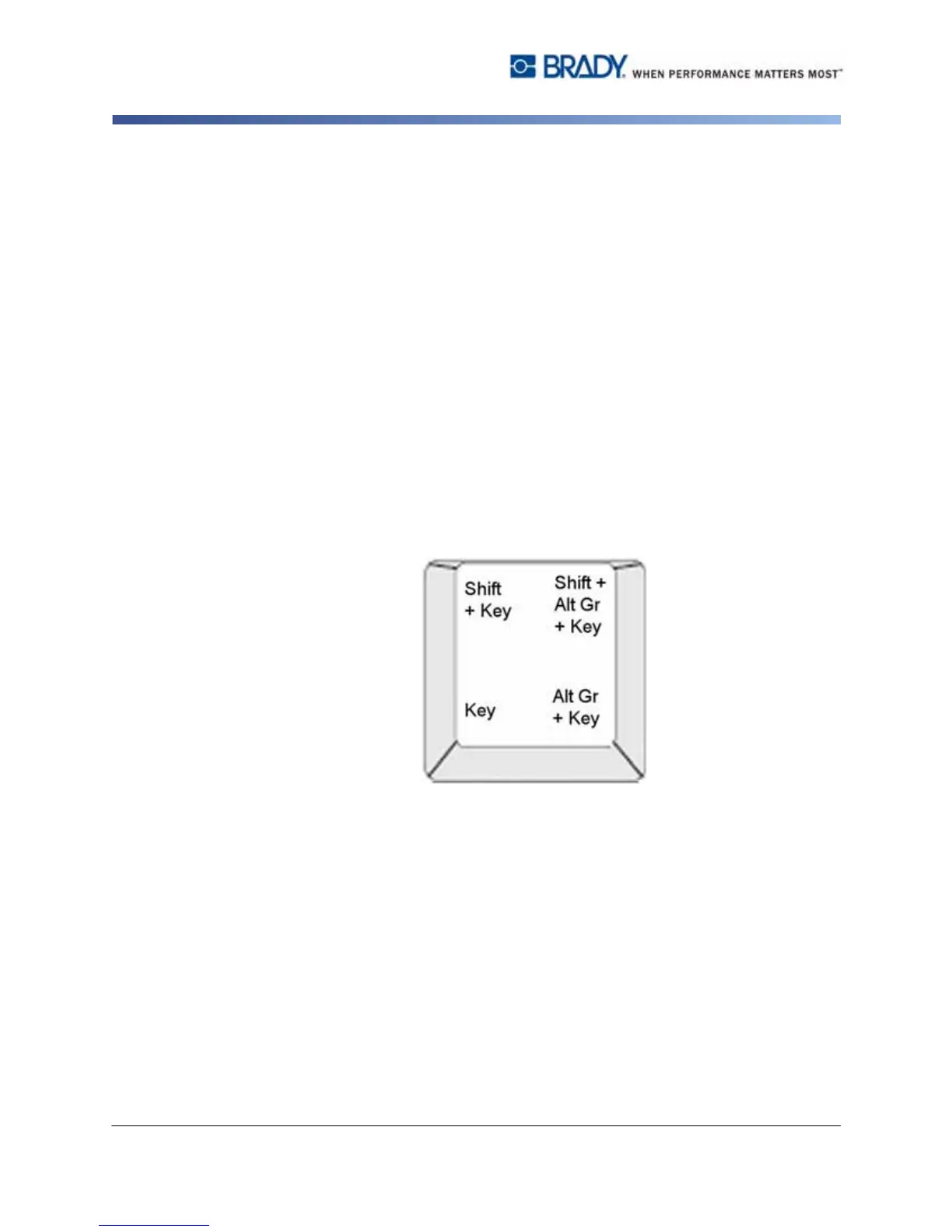
Keycaps show characters in one of four positions (see Figure 4-1). The character
position on the physical key indicates how to access the characters with the
<Shift> and <Alt Gr> keys.
Characters that require 2 keystrokes are not differentiated in any way, however,
they will respond differently when selected. For example, when an accented
character is typed, it will not display until the letter to be modified is also typed. The
accented character will then be displayed with the letter.
Understanding Keystroke Combinations
• The term "Key" represents the physical key on which the accent character is
located.
• The "+" sign indicates that two or more keys should be pressed simultaneously.
• A comma separating a keystroke combination indicates that the first set of keys
should be released before typing the next keystroke combination.
Figure 4-1. Keystroke Combinations



 To Next Page