BBP™31 Sign & Label Printer
User Guide
1-7
About Menus, Dialog Boxes and Screens
Control Panel
Control Panel
The Control Panel provides options specific to the object selected or the function
being performed.
Home Page Control Panel
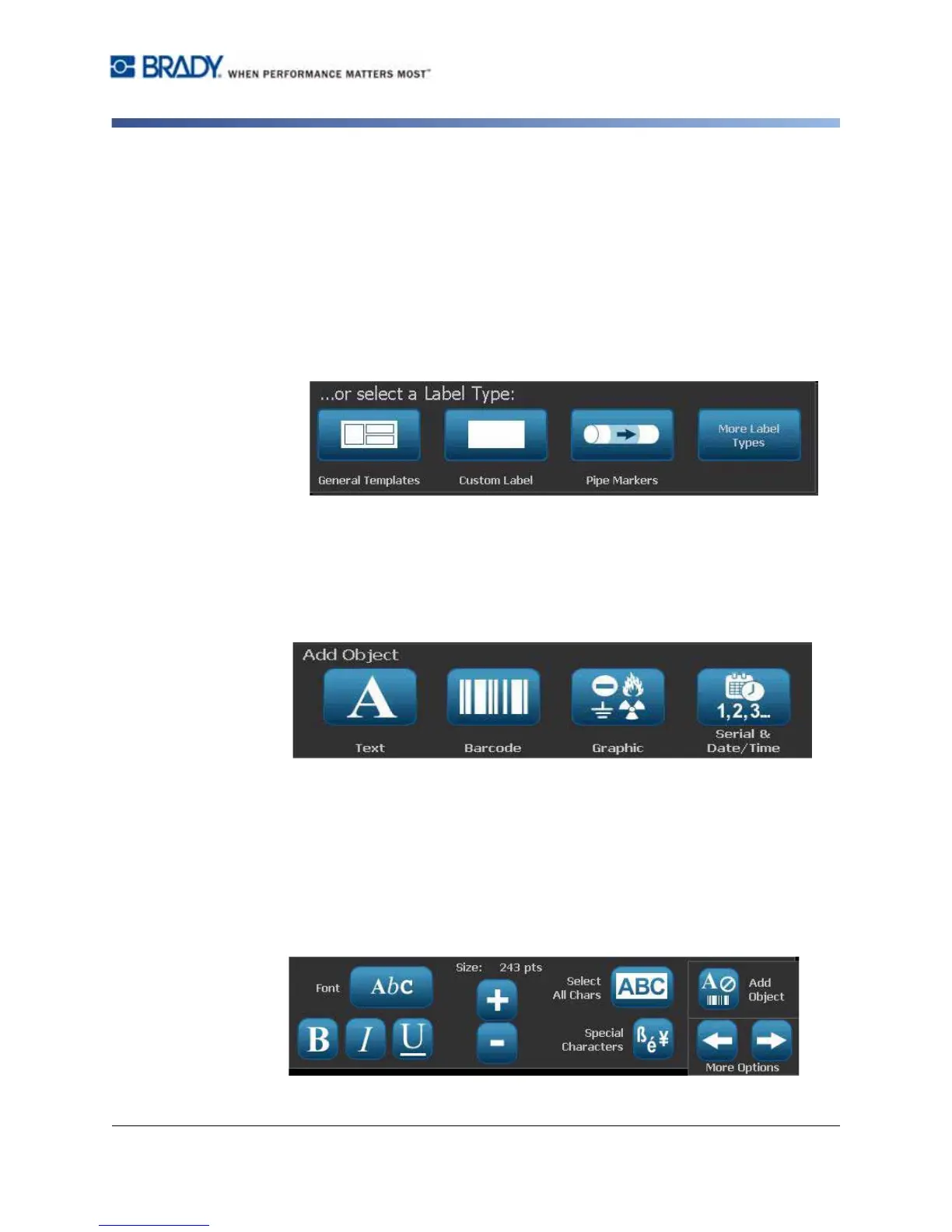
From the Home page, the control panel provides options for selecting available
label types (e.g., Pipe Markers, Right-to-Know, etc.). These label types provide a
starting point for creating your label. Depending on the label type you select, the
options for populating the objects will vary.
Add Object Panel
The Add Object control panel provides options for adding additional objects (e.g.,
text, graphic, etc.). Once selected, the options available for that object type
display. This control panel is accessed when you press Add Object from other
panels, touching a blank part of the label or touching the home screen label area.
With an Object Selected
With an object selected, the control panel provides options for editing the object.
From this panel, you can also add more objects or see more editing options. The
panel changes depending on the type of object selected.
The following example shows one of the text-editing panels. Pressing one of the
options in the panel either immediately changes the option or provides additional
options that you can select.



 To Next Page