BBP™31 Sign & Label Printer
User Guide
5-1
5 Printing Your Labels
Previewing Labels
The Preview options differ depending on whether the label is a standard label or a
serialized label.
Previewing a Label without Serialized Objects
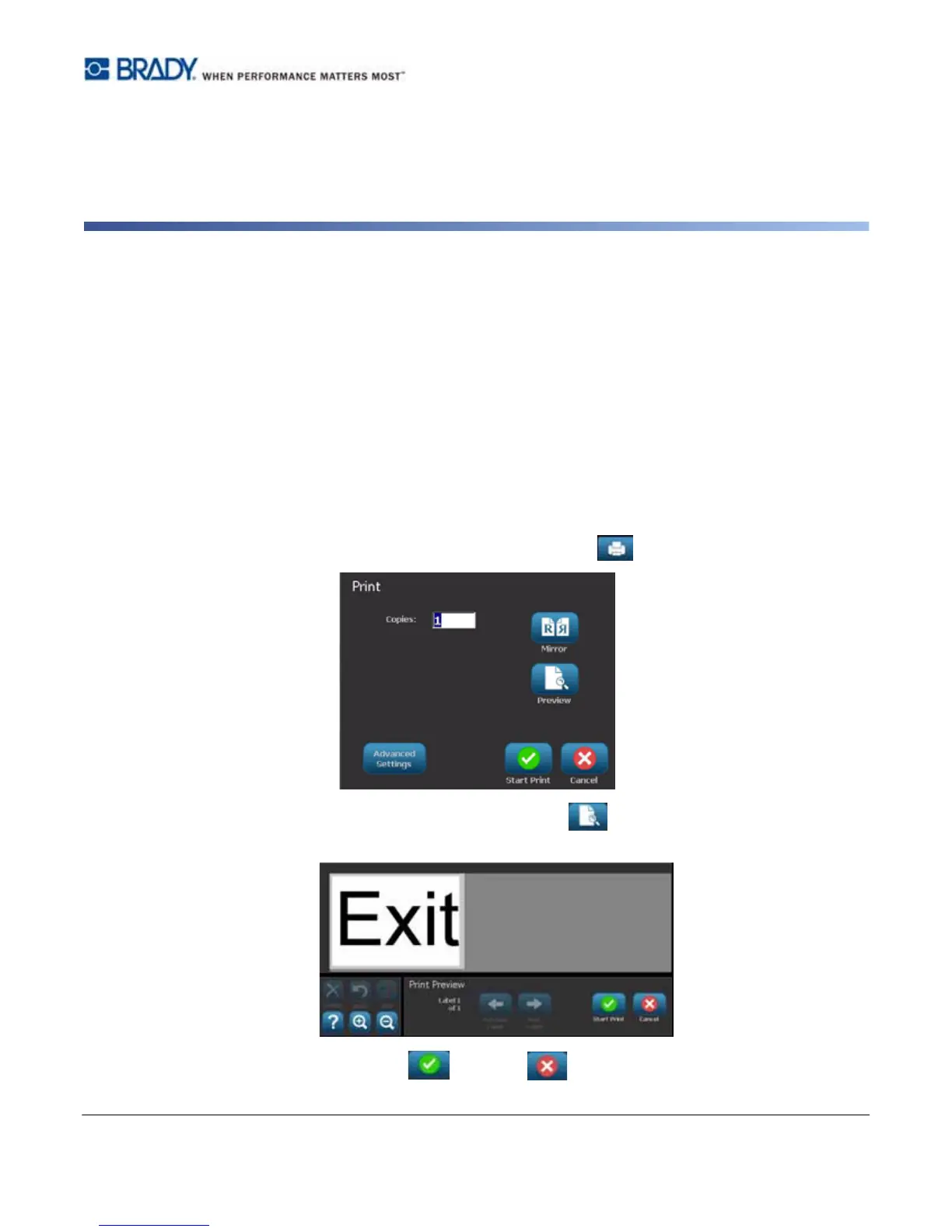
To preview a label with no serial data:
1. With a defined label in the Editor, select Print .
2. From the Print dialog box, select Preview . The entire label is displayed for your
review.
3. Select Start Print or Cancel .



 To Next Page