BBP™31 Sign & Label Printer
User Guide
4-27
Handling Objects
Sizing Objects
Drag Objects to Size
To drag objects to size:
1. In the Editor, select the object you want to resize.
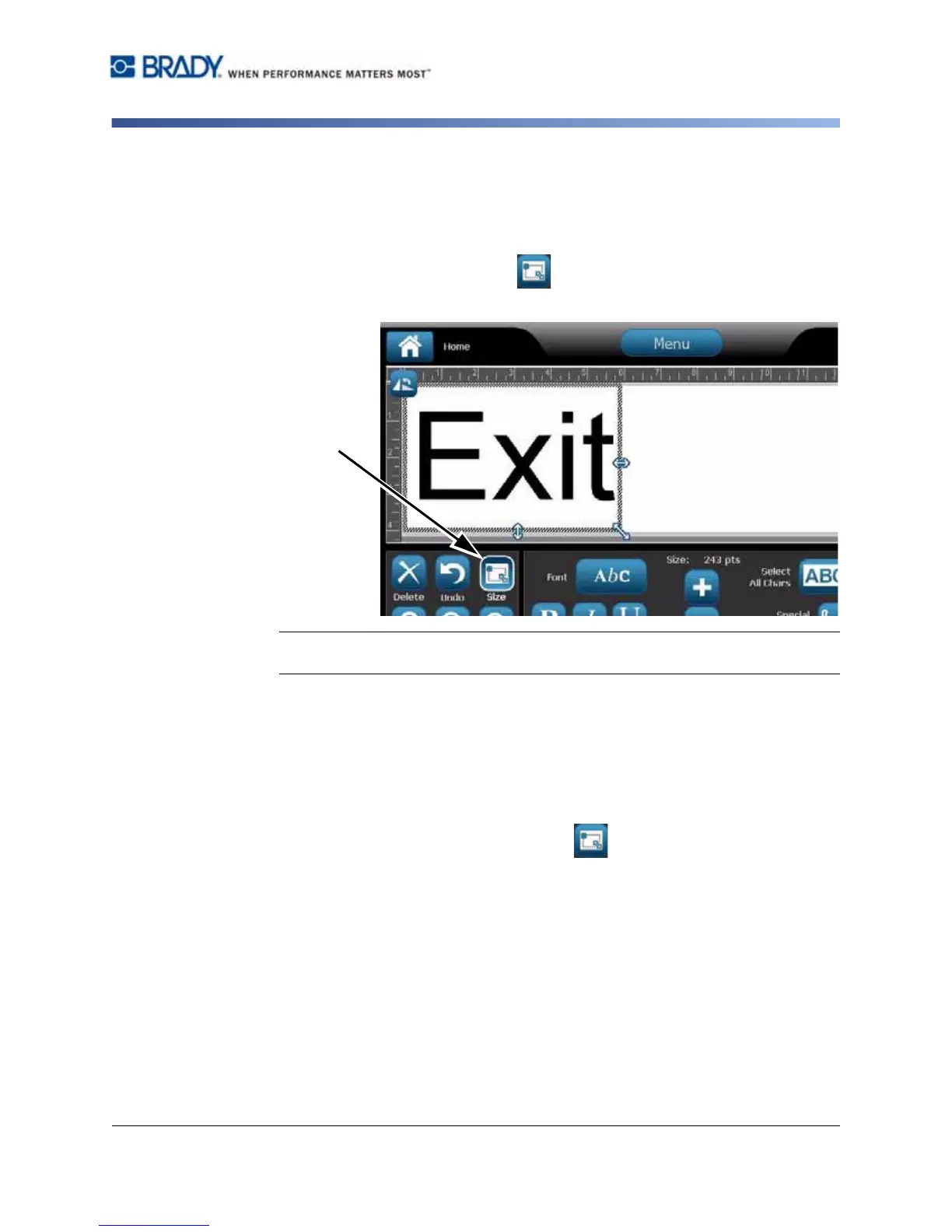
2. In the Tools panel, touch Size to display the sizing handles on the
object.
Note: If an object is rotated, the non-proportional sizing handles are hidden. To size
non-proportionally, return the object to an unrotated state (0 degrees).
3. Touch a handle and drag on the touch screen to resize the object:
•
Proportionally
: Drag the corner handle to resize the object proportionally.
•
Non-Proportionally (Width)
: Drag the right-side handle to stretch or shrink
the object width in the direction of the handle only.
•
Non-Proportionally (Height)
: Drag the bottom handle to stretch or shrink
the object width in the direction of the handle only.
4. To hide the sizing handles, touch Size again.



 To Next Page