C-12 BBP™31 Sign & Label Printer
User Guide
QuickLabels
Creating Quick Labels
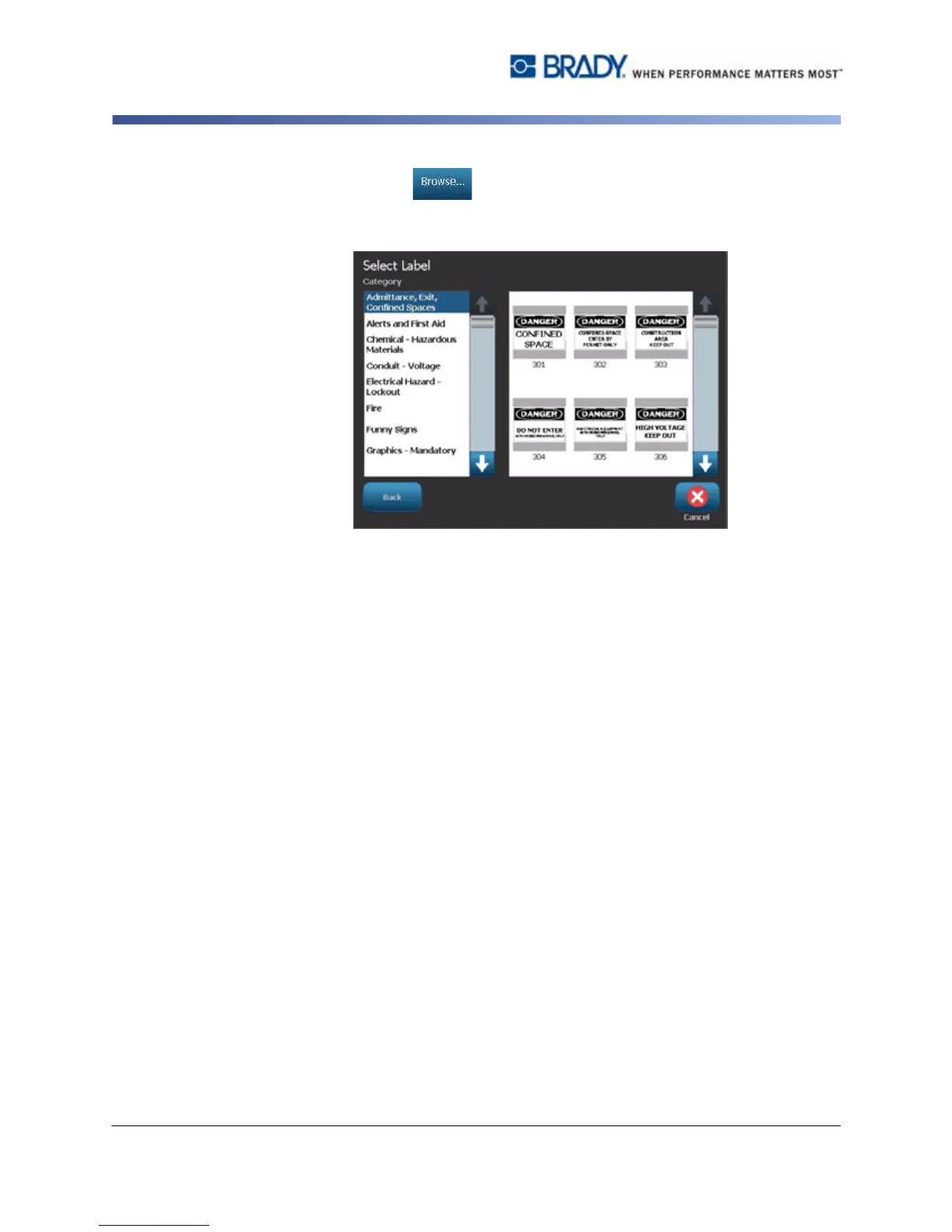
Touch Browse , choose a category, then select the label you want.
The label immediately opens in the Editor. See “Quick Label Reference
Images” on page C-13 for examples of available quick labels.
3. If desired, edit the quick label using the normal editing procedures. See
“Working with Labels” on page 3-1 and “Working with Objects” on page 4-1 for
more information.
4. To open, save or delete a quick label, see “Working with Label Files” on
page 6-1.



 To Next Page