8-6 BBP™31 Sign & Label Printer
User Guide
Printer Maintenance
Cleaning the Printer
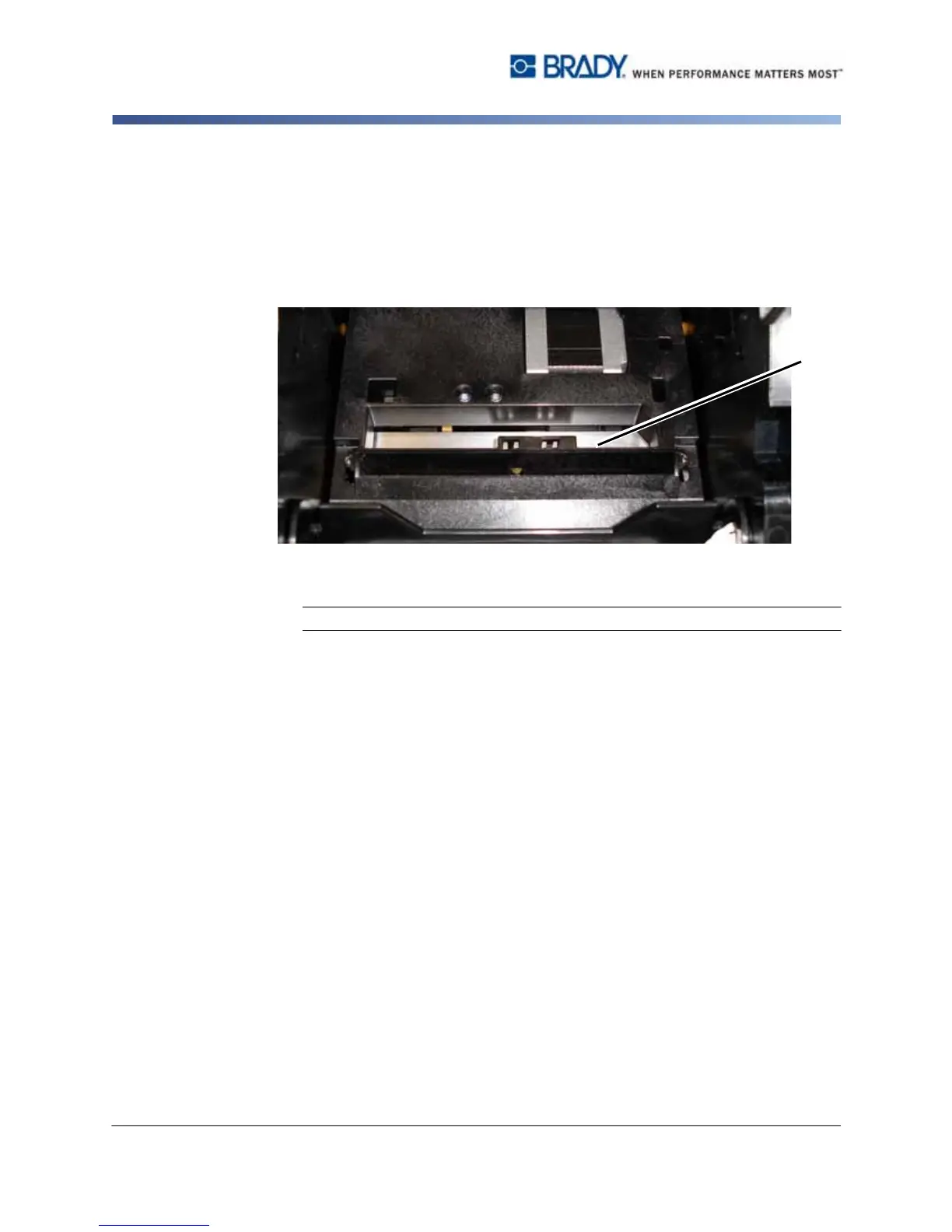
4. Clean metal cutting blade [8]:
a. If the cutting blade shows significant residue, use a flathead screwdriver
or other flat-edged tool to gently scrape the reside off the cutting blade.
b. Moisten one of the foam swabs from the cleaning kit with the alcohol. Do
not allow the alcohol to drip from the swab.
c. Clean cutting blade with moistened swab until all residue is removed.
5. Close the cutting blade by pushing up on the exit chute until the cutter tabs
snap into place.
Note: You may need to hold ribbon cover up slightly to access the exit chute.
6. Replace the ribbon and tape.
7. Close all covers and plug in the power cord.



 To Next Page