A-4 BBP™31 Sign & Label Printer
User Guide
• Reverse Print
page 15: Attribute applied to an object where the foreground and
background colors are switched.
• Rotate
page 30: Turning the label data some number of degrees on the label (the
printer supports 90, 180, 270 degree rotation only).
•Screen
: A unit of software content to show on the display (could also be called a
page or a window). Not the physical display itself.
• Sequence/Serialization/Serial
page 31: Generating a series of alpha or numeric
characters for subsequent labels. Also called variable data.
• Sizing Handles
page 27: Small arrows that appear at the corner (proportional
sizing) and sides (non-proportional sizing) of an object.
• Supply
: Includes ribbon and media or both.
•Template
page 1: Label with predefined content areas or data placeholders.
• Undo
page 2:Restores the last editing operation. For example, if a segment of text
was deleted or changed, performing an undo will restore the original text.
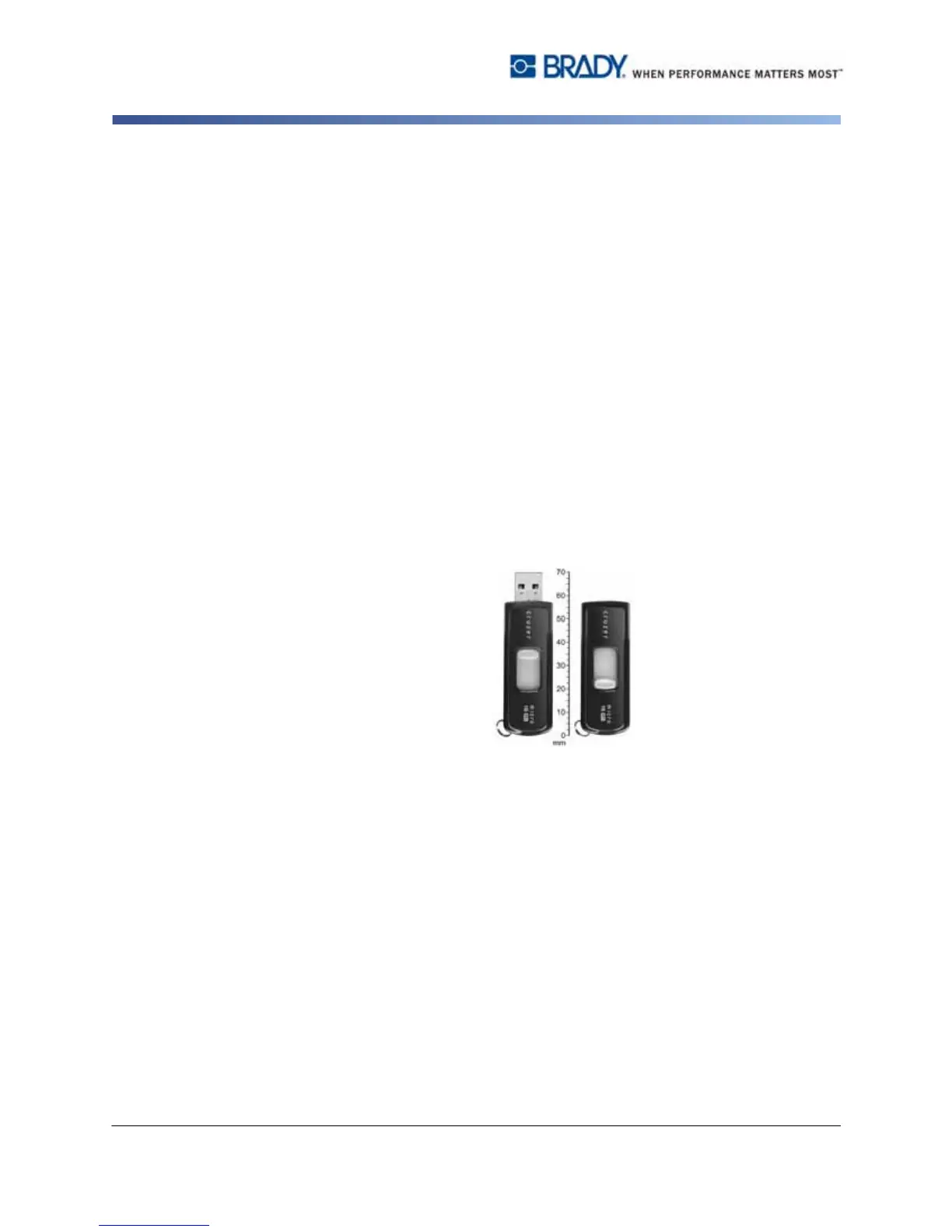
• USB Device
(Universal Serial Bus) [pages 2-12, 7-6]: A plug-and-play interface
between a computer and other devices. A USB device can be a Type B cable that
connects from the PC to a device (e.g., BBP31™ printer), or a small, portable
storage device (e.g., flash drive).
• Vertical Offset
page 8: Shifts the image (printed portion of the label) up or down.
• Vertical Text
page 14: Text characters oriented one above the next, so
subsequent characters appear below preceding characters.
•Wizard
page 12: Series of prompts guiding user through specific action(s).



 To Next Page