C-30 BBP™31 Sign & Label Printer
User Guide
Right to Know (RTK)
Setting RTK Preferences
Organ Types
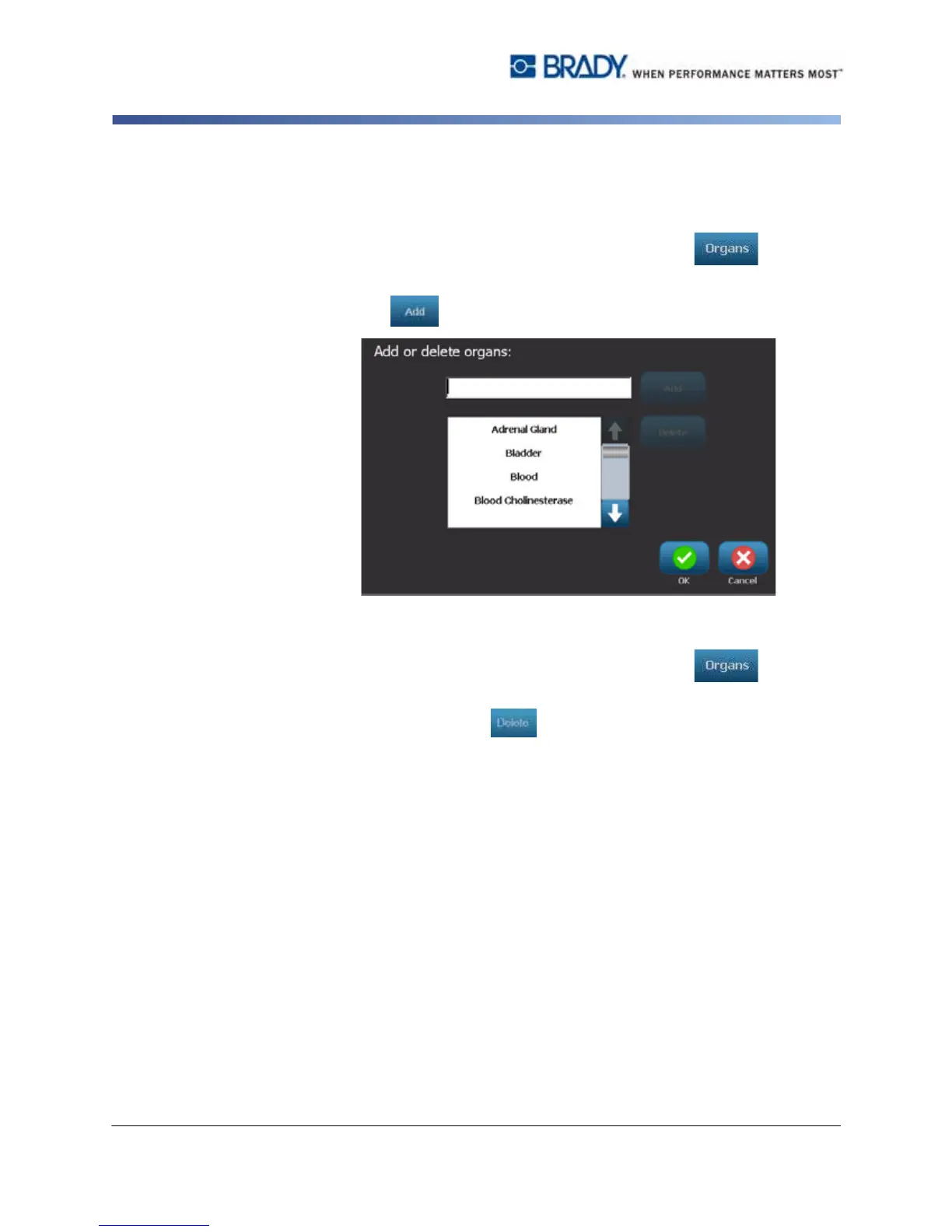
To add an organ type:
1. In the Right-to-Know Preferences dialog, select Organs .
2. In the Add or delete organs dialog, type the new organ you want to include.
3. Select Add . The organ will be added to the list.
To delete an organ type:
1. In the Right-to-Know Preferences dialog, select Organs .
2. In the Add or delete hazards drop-down list, choose the organ you want to
delete, then select Delete .



 To Next Page