BBP™31 Sign & Label Printer
User Guide
2-5
Unpacking and Setting up Printer
Setting up the Printer
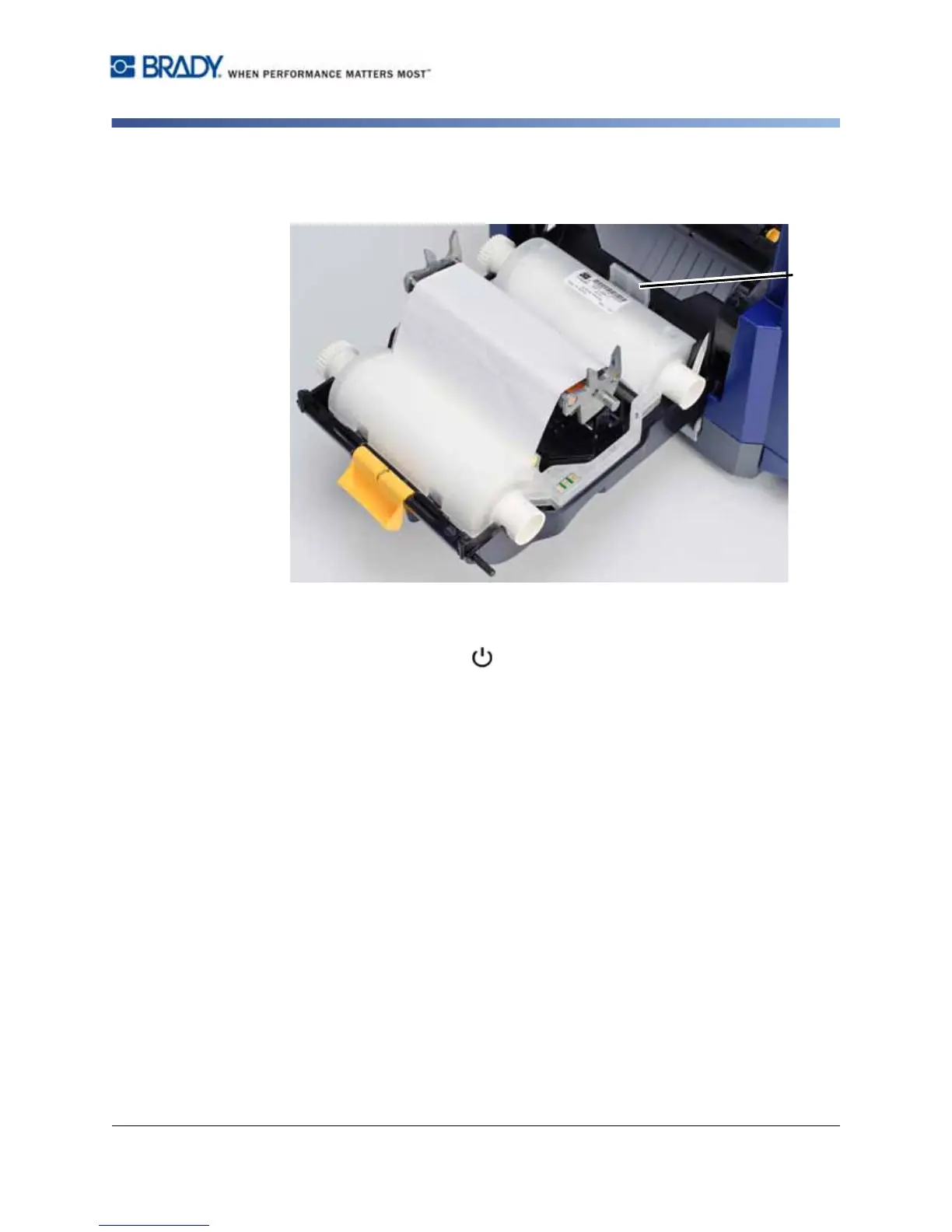
4. Place ribbon cartridge with ribbon over print head (product label toward
machine), then snap into place.
5. Close and latch the ribbon cover.
6. Close the enclosure cover.
7. If printer was off, press . The system detects the installed supplies, sets
media and ribbon colors, indicates the label dimensions and the amount of
remaining supplies.



 To Next Page