4-32 BBP™31 Sign & Label Printer
User Guide
Handling Objects
Converting Text or Barcode to Variable Data
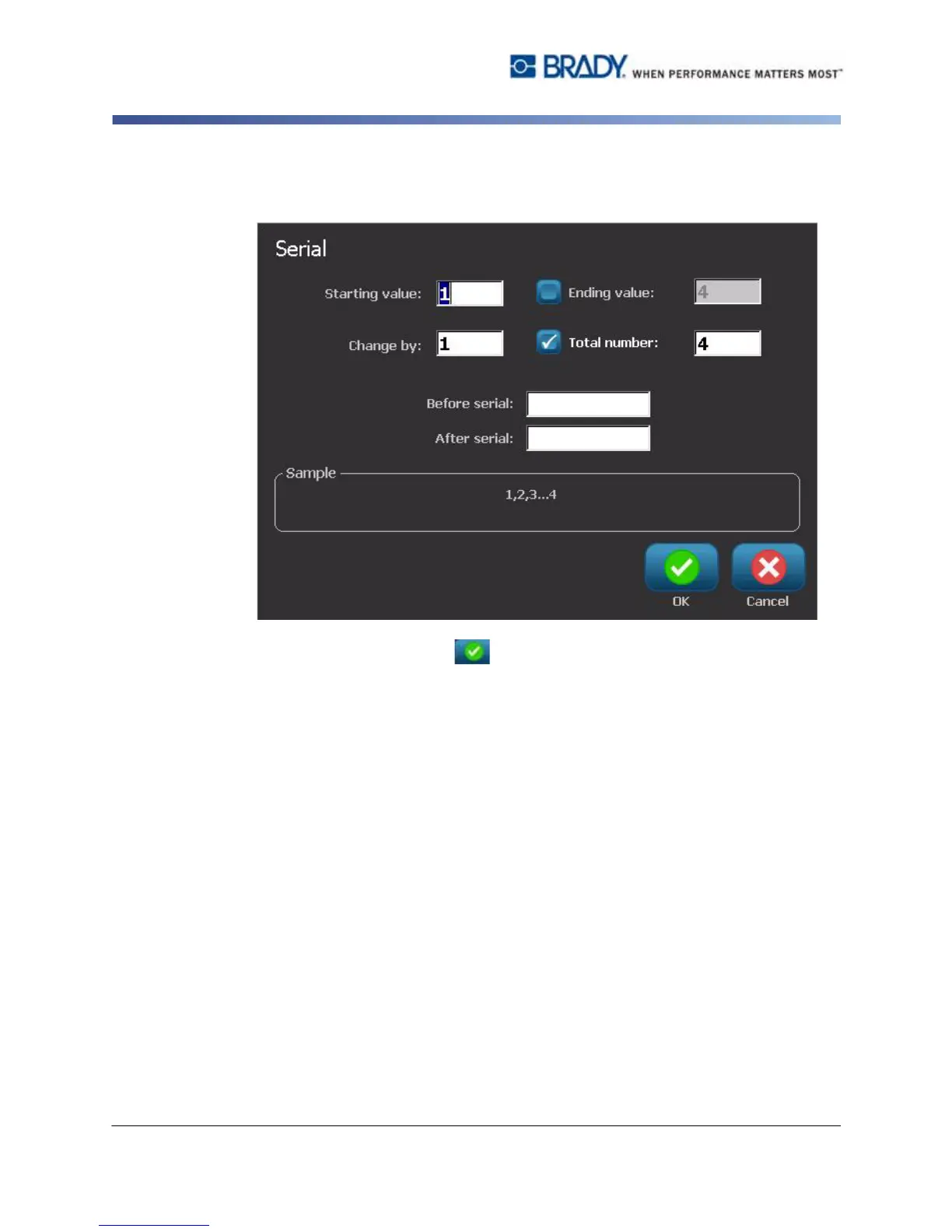
6. In the Serial dialog box, type or select values for setting the serial attributes
(the Sample area will immediately display an example of the selections):
7. When you select OK , The text or barcode object is converted to a serial
object on the label.



 To Next Page