Brooks Automation 2. Introduction to the Hardware
Part Number: PF40-DI-00010 Rev. A System Components
Remote Front Panel, E-Stop Box, and Manual Control Pendant
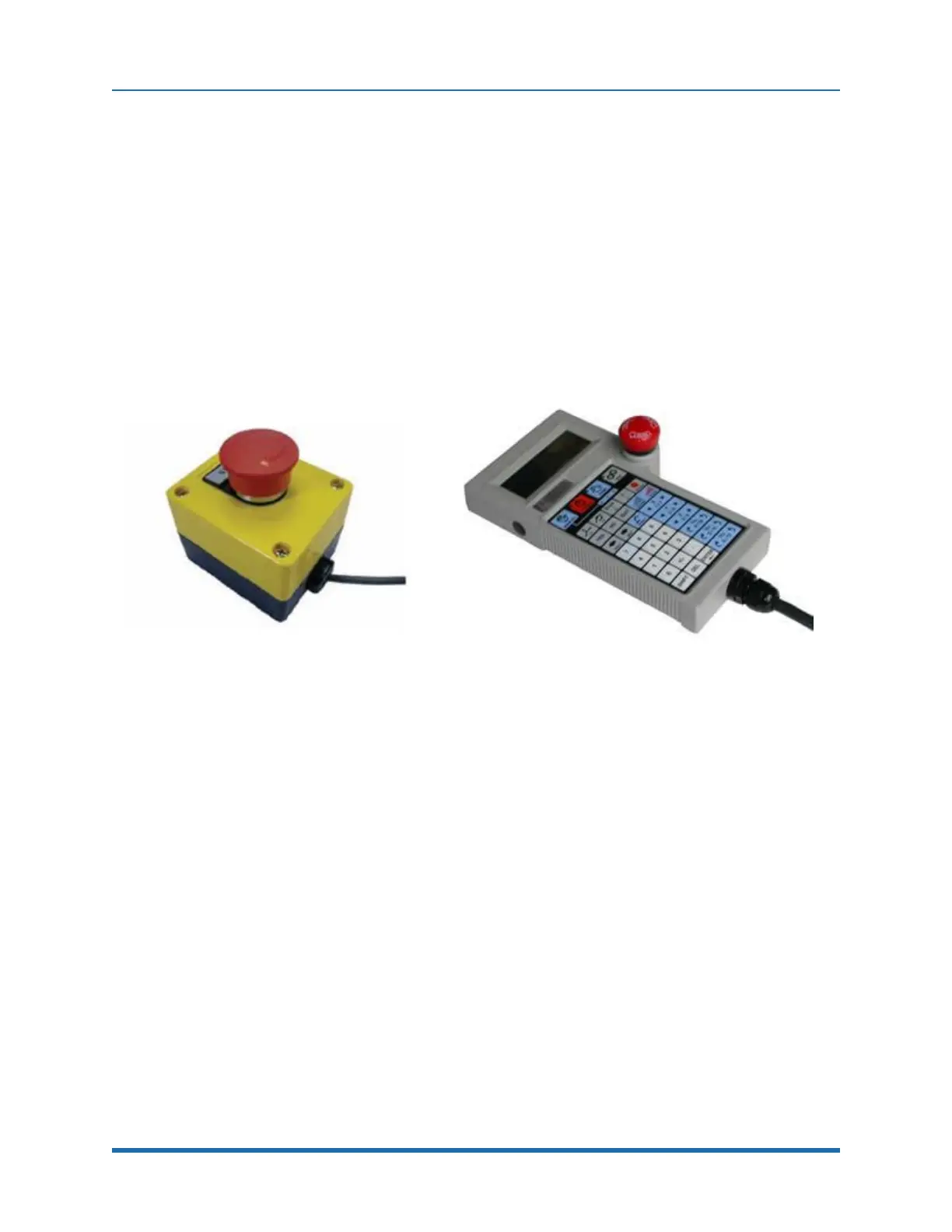
PreciseFlex offers an E-Stop Box (Figure 2-6) or a portable Hardware Manual Control Pendant
(Figure 2-7) that includes an E-Stop button. The E-Stop box can be plugged into the green Phoenix
connector in the connector panel in the base of the robot. The E-Stop box completes a circuit from
the top pin, Pin 1 (24 VDC) to Pin 2 (E-Stop) in this connector. If this circuit is not completed it is not
possible to enable motor power to the robot. If no E-Stop box or Manual Control Pendant is
connected, a jumper must be connected between these two pins to enable robot motor power. For
those applications where an operator must be inside the working volume of the robot while teaching,
a second teach pendant with a 3-position run hold switch is available. The Manual Control Pendants
can be plugged directly into the 9-pin Dsub connector mounted on the robot's Facilities Panel in the
base of the robot. The E-Stop connections are also present on the 9-pin Dsub connector and each
of these units provides the hardware signals to permit power to be enabled and disabled.
Figure 2-6: E-Stop Box
Figure 2-7: Manual Control Pendant
Optional RS-485 IO Module (GIO)
For users who want to have IO available at the base of the robot, an optional IO module (Figure 2-8)
may be added. This module provides 12 digital inputs and 8 digital outputs in a 25-pin Dsub
connector at the robot connector panel and is connected via RS-485 to the robot controller.
Copyright © 2023, Brooks Automation
20



 To Next Page