Description
2
CLS Pro 600 – Line and Contrast Sensor 17/108
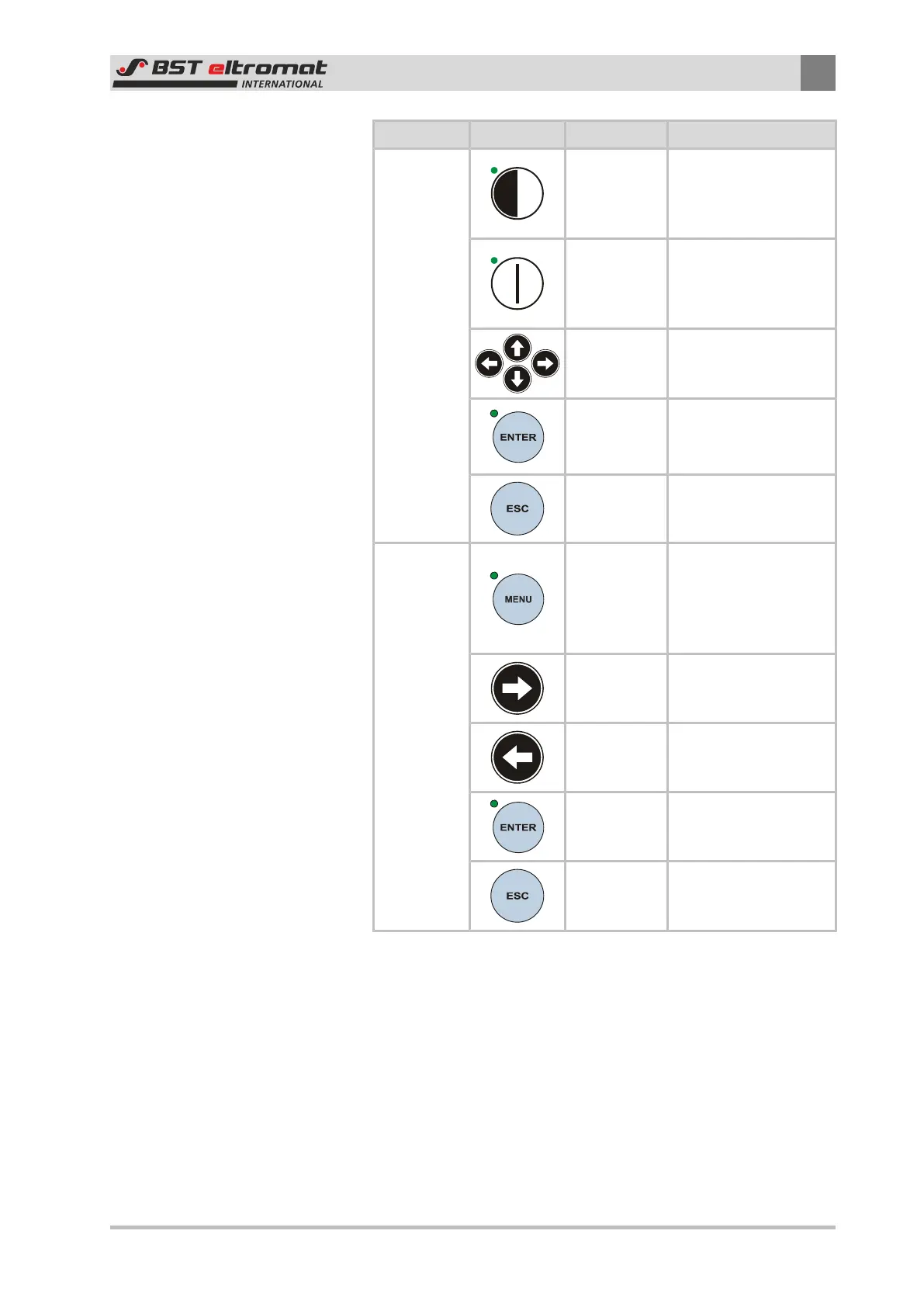
Function Key Designation Description
Setup
Mode
Edge SETUP
Calls up the edge guid-
ing setup mode (only
possible in MAN
mode)
Line SETUP
Calls up the line guid-
ing set-up mode (only
possible in MAN
mode)
Arrow Keys
Used to enter settings
as shown in the oper-
ating help page
ENTER
■ Imports the mode /
parameter settings
■ Exit the Setup mode
ESC
Aborts the parameter
entering process
Menu
MENU
Calls up or exits the
quick menus (the key
must be held down for
at least 3 seconds to
call up the menu)
Right Arrow
Key
Used to enters a sub-
menu or parameter
Left Arrow
Key
Pages back by one
menu level (does not
exit the menu)
ENTER
Used to open a sub-
menu or select a para-
meter
ESC
Pages back by one
menu level and might
also close the menu
2.6 Safety Information
The safety relevant information in accordance with DIN EN ISO
13857, DIN EN 349 and the industry specific accident prevention
regulations must always be taken into consideration when in-
stalling the BST-eltromat equipment in the production machine,
these include:
■ There must always be a safe distance between the BST-eltro-
mat equipment and the machinery already installed on-site,
such as machine panels, building structures, etc.


 To Next Page