128
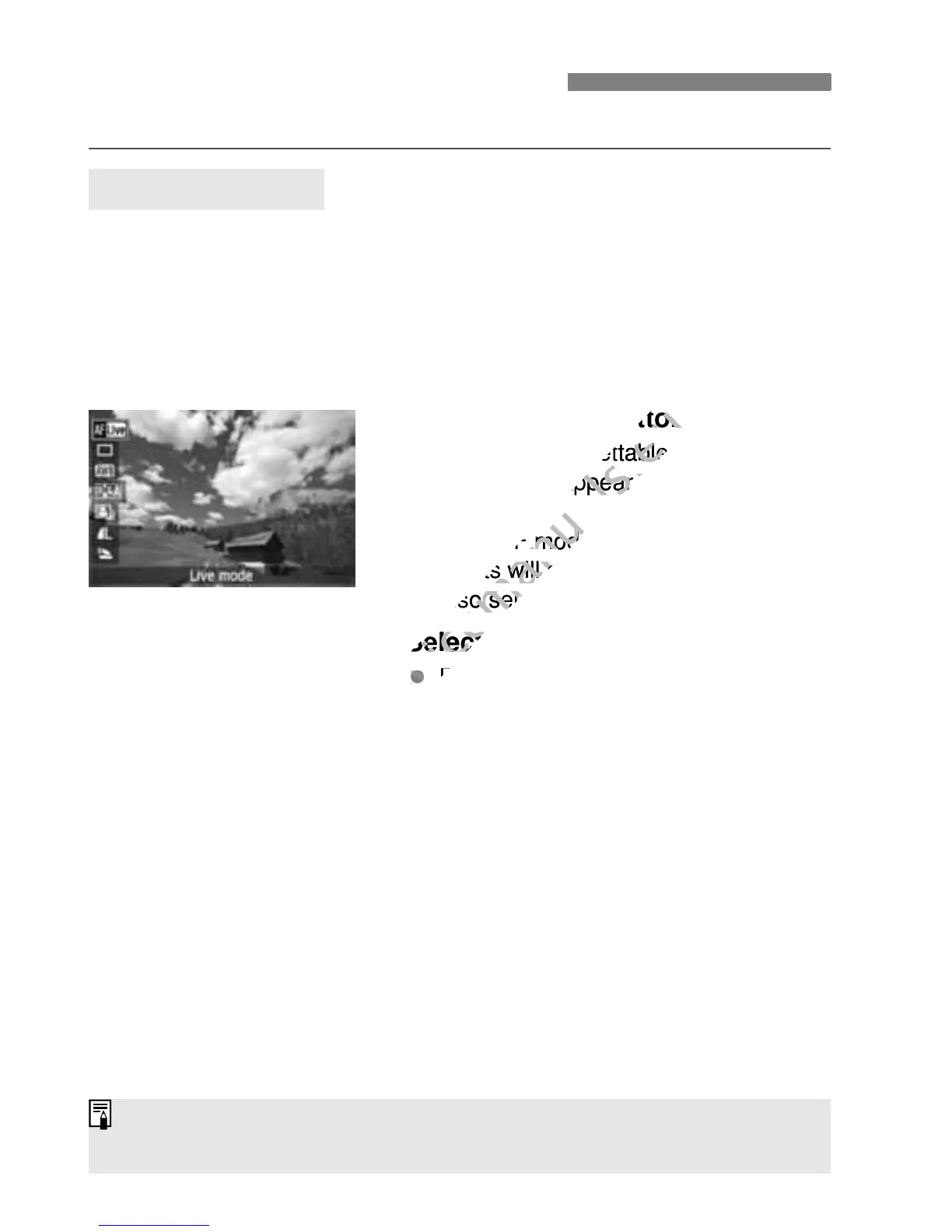
Function settings particular to Live View shooting are explained here.
While the image is displayed on the LCD monitor in Creative Zone
modes, pressing the <Q> button will enable you to set the AF mode,
drive mode, white balance, Picture Style, Auto Lighting Optimizer,
image-recording quality, and built-in flash settings. In Basic Zone
modes, you can set the AF mode and the settings shown in the table on
page 64.
1
Press the <Q> button.
X The functions settable with Quick
Control will appear on the left of the
screen.
If the AF mode is <f>, the AF
points will also be displayed. You can
also select the AF point.
2
Select a function and set it.
Press the <V> key to select a
function.
X The selected function and Feature
guide (p.48) will appear.
Press the <U> key or turn the
<6> dial to change the setting.
Pressing <0> will display the
respective function’s setting screen.
Shooting Function Settings
Q Quick Control
In Creative Zone modes, you can set the ISO speed by pressing the <Z>
button.



 To Next Page