EasyManua.ls Logo

Canon EOS 600D - S Resize

Canon EOS 600D
328 pages
Print Icon
To Next Page IconTo Next Page
To Previous Page IconTo Previous Page
Loading...
233
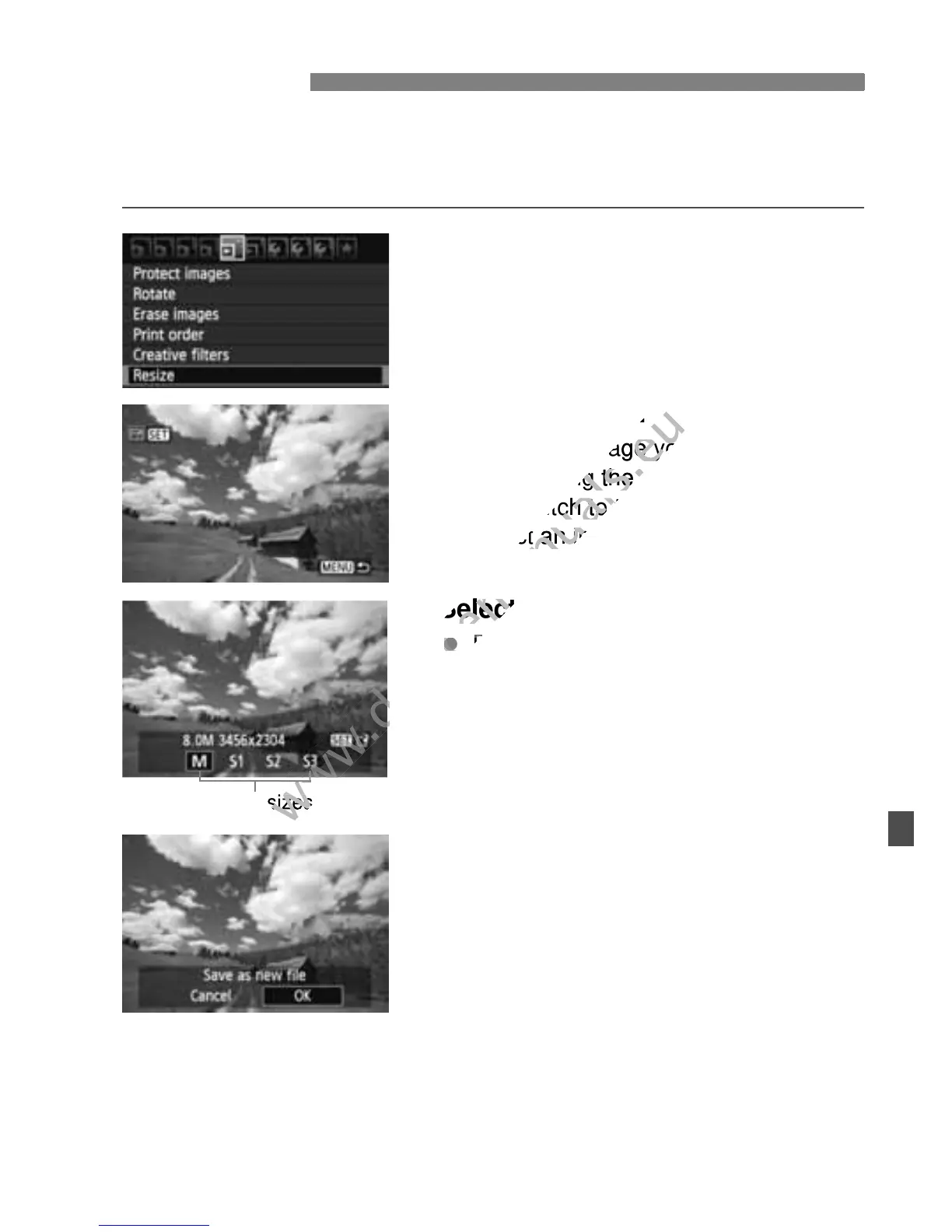
You can resize an image to make the pixel count lower and save it as a
new image. Resizing an image is possible only with JPEG 3/4/a/b
images. JPEG c and RAW images cannot be resized.
1
Select [Resize].
Under the [3 ] tab, select [Resize],
then press <0>.
X The images will be displayed.
2
Select an image.
Select the image you want to resize.
By pressing the <I> button, you
can switch to the index display and
select an image.
3
Select the desired image size.
Press <0> to display the image
sizes.
Press the <U> key to select the
desired image size, then press <0>.
4
Save the image.
Select [OK] to save the image.
Note the destination folder and image
file number, then select [OK].
To resize another image, repeat steps
2 to 4.
To exit and return to the menu, press
the <M> button.
S Resize
Target sizes

www.devicemanuals.eu
Select an image.
www.devicemanuals.eu
Select an image.
Select the image you want to resize.
www.devicemanuals.eu
Select the image you want to resize.
By pressing the <
www.devicemanuals.eu
By pressing the <
can switch to the index display and
www.devicemanuals.eu
can switch to the index display and
select an image.
www.devicemanuals.eu
select an image.
Select the desired image size.
www.devicemanuals.eu
Select the desired image size.
www.devicemanuals.eu
Press <
www.devicemanuals.eu
Press <
www.devicemanuals.eu
Target sizes
www.devicemanuals.eu
Target sizes

Table of Contents

Other manuals for Canon EOS 600D

Related product manuals