EasyManua.ls Logo

Canon EOS 600D - Enjoying Movies

Canon EOS 600D
328 pages
Print Icon
To Next Page IconTo Next Page
To Previous Page IconTo Previous Page
Loading...
210
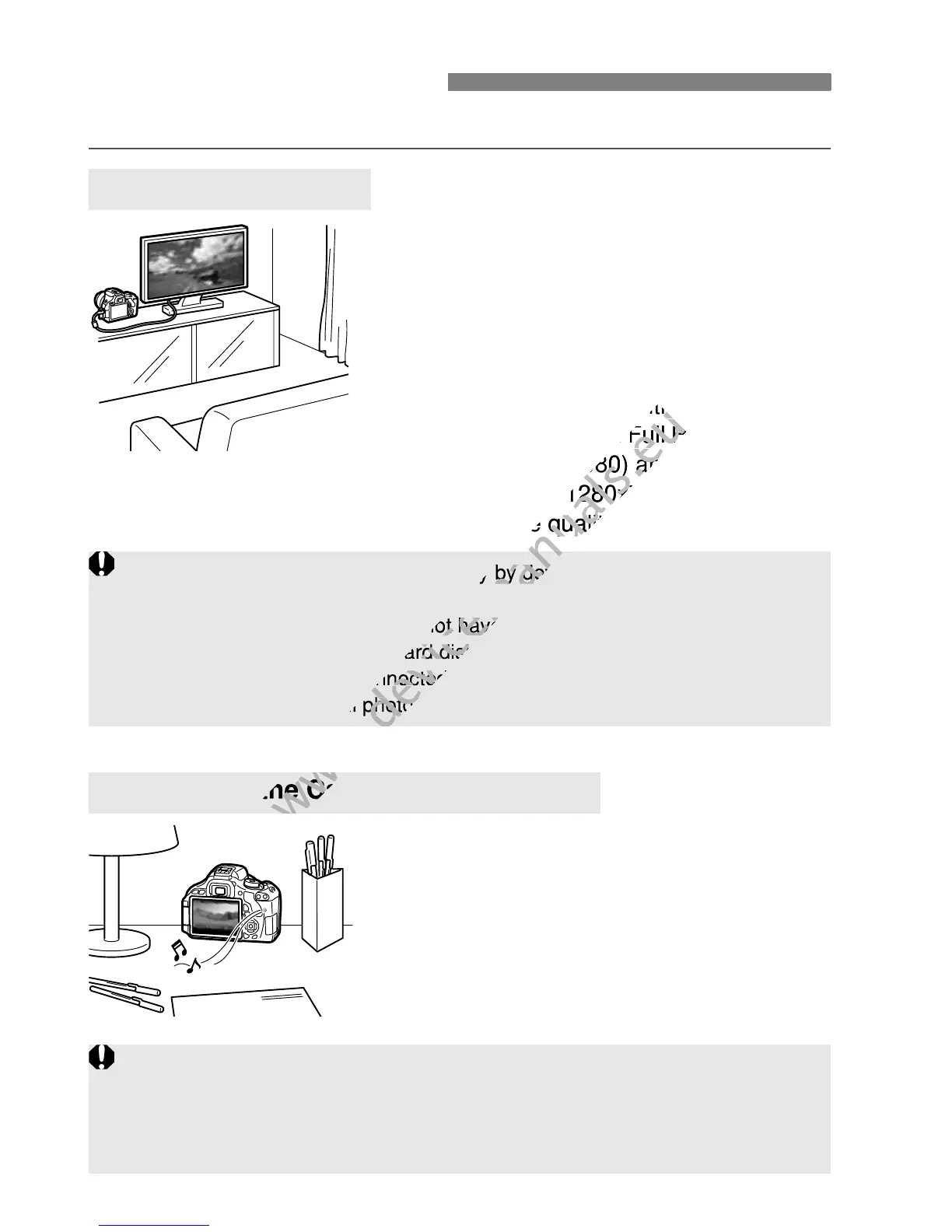
Basically, you can playback movies in the following three ways:
Use the provided AV cable or an HDMI
Cable HTC-100 (sold separately) to
connect the camera to a TV set. Then
you can playback the captured movies
and still photos on the TV.
If you have a High-Definition TV set and
connect your camera with an HDMI
cable, you can watch Full High-Definition
(Full HD: 1920x1080) and High-
Definition (HD: 1280x720) movies with
higher image quality.
You can playback movies on the
camera’s LCD monitor. You can also edit
out the movie’s first and last scenes, and
playback the images and movies in the
card in an automatic slide show.
k Enjoying Movies
Playback on a TV set
(p.218, 221)
Playback on the Camera’s LCD Monitor
(p.212-217)
Movies on a card can be played only by devices compatible with MOV
files.
Since hard disk recorders do not have an HDMI IN terminal, the camera
cannot be connected to a hard disk recorder with an HDMI cable.
Even if the camera is connected to a hard disk recorder with a USB
cable, movies and still photos cannot be played nor saved.
A movie edited with a personal computer cannot be rewritten to the card and
played back with the camera. However, video snapshot albums edited with
ZoomBrowser EX/ImageBrowser (provided software) can be played on the
camera.

www.devicemanuals.eu
connect your camera with an HDMI
www.devicemanuals.eu
connect your camera with an HDMI
cable, you can watch
www.devicemanuals.eu
cable, you can watch
Full High-Definition
www.devicemanuals.eu
Full High-Definition
(Full HD: 1920x1080) and High-
www.devicemanuals.eu
(Full HD: 1920x1080) and High-
Definition (HD: 1280x720) movies with
www.devicemanuals.eu
Definition (HD: 1280x720) movies with
higher image quality.
www.devicemanuals.eu
higher image quality.
www.devicemanuals.eu
Playback on the Camera’s LCD Monitor
www.devicemanuals.eu
Playback on the Camera’s LCD Monitor
www.devicemanuals.eu
Movies on a card can be played only by devices compatible with MOV
www.devicemanuals.eu
Movies on a card can be played only by devices compatible with MOV
Since hard disk recorders do not have an HDMI IN terminal, the camera
www.devicemanuals.eu
Since hard disk recorders do not have an HDMI IN terminal, the camera
cannot be connected to a hard disk recorder with an HDMI cable.
www.devicemanuals.eu
cannot be connected to a hard disk recorder with an HDMI cable.
Even if the camera is connected to a hard disk recorder with a USB
www.devicemanuals.eu
Even if the camera is connected to a hard disk recorder with a USB
cable, movies and still photos cannot be played nor saved.
www.devicemanuals.eu
cable, movies and still photos cannot be played nor saved.
www.devicemanuals.eu

Table of Contents

Other manuals for Canon EOS 600D

Related product manuals