EasyManua.ls Logo

Canon EOS 600D - Shoot by Lighting or Scene Type

Canon EOS 600D
328 pages
Print Icon
To Next Page IconTo Next Page
To Previous Page IconTo Previous Page
Loading...
68
In the <2> (Portrait), <3> (Landscape), <4> (Close-up), and <5>
(Sports) Basic Zone modes, you can shoot while the settings match the
lighting or scene type. Normally, [Default setting] is adequate, but if the
settings match the lighting condition or scene, the picture will look more
accurate to your eye.
For Live View shooting, if you set both [Shoot by lighting or scene
type] and [Shoot by ambience selection] (p.65), you should first set
[Shoot by lighting or scene type]. This will make it easier to see the
resulting effect on the LCD monitor.
1
Set the Mode Dial to any of the
following modes: <2>, <3>,
<4>, or <5>.
2
Display the Live View image.
With the Live View image displayed,
you can see the resulting effect.
Press the <A> button to switch to
Live View shooting.
Shoot by Lighting or Scene Type
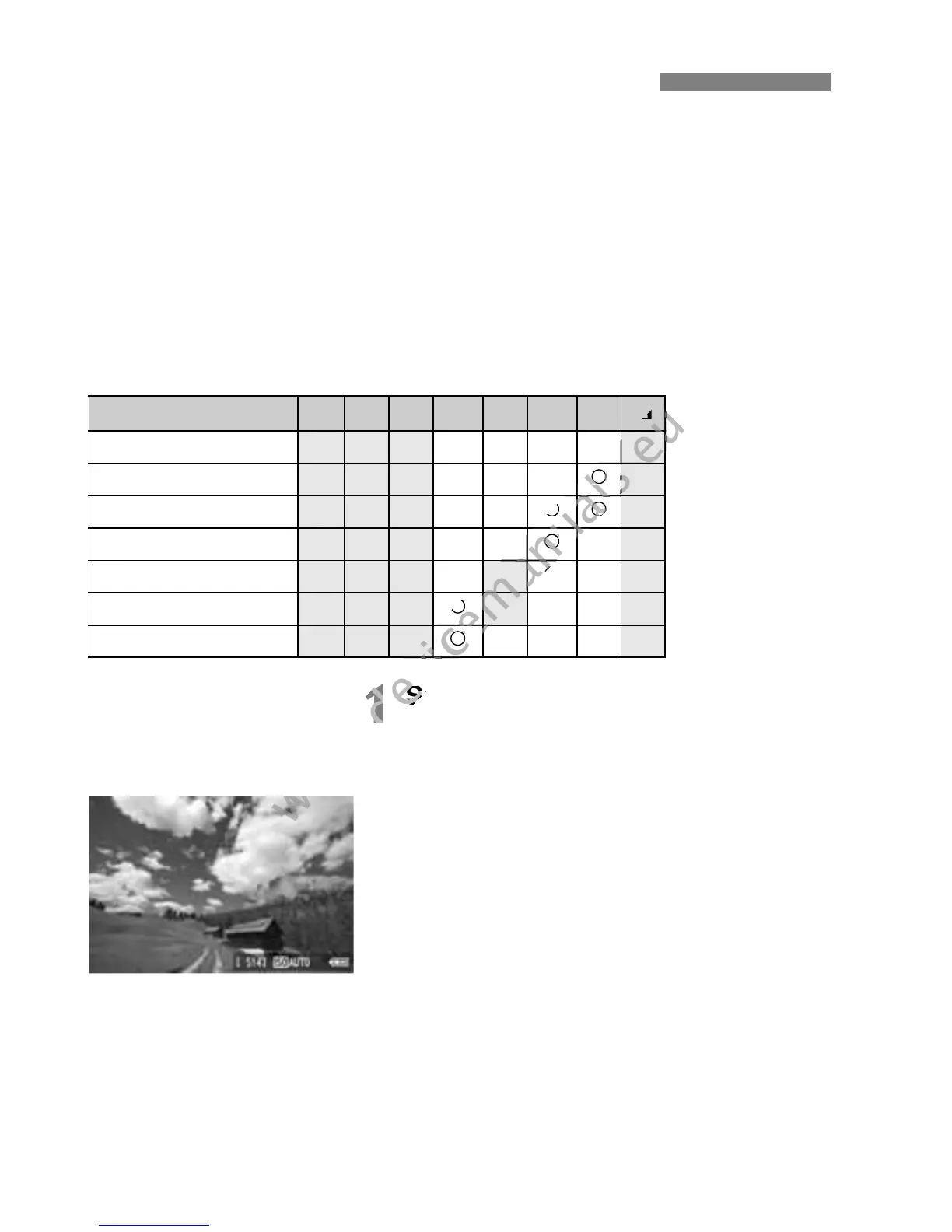
Lighting or scene
A 7 C 2 3 4 5 6
(1) Default setting
k k k k
(2) Daylight
k k k k
(3) Shade
k k k k
(4) Cloudy
k k k k
(5) Tungsten light
k k k
(6) Fluorescent light
k k k
(7) Sunset
k k k k

www.devicemanuals.eu
6
www.devicemanuals.eu
6
www.devicemanuals.eu
k
www.devicemanuals.eu
k
www.devicemanuals.eu
k
www.devicemanuals.eu
k
www.devicemanuals.eu
k
www.devicemanuals.eu
k
www.devicemanuals.eu
k
www.devicemanuals.eu
k
www.devicemanuals.eu
k
www.devicemanuals.eu
k
www.devicemanuals.eu
k
www.devicemanuals.eu
k
www.devicemanuals.eu
k
www.devicemanuals.eu
k
www.devicemanuals.eu
1
www.devicemanuals.eu
1
Set the Mode Dial to any of the
www.devicemanuals.eu
Set the Mode Dial to any of the
www.devicemanuals.eu

Table of Contents

Other manuals for Canon EOS 600D

Related product manuals