60
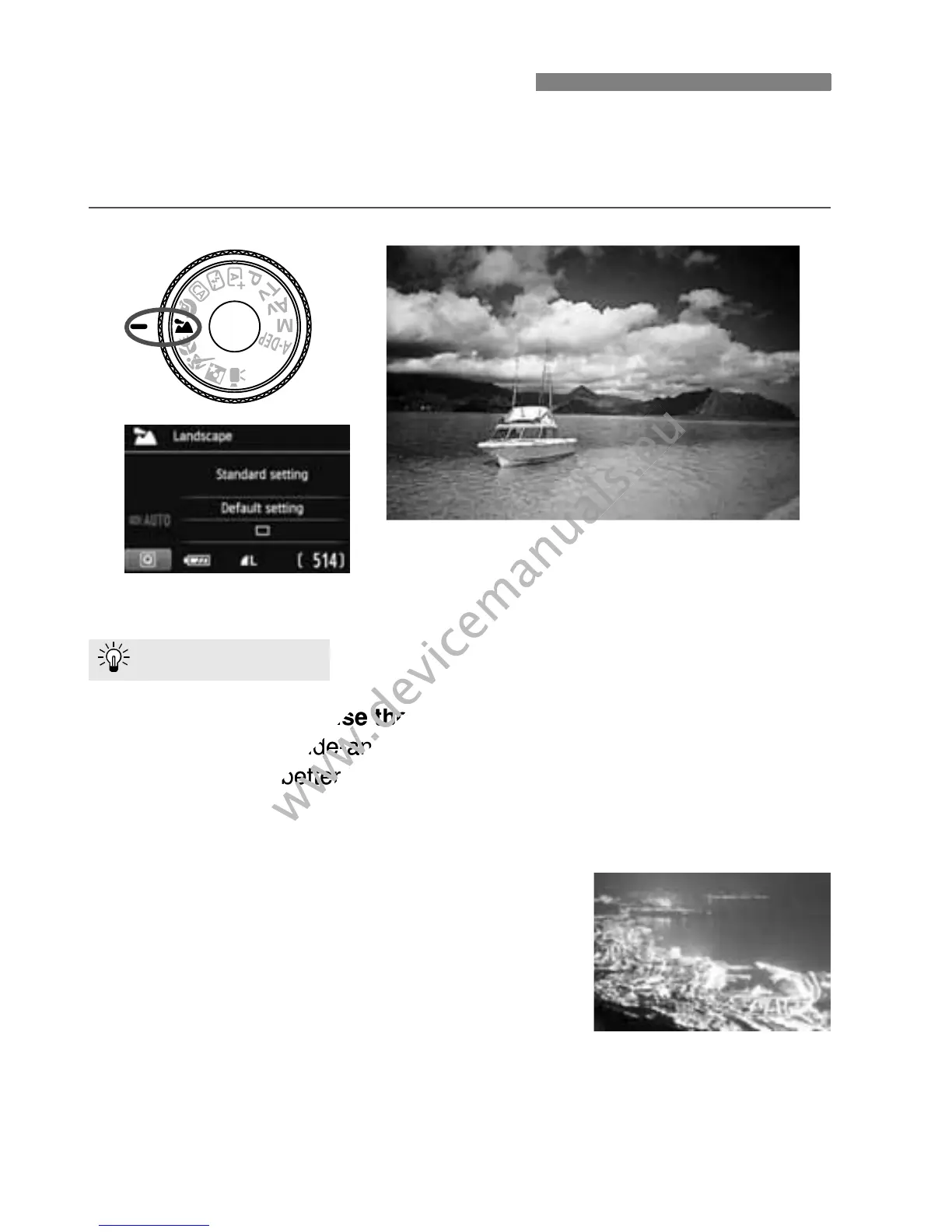
Use the <3> (Landscape) mode for wide scenery, night scenes, or to
have everything in focus from near to far. For vivid blues and greens,
and very sharp and crisp images.
With a zoom lens, use the wide-angle end.
When using the wide-angle end of a zoom lens, objects near and far
will be in focus better than at the telephoto end. It also adds breadth
to landscapes.
Shooting night scenes.
Since the built-in flash will be disabled, this
mode <3> is also good for night scenes.
Use a tripod to prevent camera shake.
If you want to photograph a person against
a night scene, set the Mode Dial to <6>
(Night Portrait) and use a tripod (p.63).
3 Shooting Landscapes
Shooting Tips
With a zoom lens, use the wide-angle end.
www.devicemanuals.eu
With a zoom lens, use the wide-angle end.
will be in focus better than at the telephoto end. It also adds breadth
www.devicemanuals.eu
will be in focus better than at the telephoto end. It also adds breadth



 To Next Page