Handy Features
174
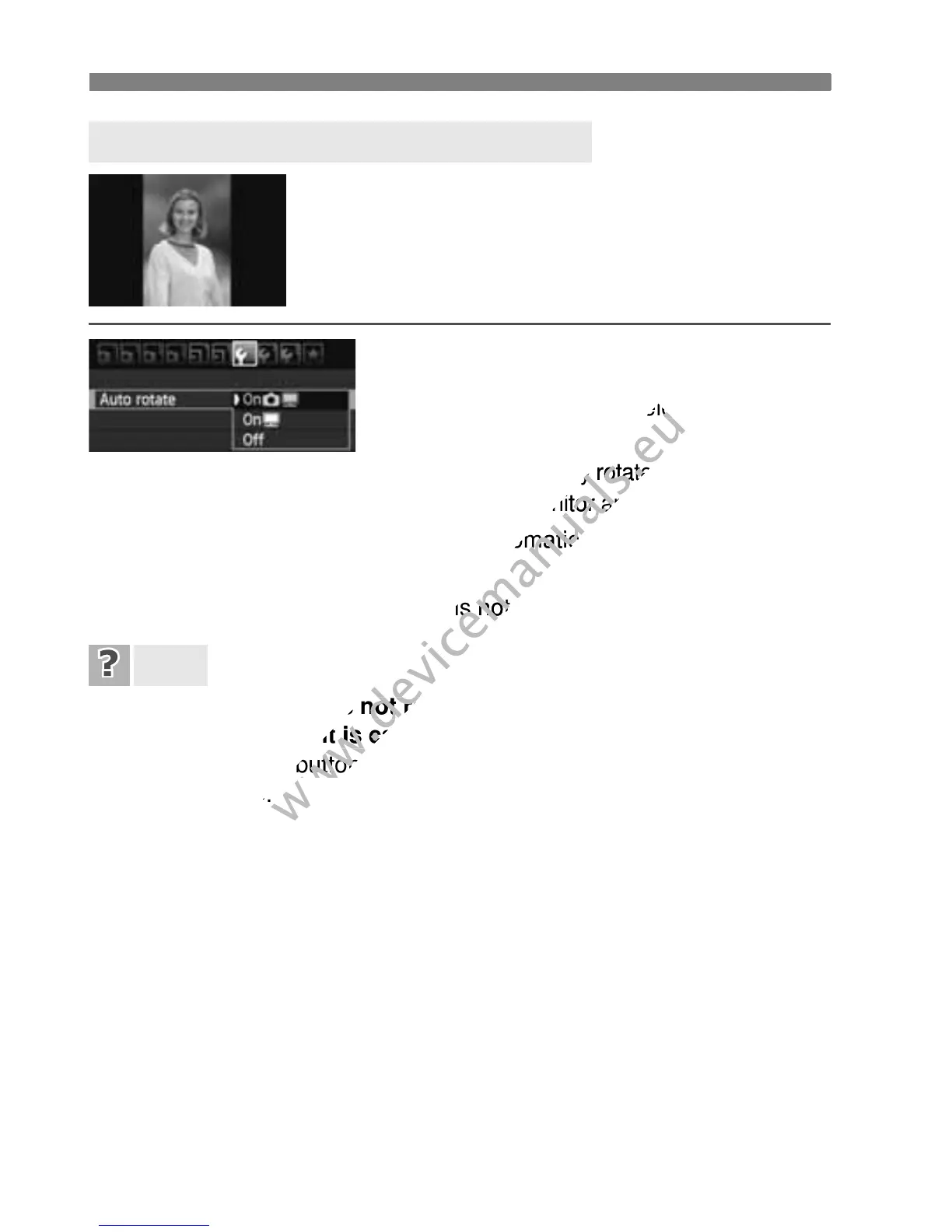
Vertical images are rotated automatically so they
are displayed vertically on the camera’s LCD
monitor and on the personal computer instead of
horizontally. The setting of this feature can be
changed.
Under the [5] tab, select [Auto rotate],
then press <0>. The available settings
are described below. Select one, then
press <0>.
[OnPD] :
The vertical image is automatically rotated during playback
on both the camera’s LCD monitor and on the computer.
[OnD] : The vertical image is automatically rotated only on the
computer.
[Off] : The vertical image is not automatically rotated.
The vertical image is not rotated during the image review
immediately after it is captured.
Press the <x> button and the image playback will display the
rotated image.
[OnPD] is set, but the image does not rotate during playback.
Auto rotate will not work with vertical images captured while [
Auto
rotate
] was set to [
Off
]. If the vertical image is taken while the camera
is pointed up or down, the image might not be rotated automatically for
playback. In such a case, see “Rotating the Image” on page 205.
On the camera’s LCD monitor, I want to rotate an image
captured when [OnD] had been set.
Set [OnPD], then playback the image. It will be rotated.
The vertical image does not rotate on the computer screen.
The software used is not compatible with image rotation. Use the
software provided with the camera instead.
3 Auto Rotation of Vertical Images
FAQ



 To Next Page