313
Quick Reference Guide
All the settings necessary for
shooting are set automatically. You
just press the shutter button, and
the camera does the rest.
Basic Zone Modes
Basic Zone Modes
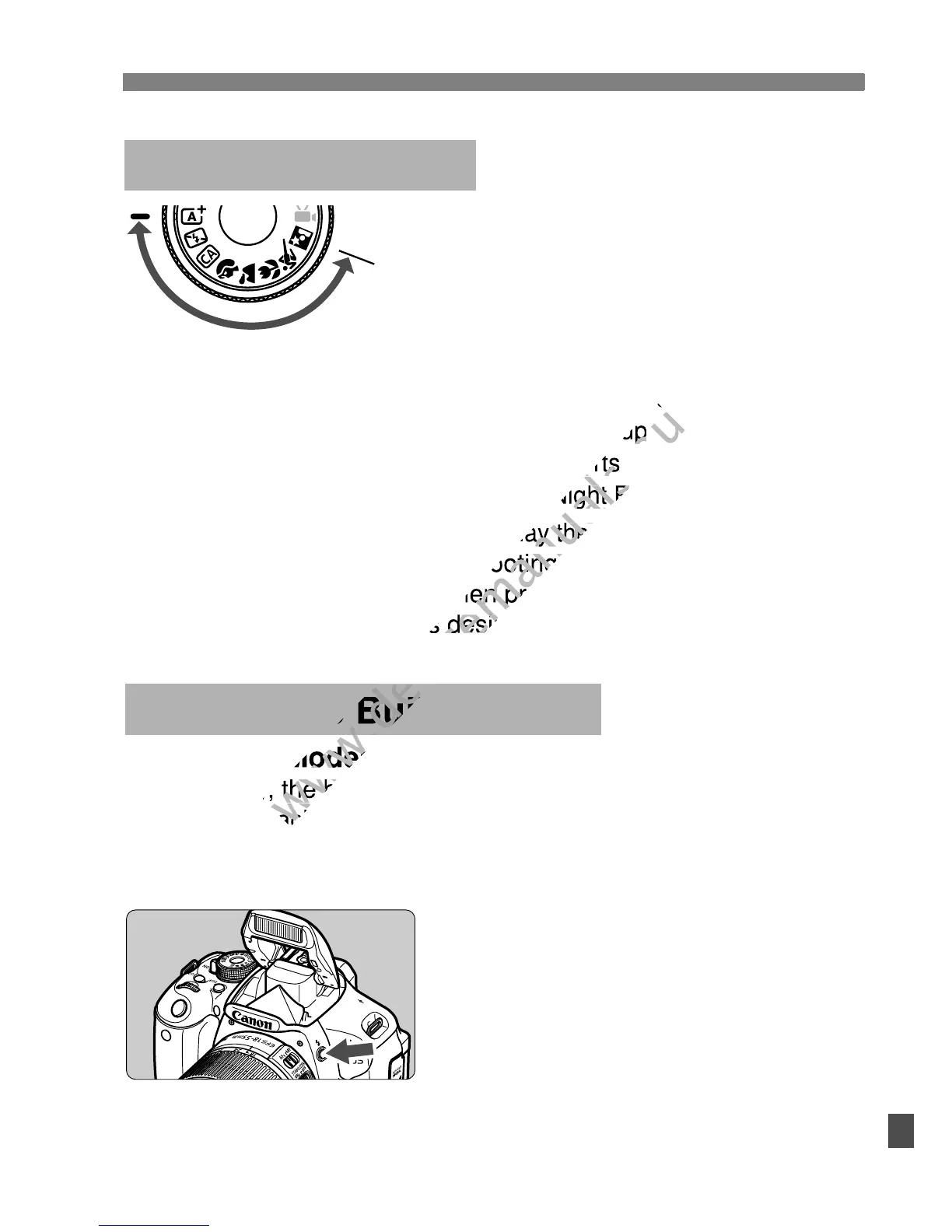
If necessary, the built-in flash will pop-up automatically in
low-light or backlit conditions (except in the <7> <3> <5>
modes).
D Using the Built-in Flash
Creative Zone Modes
Press the <D> button to raise the
built-in flash, then shoot.
B
a
s
i
c
Z
o
n
e
Pressing the <
Q
> button will display the Quick Control screen.
In the C/2/3/4/5/6 shooting mode, press the <V>
key to select the function, then press the <U> key or turn
the <6> dial to set it as desired.
A
Scene Intelligent Auto
7
Flash Off
C
Creative Auto
2
Portrait
3
Landscape
4
Close-up
5
Sports
6
Night Portrait
If necessary, the built-in flash will pop-up automatically in
www.devicemanuals.eu
If necessary, the built-in flash will pop-up automatically in
shooting mode, press the <
www.devicemanuals.eu
shooting mode, press the <
key to select the function, then press the <
www.devicemanuals.eu
key to select the function, then press the <



 To Next Page