141
6
Shooting Movies
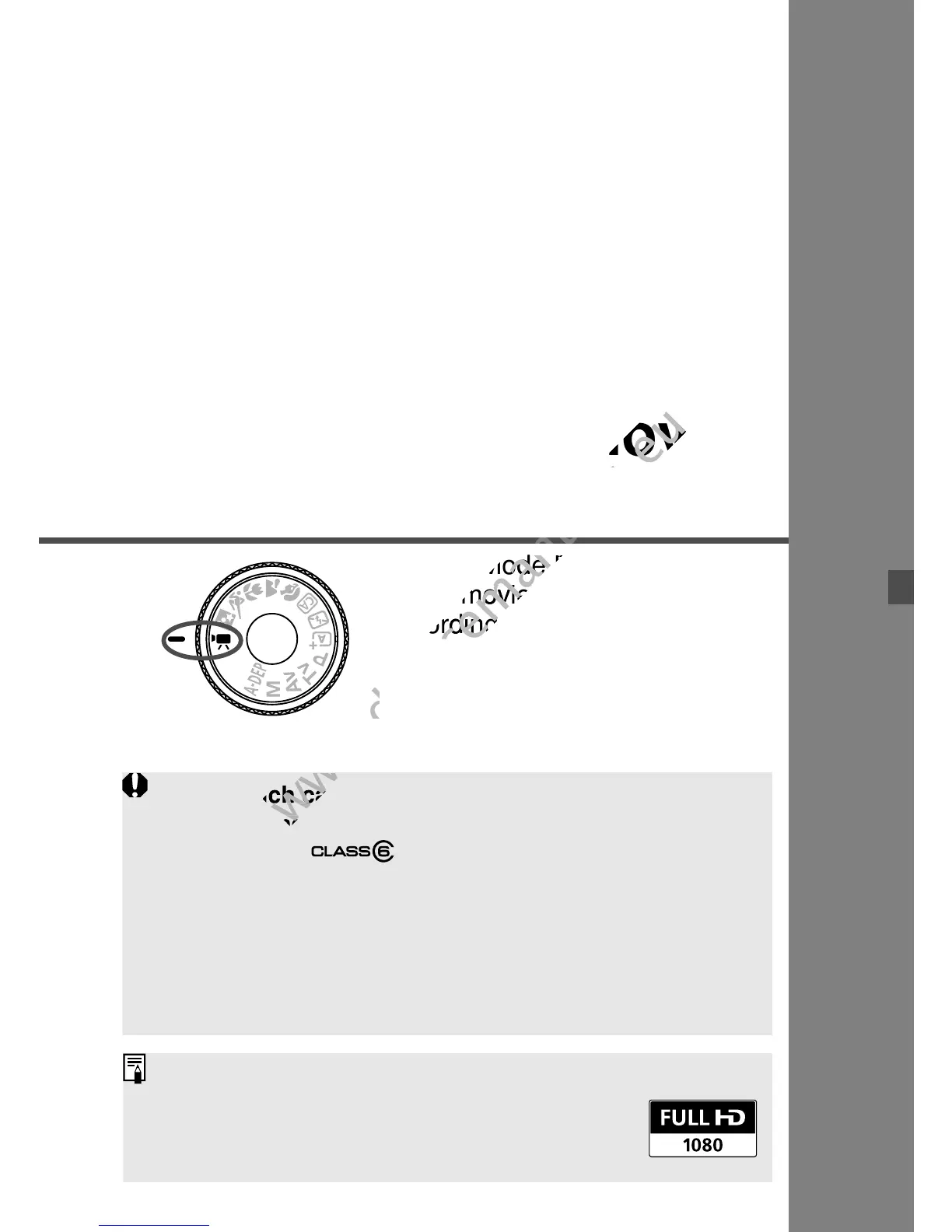
Set the Mode Dial to <k> to
shoot movies. The movie
recording format will be MOV.
Cards which can record movies
When shooting movies, use a large-capacity SD card rated SD
Speed Class 6 “ ” or higher.
If you use a slow-writing card when shooting movies, the movie
might not be recorded properly. And if you playback a movie on a
card having a slow reading speed, the movie might not playback
properly.
To check the card’s read/write speed, refer to the card
manufacturer’s Web site.
About Full HD 1080
Full HD 1080 indicates compatibility with High-
Definition featuring 1080 vertical pixels (scanning
lines).
When shooting movies, use a large-capacity SD card rated SD
www.devicemanuals.eu
When shooting movies, use a large-capacity SD card rated SD



 To Next Page