77
3 Setting the Image-recording Quality
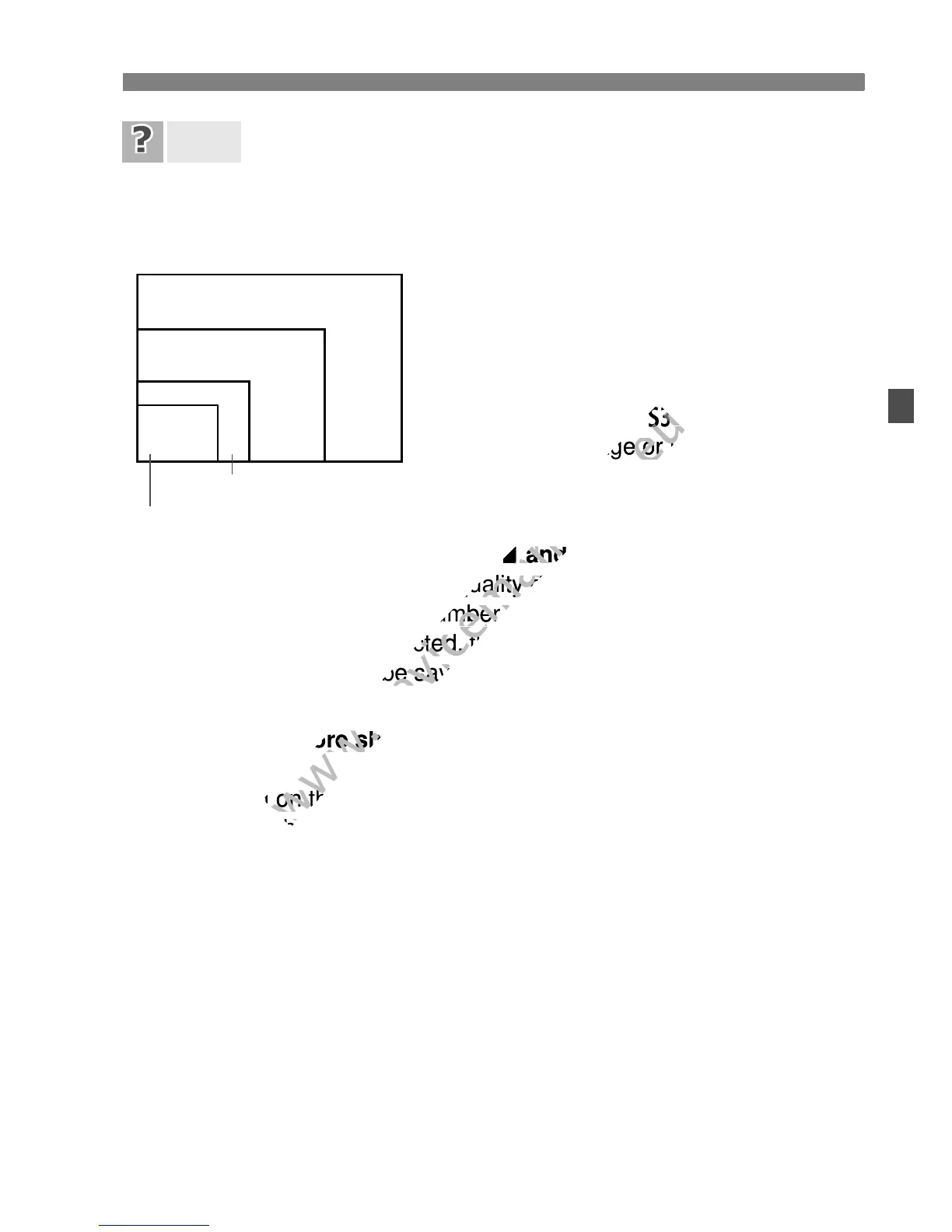
I want to select the image-recording quality matching the paper
size for printing.
Refer to the diagram on the left when
choosing the image-recording quality. If
you want to crop the image, selecting a
higher quality (more pixels) such as 73,
83, 1, or 1+73 is recommended.
b is suitable for playing the images on a
digital photo frame. c is suitable for
emailing the image or using it on a Web
site.
What’s the difference between
7 and 8?
It indicates a different image quality due to a different compression
rate. Even with the same number of pixels, the
7 image has higher
image quality. If
8 is selected, the image quality will be slightly lower,
but more images can be saved to the card. Both b and c have 7
(Fine) quality.
I could take more shots than the number of possible shots
indicated.
Depending on the shooting conditions, you may be able to take
more shots than was indicated. It might also be fewer than indicated.
The number of possible shots displayed is only approximate.
Does the camera display the maximum burst?
The maximum burst is displayed in the viewfinder’s right side. Since
it is only a single-digit indicator 0 - 9, any number higher than 9 will
be displayed only as “9.” Note that this number will also be displayed
even when no card is installed in the camera. Be careful not to shoot
without a card in the camera.
When should I use
1?
1 images require processing with your computer. For details, see
“About
1” and “About 1+73” on the next page.
FAQ
Paper size
A2 (42x59.4cm/16.5x23.4in.)
A3 (42x29.7cm/
16.5x11.7in.)
A4 (29.7x21cm/11.7x8.3in.)
12.7x8.9cm/5.0x3.5in.
73
83
1
1+73
74
84
7a
8a
b



 To Next Page