EasyManua.ls Logo

Canon EOS 600D - Photograph a Solid-White Object

Canon EOS 600D
328 pages
Print Icon
To Next Page IconTo Next Page
To Previous Page IconTo Previous Page
Loading...
3 Appending Dust Delete DataN
186
3
Photograph a solid-white object.
At a distance of 20 cm - 30 cm (0.7 ft.
- 1.0 ft.), fill the viewfinder with a
patternless, solid-white object and
take a picture.
X The picture will be taken in aperture-
priority AE mode at an aperture of
f/22.
Since the image will not be saved, the
data can still be obtained even if there
is no card in the camera.
X
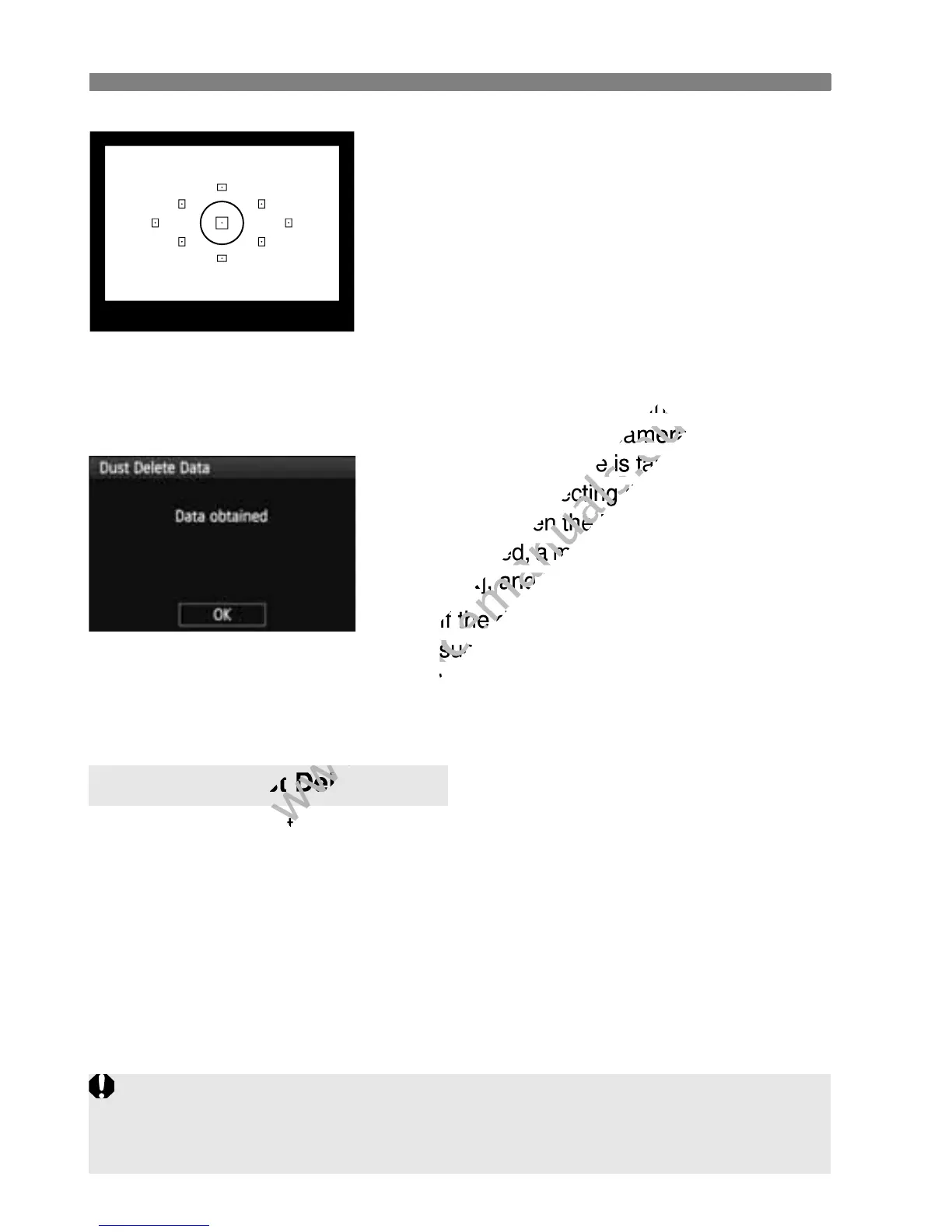
When the picture is taken, the camera
will start collecting the Dust Delete
Data. When the Dust Delete Data is
obtained, a message will appear. Select
[
OK
], and the menu will reappear.
If the data was not obtained
successfully, a message to that effect
will appear. Follow the “Preparation”
procedure on the preceding page, then
select [
OK
]. Take the picture again.
After the Dust Delete Data is obtained, it is appended to all the JPEG
and RAW images captured thereafter. Before an important shoot, you
should update the Dust Delete Data by obtaining it again.
For details about using Digital Photo Professional (provided software,
p.302) to erase dust spots, see the PDF Software Instruction Manual
(p.305) in the EOS Software Instruction Manuals Disk (CD-ROM).
The Dust Delete Data appended to the image is so small that it hardly
affects the image file size.
About the Dust Delete Data
Be sure to use a solid-white object such as a new sheet of white paper. If the
paper has any pattern or design, it may be recognized as dust data and
affect the accuracy of the dust deletion with the software.

www.devicemanuals.eu
data can still be obtained even if there
www.devicemanuals.eu
data can still be obtained even if there
is no card in the camera.
www.devicemanuals.eu
is no card in the camera.
When the picture is taken, the camera
www.devicemanuals.eu
When the picture is taken, the camera
will start collecting the Dust Delete
www.devicemanuals.eu
will start collecting the Dust Delete
Data. When the Dust Delete Data is
www.devicemanuals.eu
Data. When the Dust Delete Data is
obtained, a message will appear. Select
www.devicemanuals.eu
obtained, a message will appear. Select
OK
www.devicemanuals.eu
OK
], and the menu will reappear.
www.devicemanuals.eu
], and the menu will reappear.
www.devicemanuals.eu
If the data was not obtained
www.devicemanuals.eu
If the data was not obtained
successfully, a message to that effect
www.devicemanuals.eu
successfully, a message to that effect
will appear. Follow the “Preparation
www.devicemanuals.eu
will appear. Follow the “Preparation
www.devicemanuals.eu
After the Dust Delete Data is obtained, it is appended to all the JPEG
www.devicemanuals.eu
After the Dust Delete Data is obtained, it is appended to all the JPEG
www.devicemanuals.eu
About the Dust
www.devicemanuals.eu
About the Dust
Delete Data
www.devicemanuals.eu
Delete Data

Table of Contents

Other manuals for Canon EOS 600D

Related product manuals