93
4
Advanced Shooting
This chapter builds on Chapter 3 and introduces more
ways to shoot creatively.
The first half of this chapter explains how to use the <s>,
<f>, <a>, and <8> modes on the Mode Dial.
All the functions explained in Chapter 3 can also be used in
the <s>, <f>, and <a> modes.
To see which functions can be used in each shooting mode,
see page 268.
The M mark shown on the right of the page title indicates
that the function is available only in Creative Zone modes
(p.22).
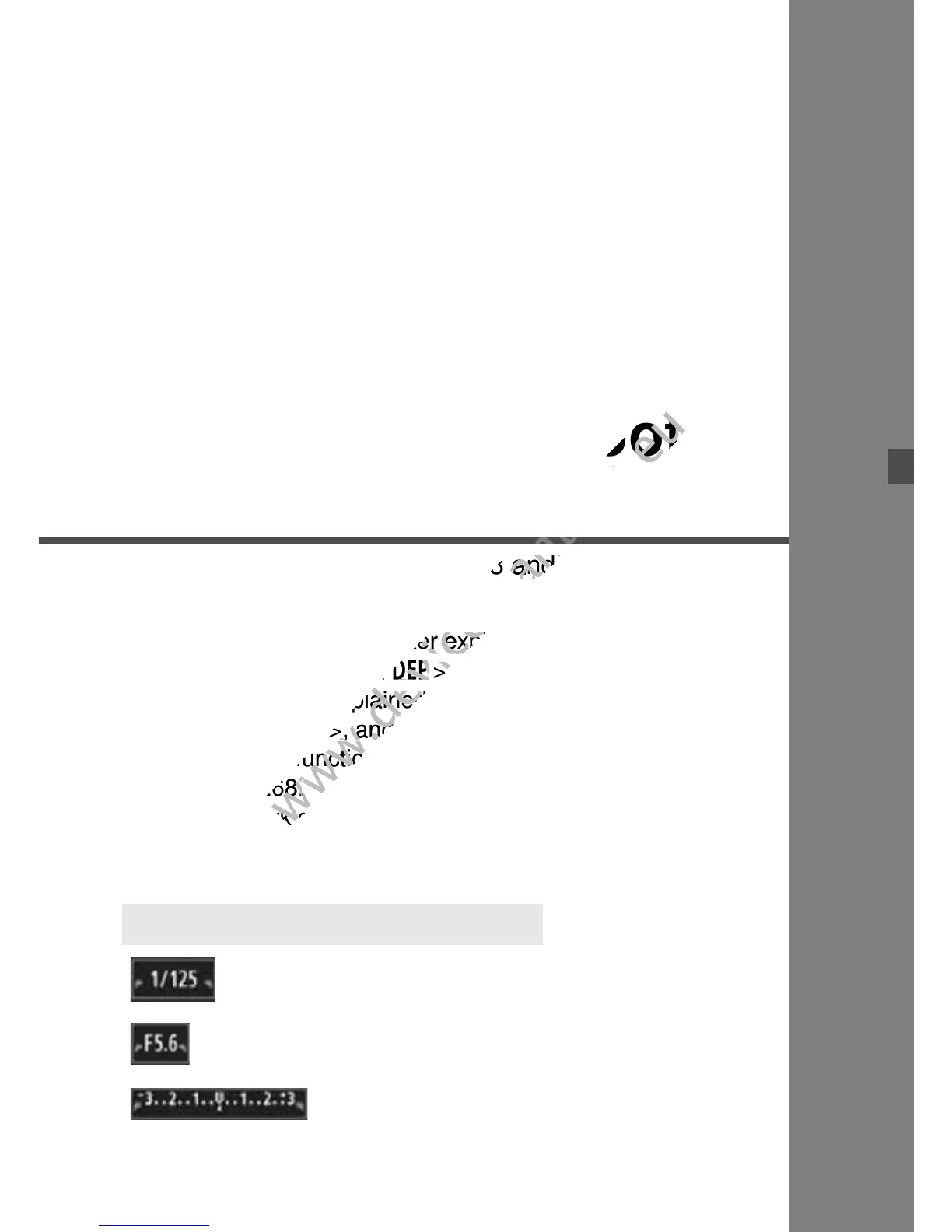
The pointer icon <c> displayed
together with the shutter speed, aperture
setting, or exposure compensation
amount indicates that you can turn the
<6> dial to adjust the respective
setting.
c About the Main Dial Pointer
This chapter builds on Chapter 3 and introduces more
www.devicemanuals.eu
This chapter builds on Chapter 3 and introduces more
The first half of this chapter explains how to use the <
www.devicemanuals.eu
The first half of this chapter explains how to use the <
All the functions explained in Chapter 3 can also be used in
www.devicemanuals.eu
All the functions explained in Chapter 3 can also be used in
To see which functions can be used in each shooting mode,
www.devicemanuals.eu
To see which functions can be used in each shooting mode,
mark shown on the right of the page title indicates
www.devicemanuals.eu
mark shown on the right of the page title indicates



 To Next Page