309
Quick Reference Guide
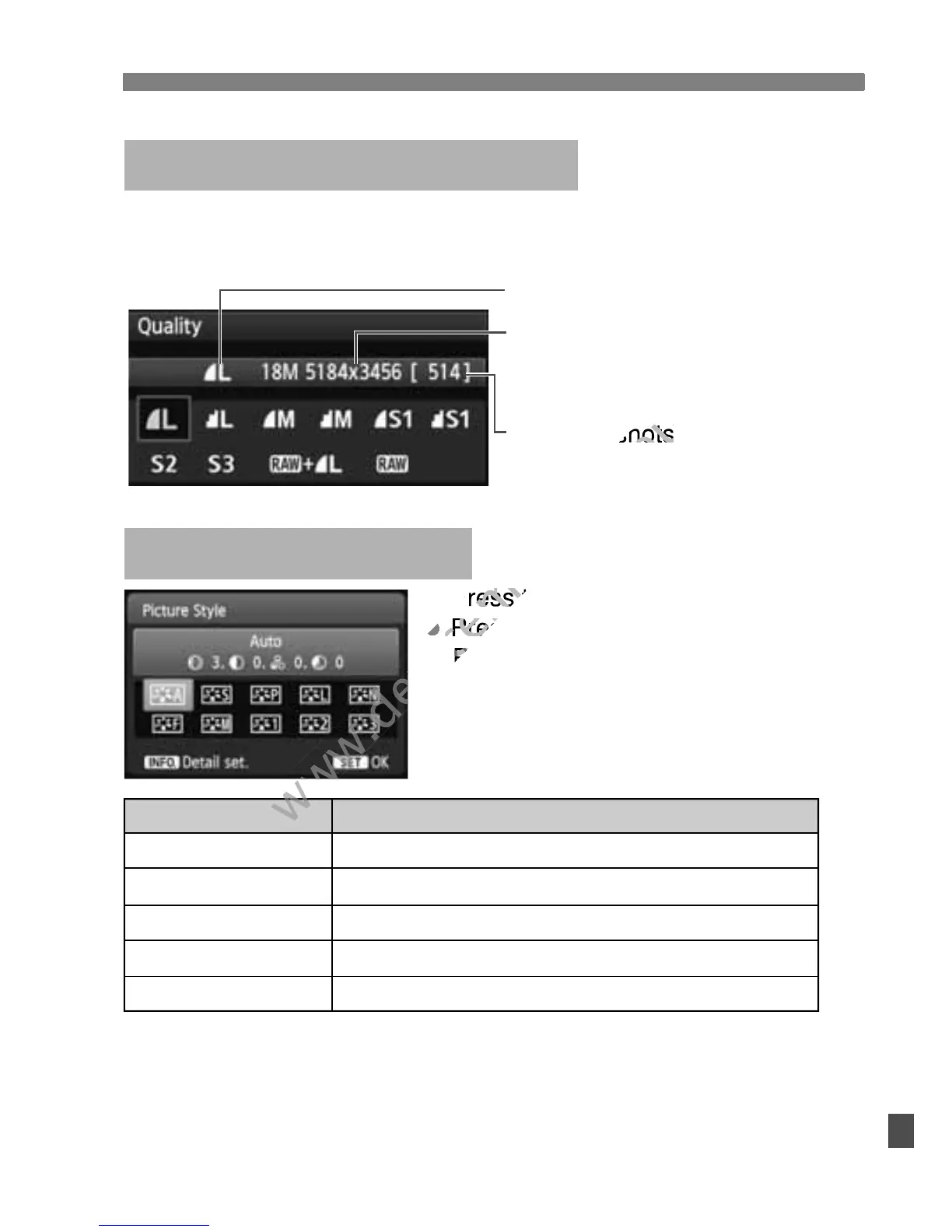
Select [1 Quality], then press <0>.
Press the <U> key to select the quality, then press <0>.
For <S> (Neutral) and <U> (Faithful), see page 82.
Image-recording Quality
Image-recording quality
Recorded pixels
Possible shots
Press the <A> button.
Press the <U> key to select the
Picture Style, then press <0>.
A Picture StyleN
Style
D Auto
P Standard
Q Portrait
R Landscape
V
Monochrome
Description
Color tones optimized for the particular scene.
Vivid colors and sharp images.
Nice skin tones and slightly sharp images.
Vivid blue skies and greenery and very sharp images.
Black-and-white images.
Picture Style, then press <
www.devicemanuals.eu
Picture Style, then press <



 To Next Page